
GlobalTips Staff App for restaurant teams
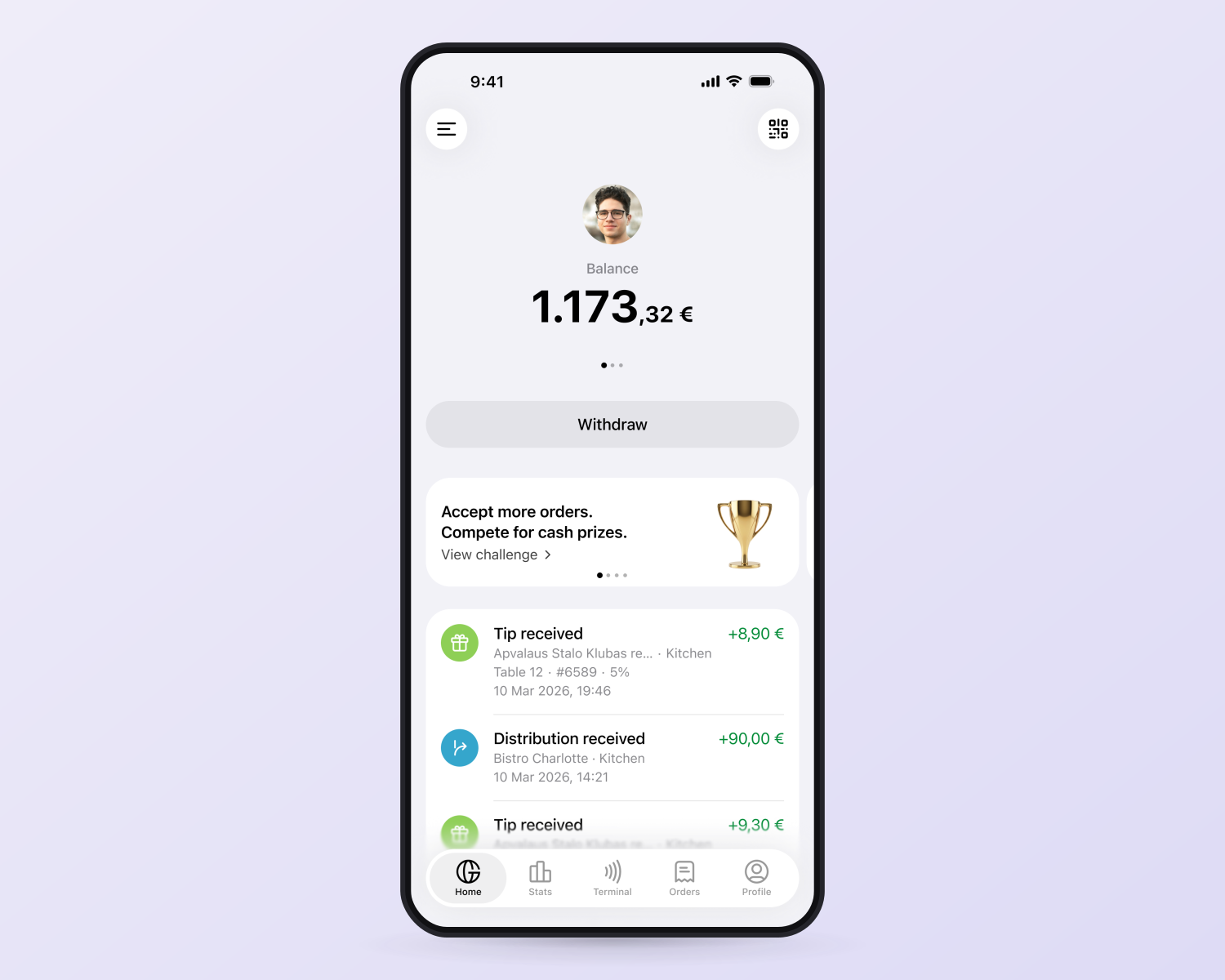
Give your team one app to track tips, accept card payments with Mobile Terminal, manage orders and request payouts. Available features depend on your venue’s setup.




Manage tips, orders, payments, and reviews in one simple app
The GlobalTips Staff App brings daily operations into one place with real-time updates, full transparency, and tools that help your team stay informed and motivated.
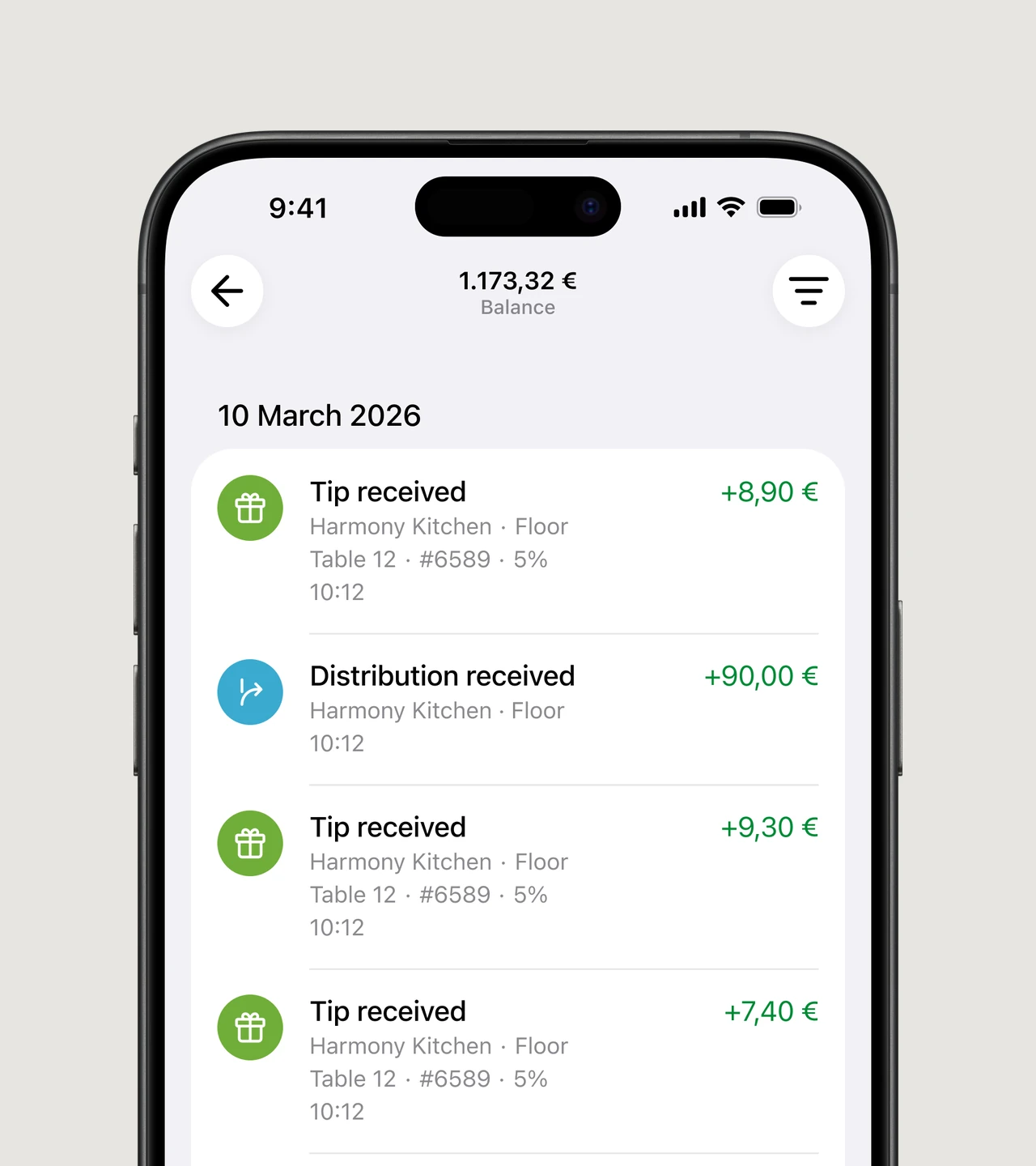
Instant tip tracking
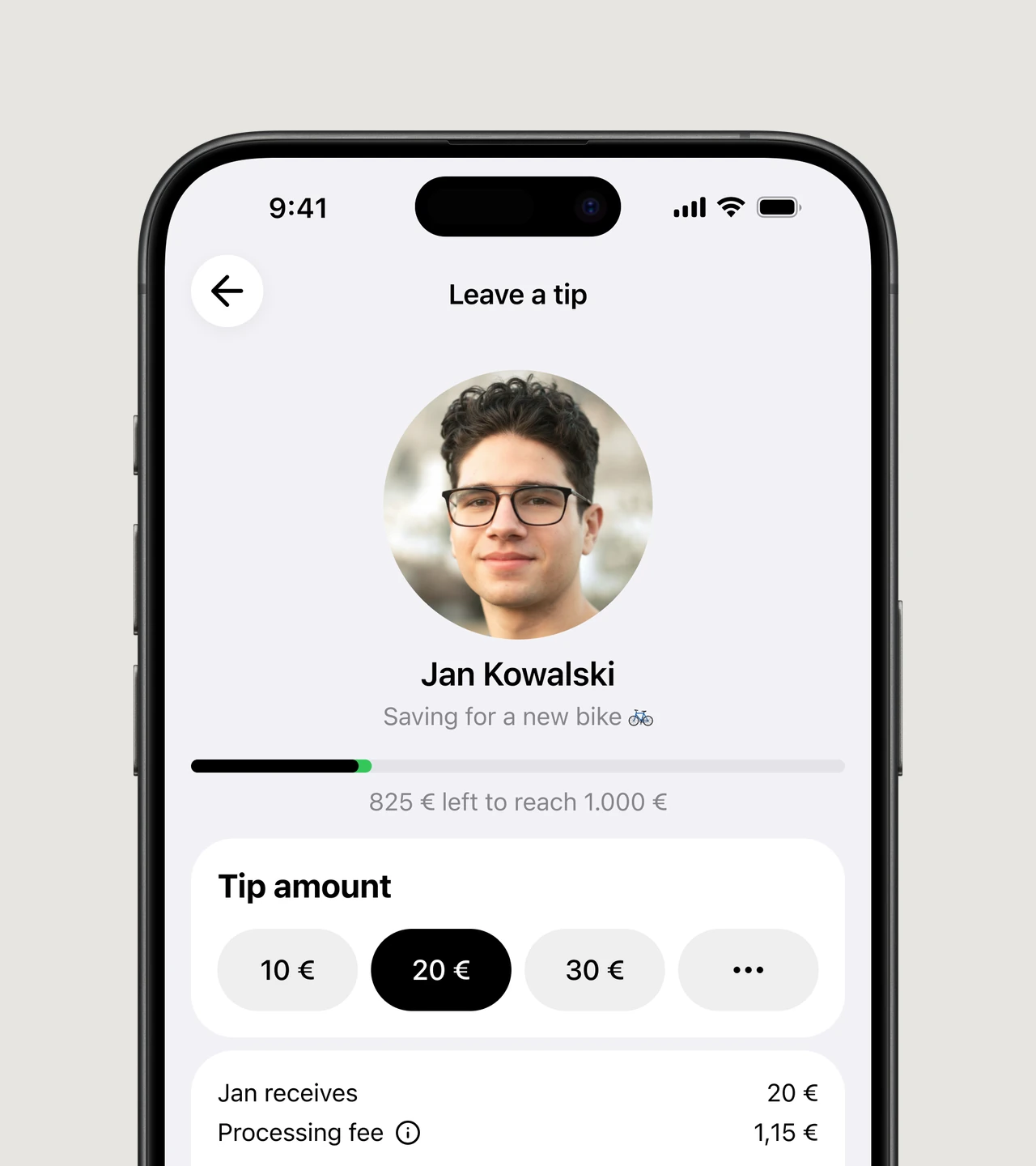
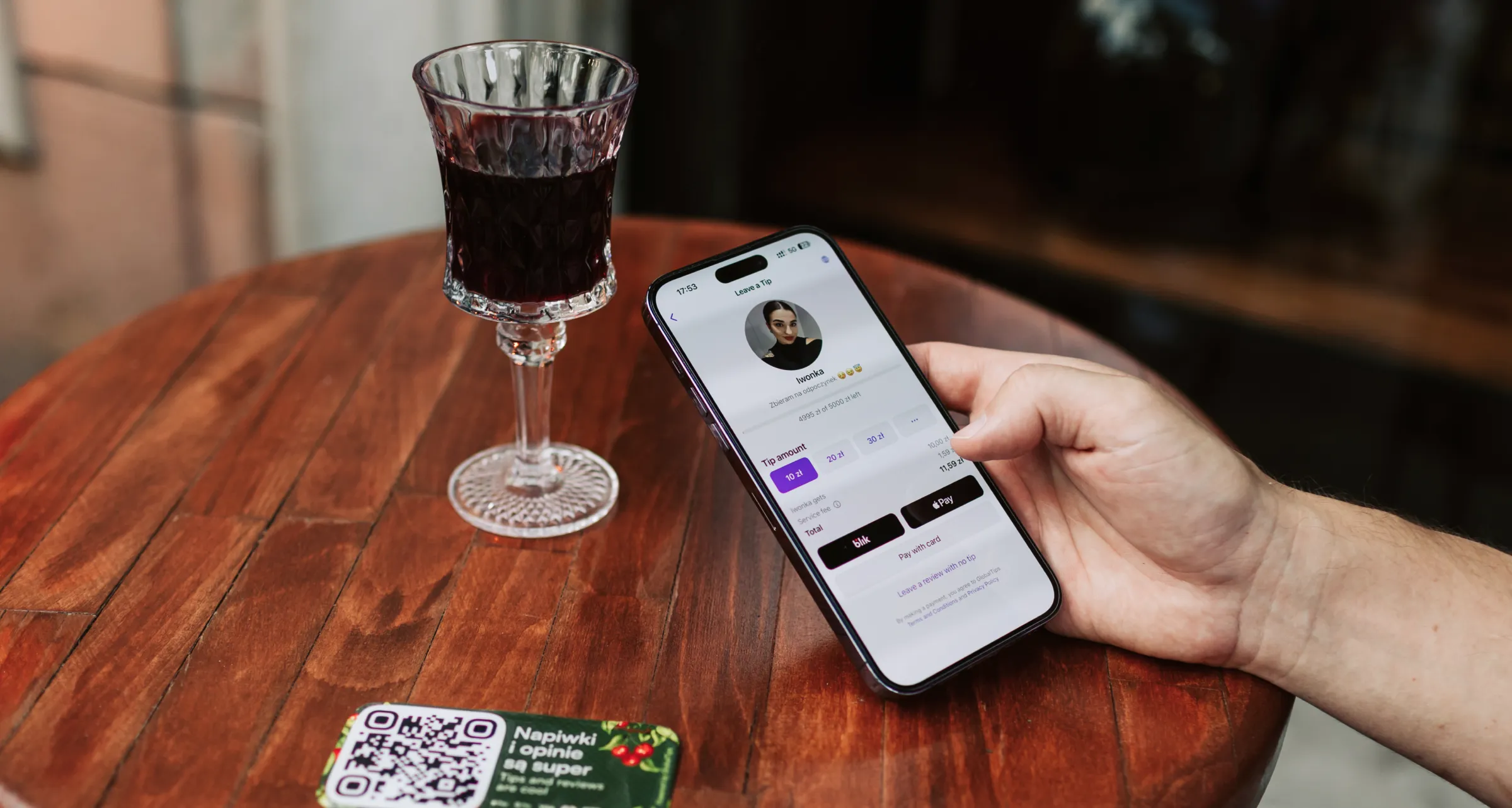
Custom tip pages
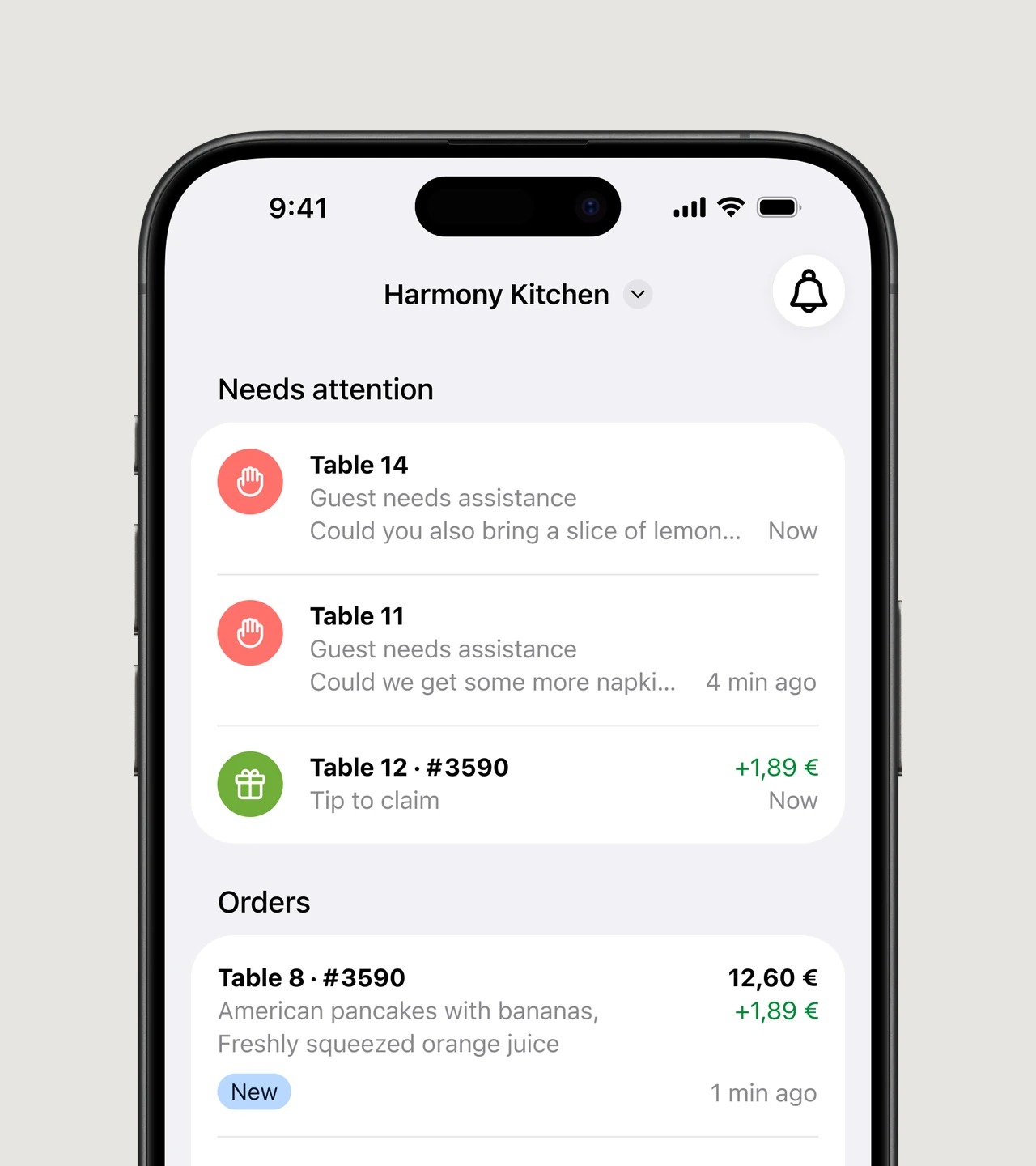
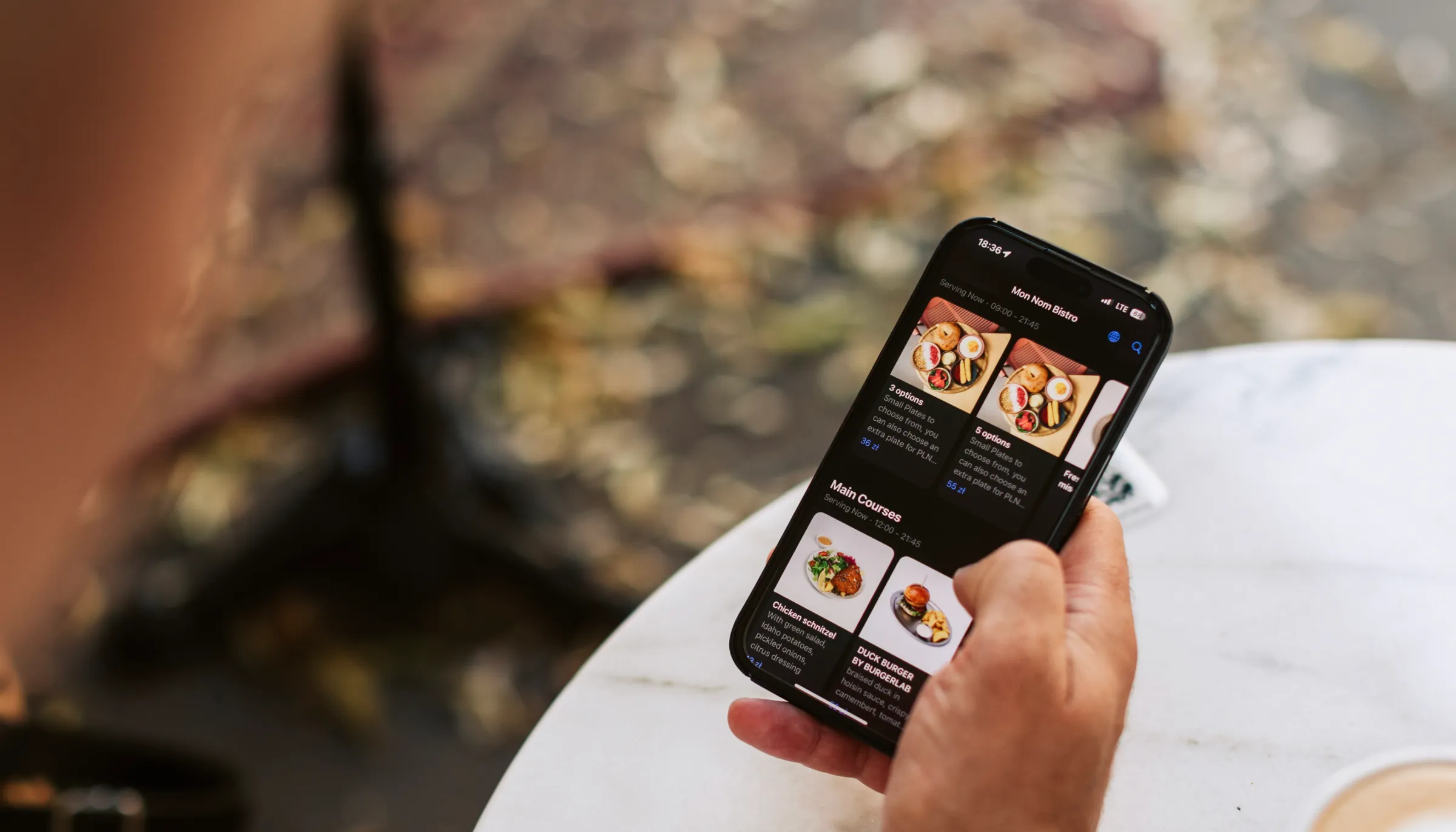
Order & payment visibility
Take payments and tips on your phone
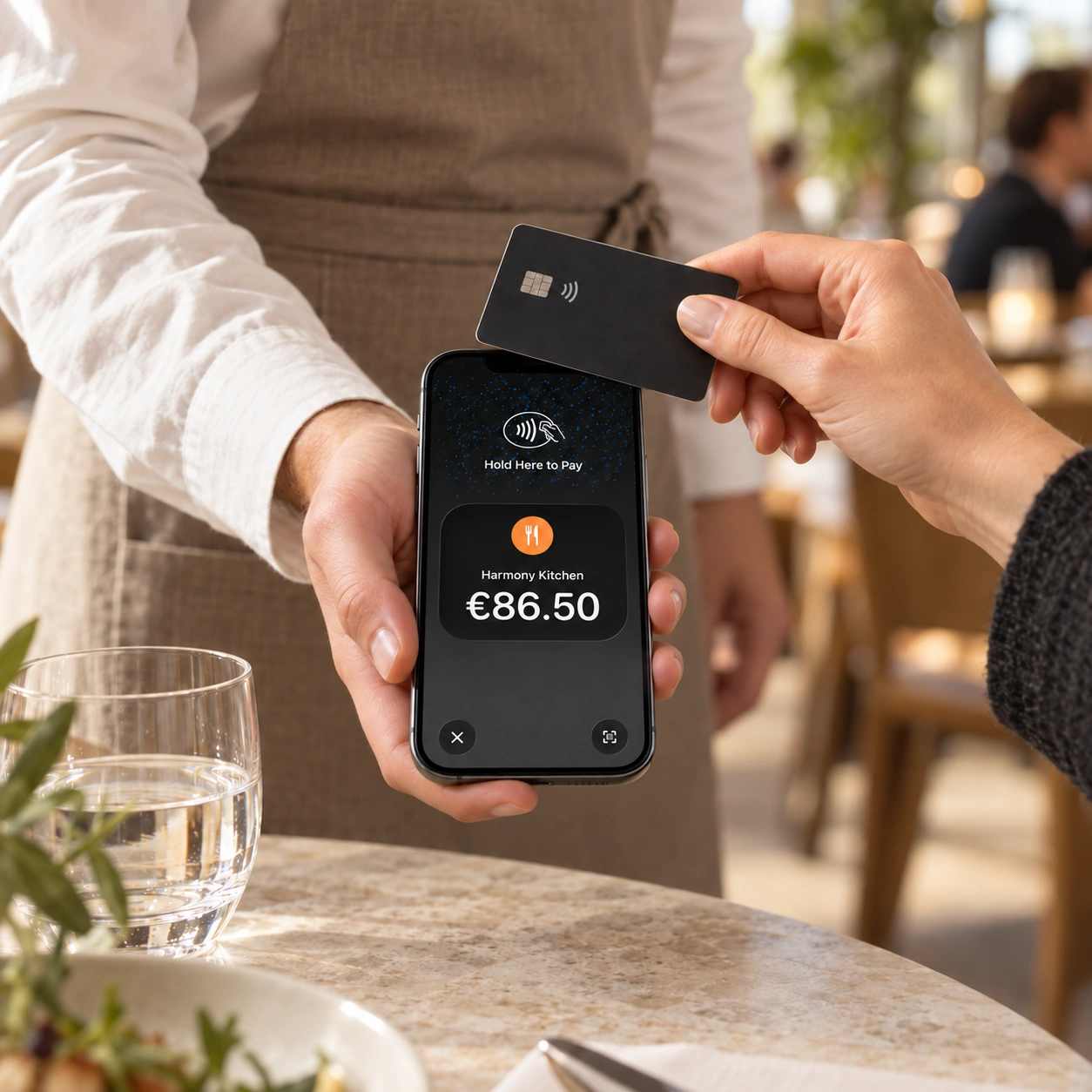
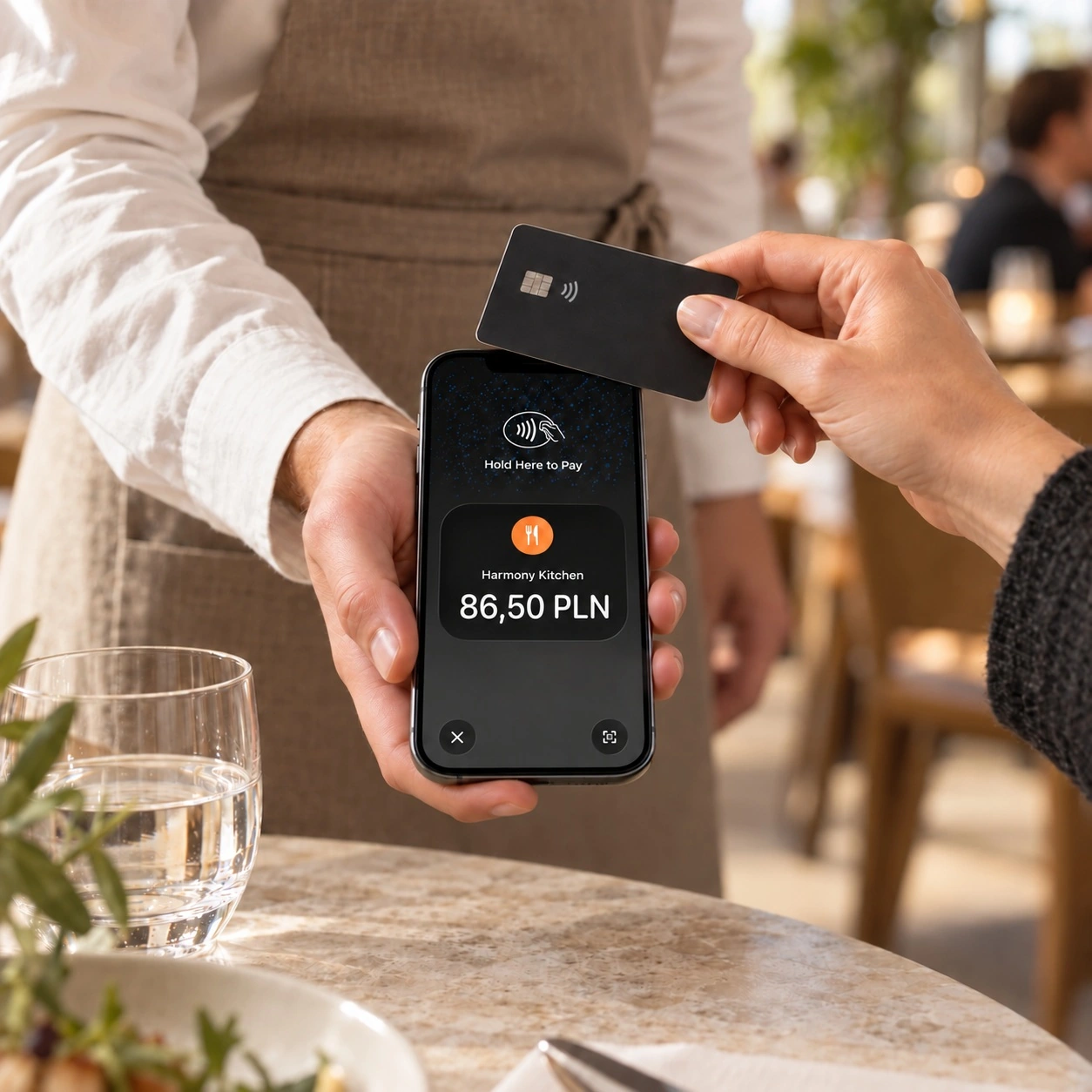
GlobalTips Mobile Terminal lets you accept card payments and tips right at the table, using your compatible iPhone or Android phone.
Card payments
Tips
No extra terminal
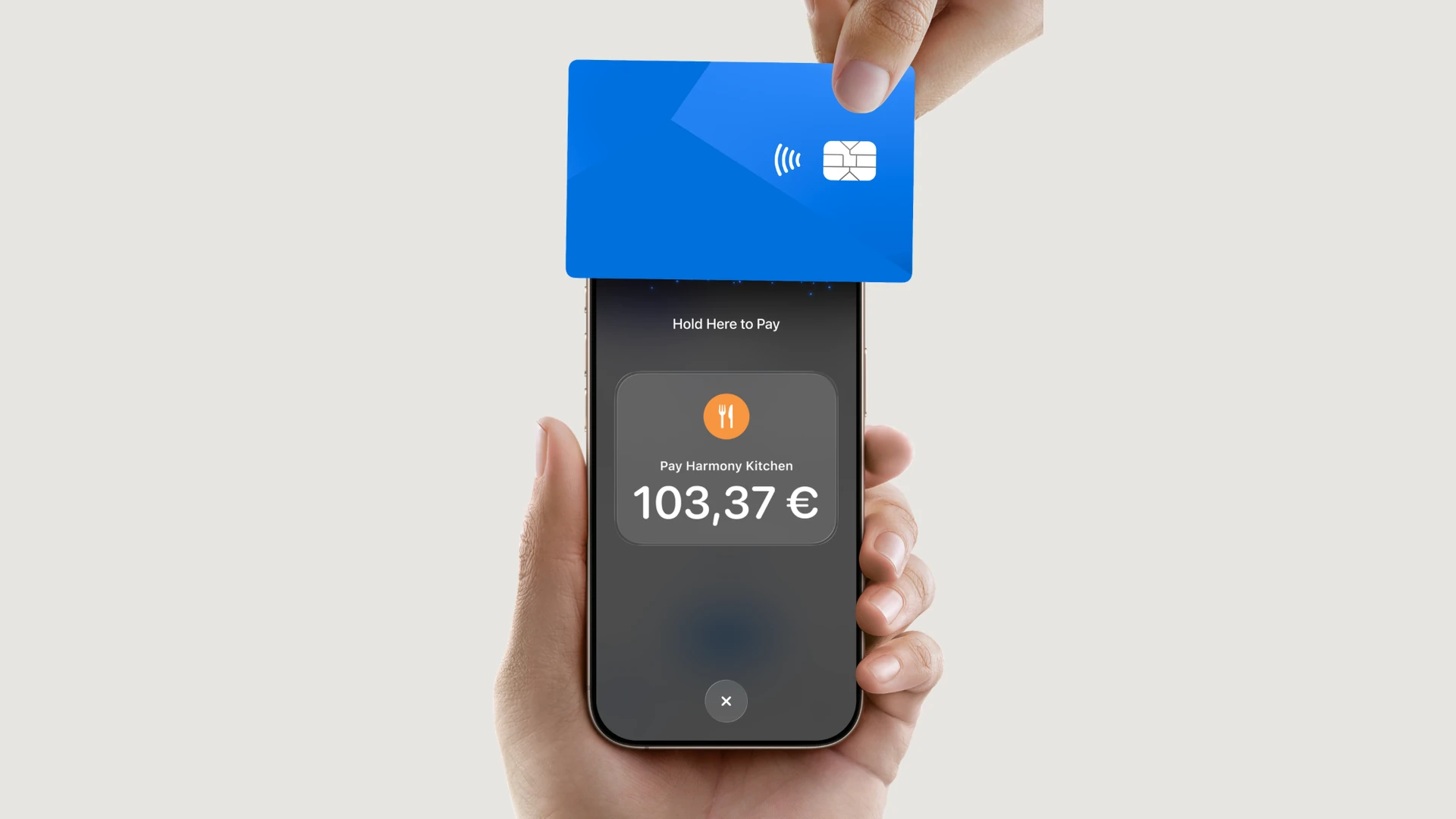
Open Terminal in the app and choose Accept a tip or Take payment. Mobile Terminal must be enabled for your venue.
Get set up and get paid
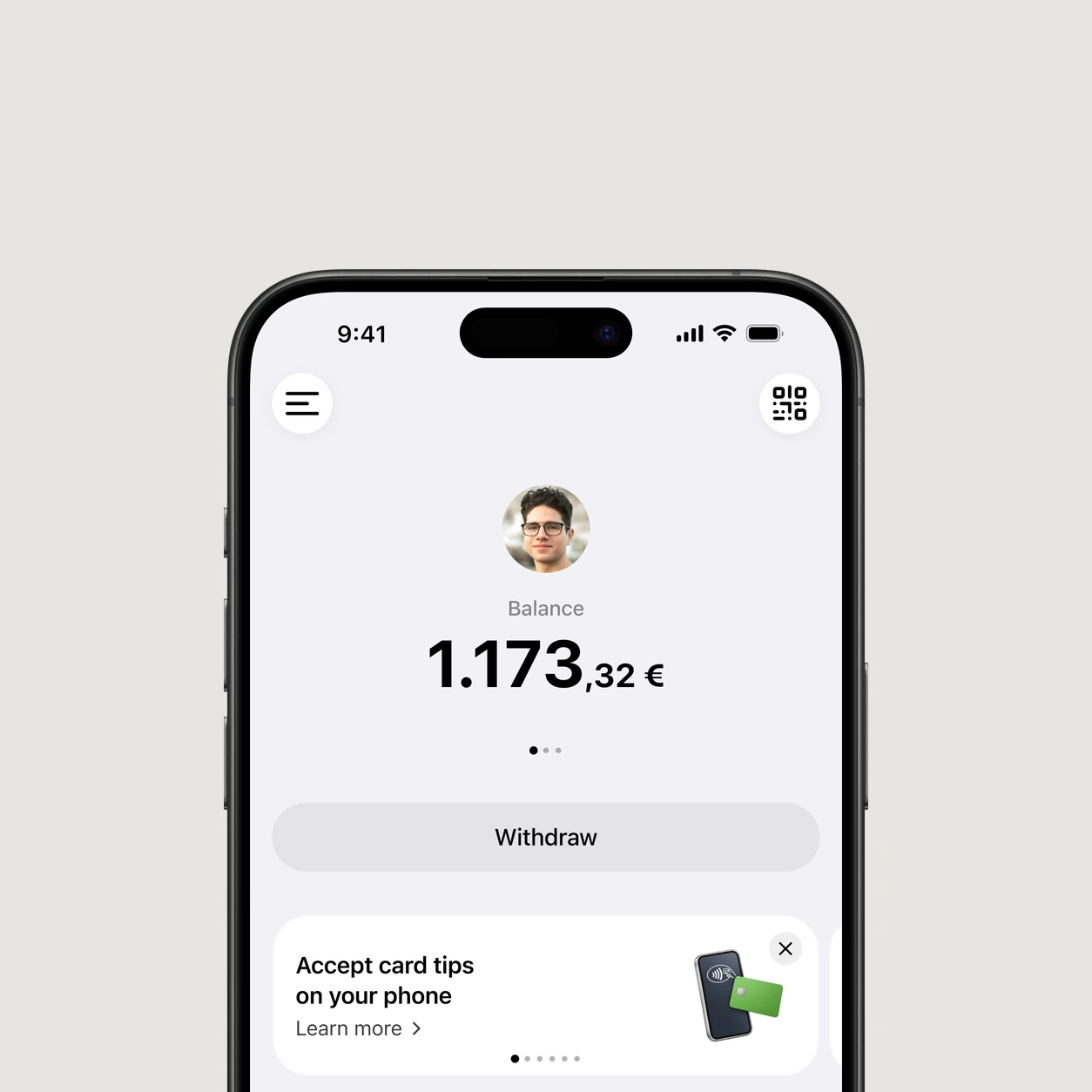
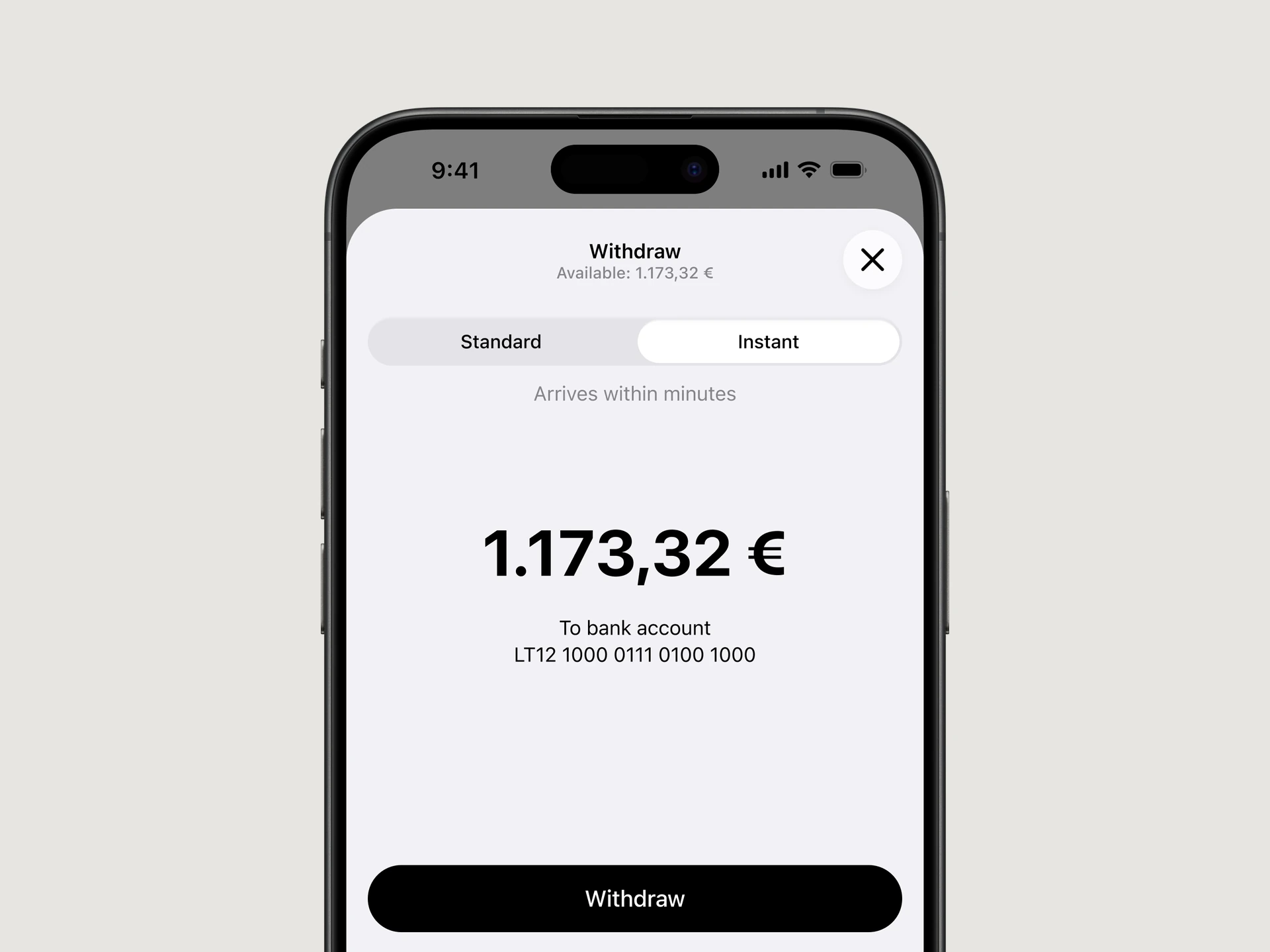
Follow a clear setup flow and withdraw your available tips directly from the app.
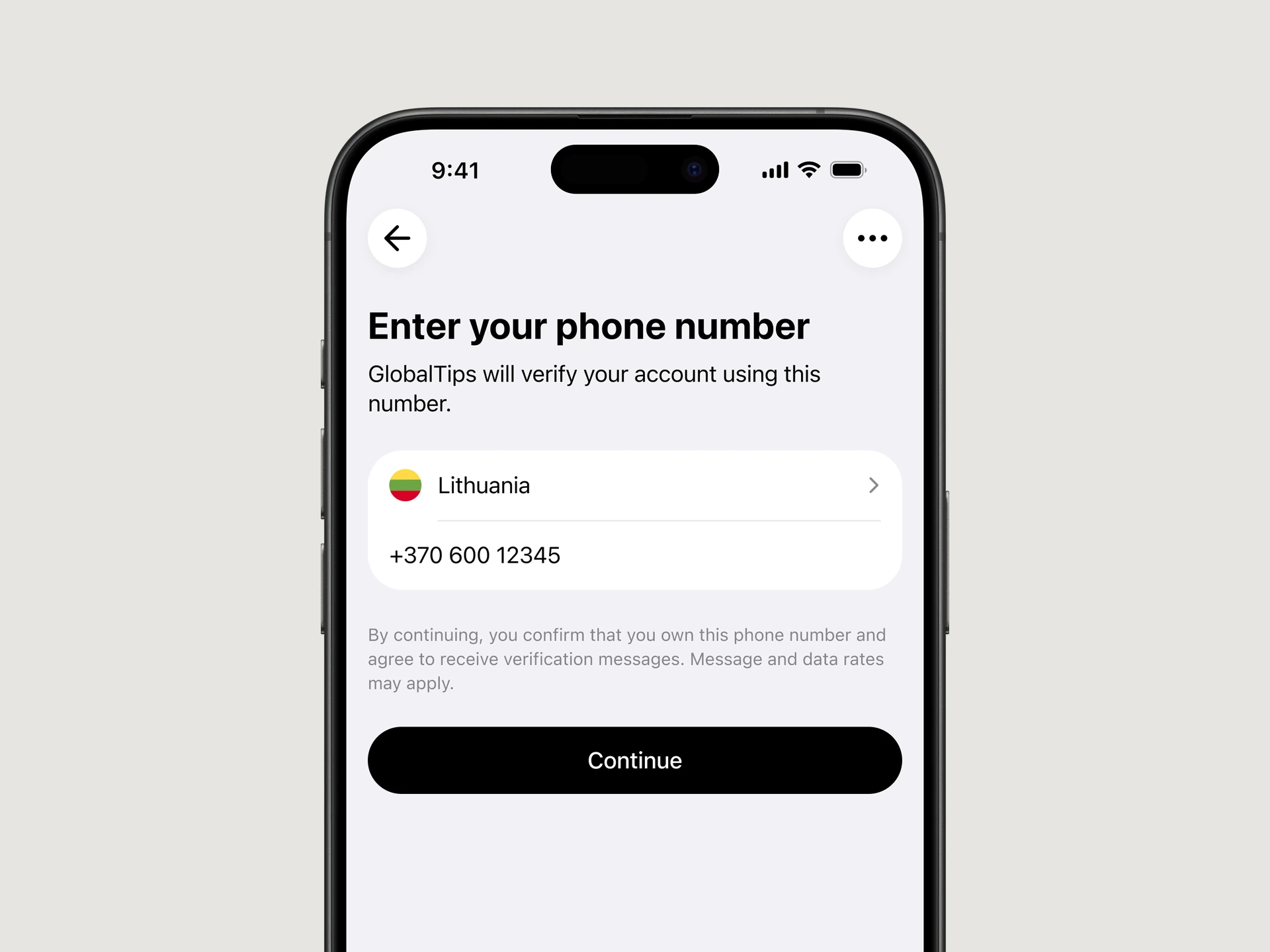
Quick onboarding
Start with your phone number
Open your SMS invite and confirm your phone number. Complete your profile, verification and bank details to get ready for payouts.
Bank payouts
Withdraw in a few taps
Open your Balance and tap Withdraw. Choose an amount and payout option, check your bank details and confirm. Check the arrival time shown for your selected payout option.
Give your team one app for every shift
Equip your staff with a single app to manage tips, orders, and payouts.
- iOS & Android available
- Easy onboarding via SMS link
- Full integration with GlobalTips solutions
- Secure payouts to IBAN accounts

Questions about the GlobalTips Staff App?
What can I do in the GlobalTips Staff App?
You can track tips and your available balance, request payouts, personalise your tip page and review your results. Depending on your venue’s setup, you can also manage orders and guest requests, view payment status and accept card payments and tips through GlobalTips Mobile Terminal.
How do I get started with the Staff App?
Open the invitation link sent by SMS, confirm your phone number and follow the setup steps. Complete your profile and any verification or bank details requested for payouts. If you have not received an invitation or cannot see your venue, ask your manager to check your access.
Do I need to install the Staff App to receive tips?
You can use the web version to manage tips and payouts. Install the Staff App for the mobile experience. Accepting contactless card payments through Mobile Terminal requires the app, a compatible phone and the feature to be enabled for your venue.
Can I accept card payments and tips on my phone?
Yes, when GlobalTips Mobile Terminal is enabled for your venue and your phone is compatible. Open Terminal and choose Accept a tip for a separate tip or Take payment for a bill payment. Follow the on-screen steps to let the guest pay by tapping their card or supported digital wallet.
How do orders and payments work with a POS system?
With a connected POS, you can select an available table or bill and review the amount to pay. Orders can show settled and outstanding amounts, including partial payments. Without a POS connection, the supported Mobile Terminal flow lets you enter the bill amount manually. The options you see depend on your venue’s integration.
How do shared balances and Savings work?
A shared balance contains team tips and shows its members; distribution is managed according to the venue’s setup and your permissions. Savings is a separate feature for setting aside a chosen percentage of your tips and managing transfers. Check the settings available in your account.
Why can’t I see Terminal, Orders or another feature?
Some features depend on your venue’s enabled services, POS integration, your role or device compatibility. Check that you are using the intended venue and an up-to-date app. If an option is still missing, ask your manager to confirm your access and the venue setup, or contact GlobalTips through the app’s Contact us section.
How is my personal information handled?
Identity and payment verification takes place through the payment-provider setup flow. GlobalTips processes personal information in line with its Privacy Policy and applicable data-protection requirements. Use the verification steps provided in the app, and never share your SMS sign-in code with another person.