
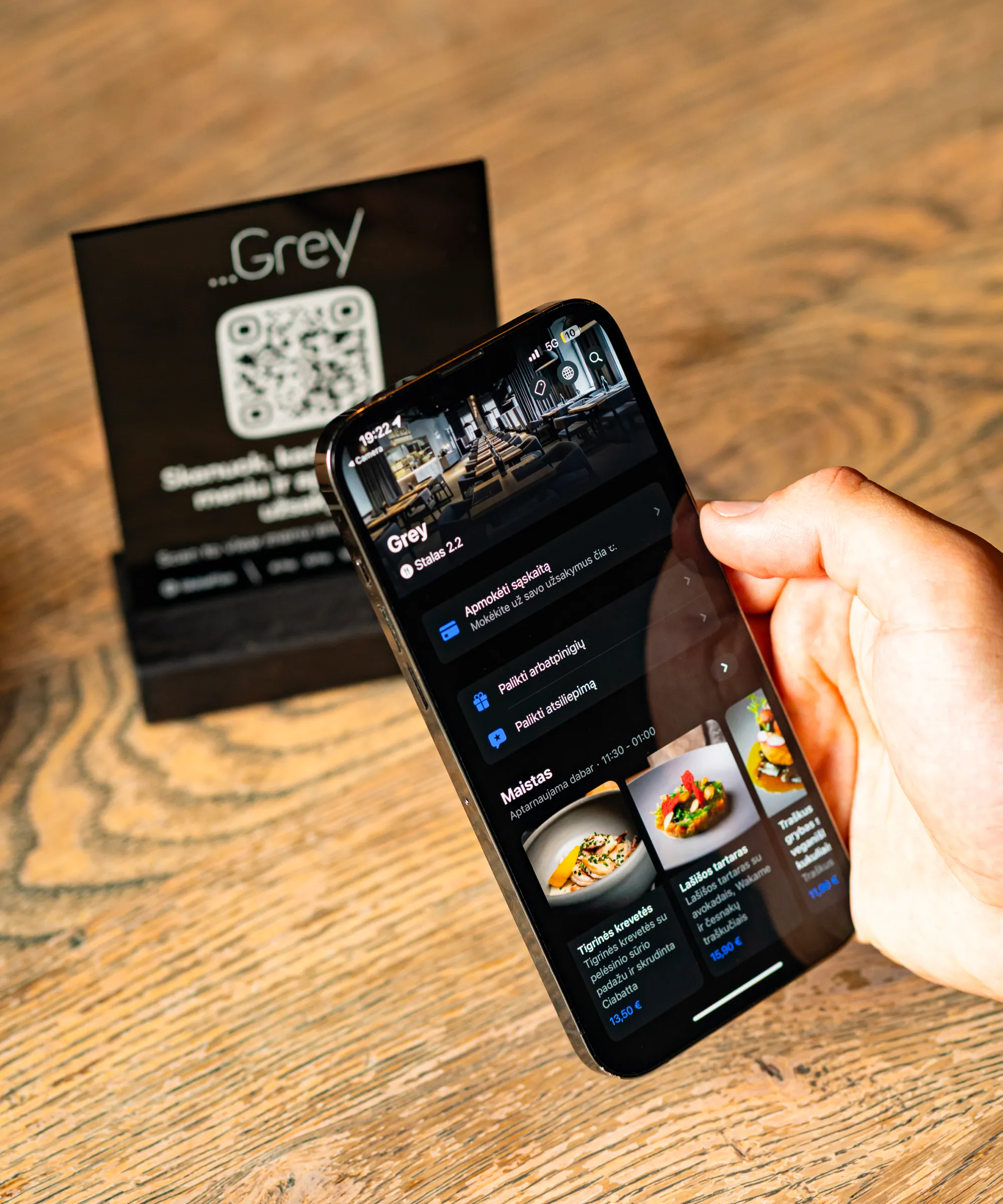
Faster Orders. Happier Guests. More Revenue
Let guests order and pay right from the table with one scan. Reduce wait times, serve more guests, and boost your revenue without adding extra staff.
Book a DemoSpeed up service and increase orders
Let guests place orders instantly from their table – no waiting for staff. Serve faster, reduce workload and maximise efficiency.
More orders per table
Boost revenue with a quick, intuitive ordering experience.
Saved monthly
Free your team to focus on hospitality, not running back and forth.
From scan to served in minutes
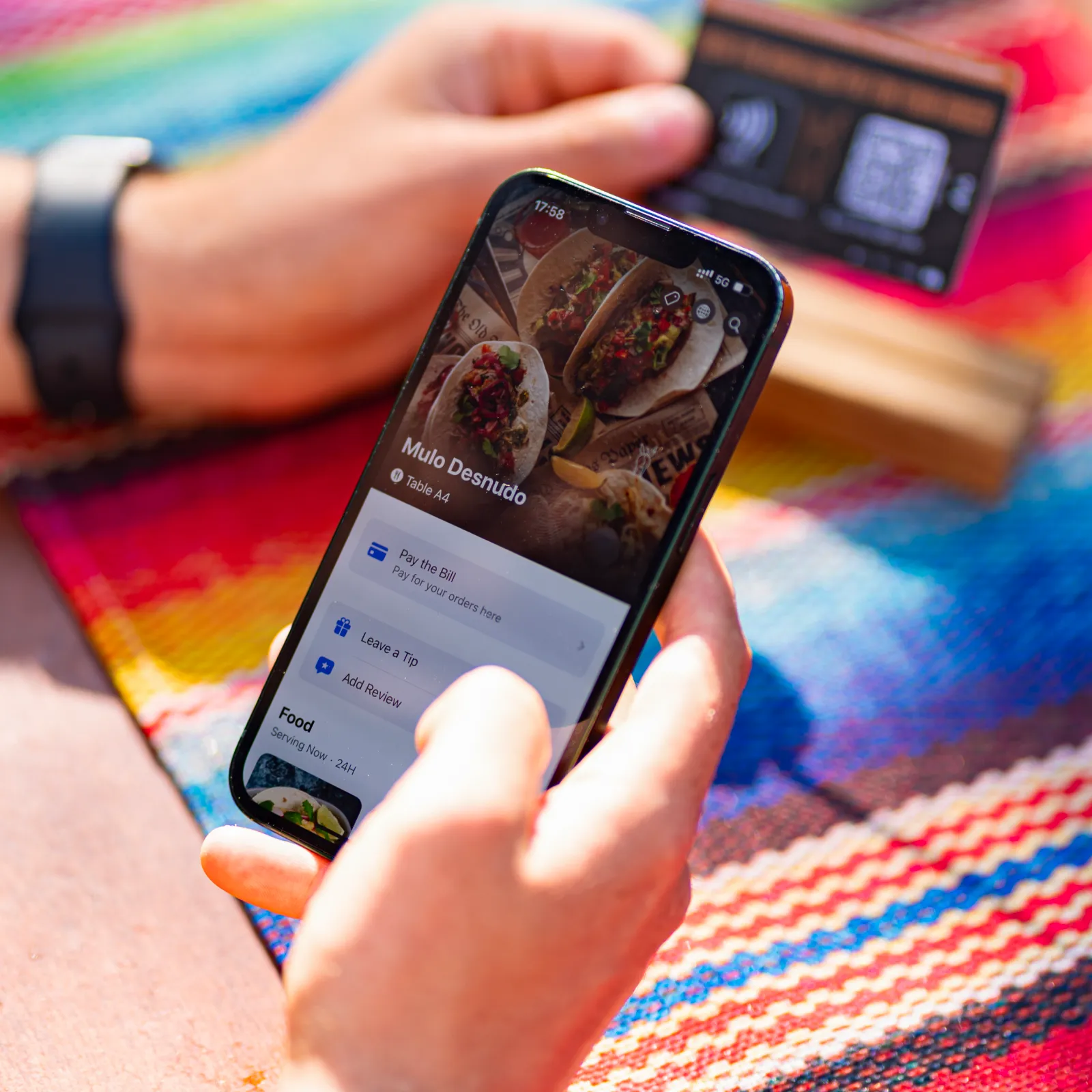
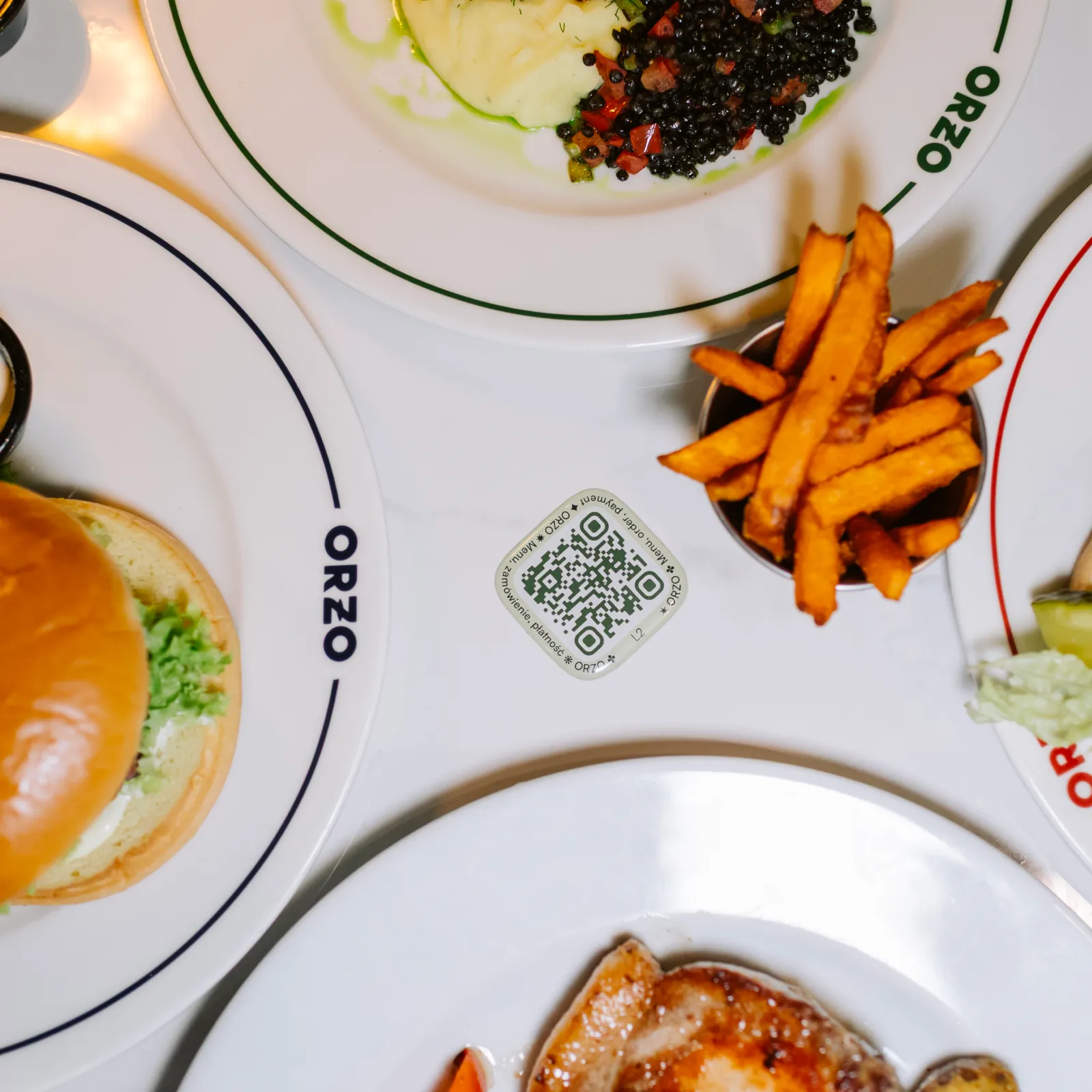
Guests scan a QR code, browse your menu, customise their order, and pay – all from their phone. No app, no extra hardware, no delays.

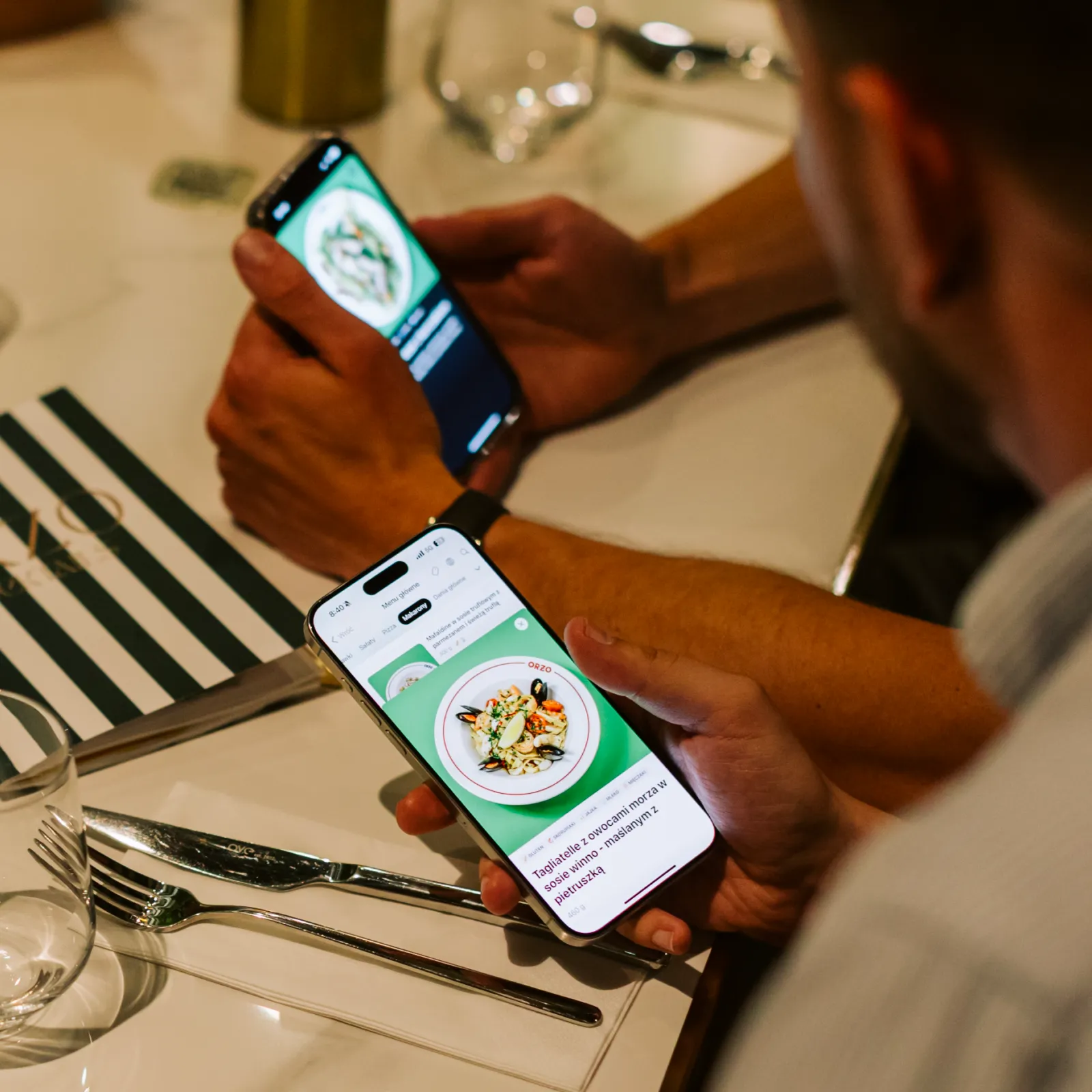
Guests open your interactive menu instantly.

They choose dishes, customise options, and add to cart.

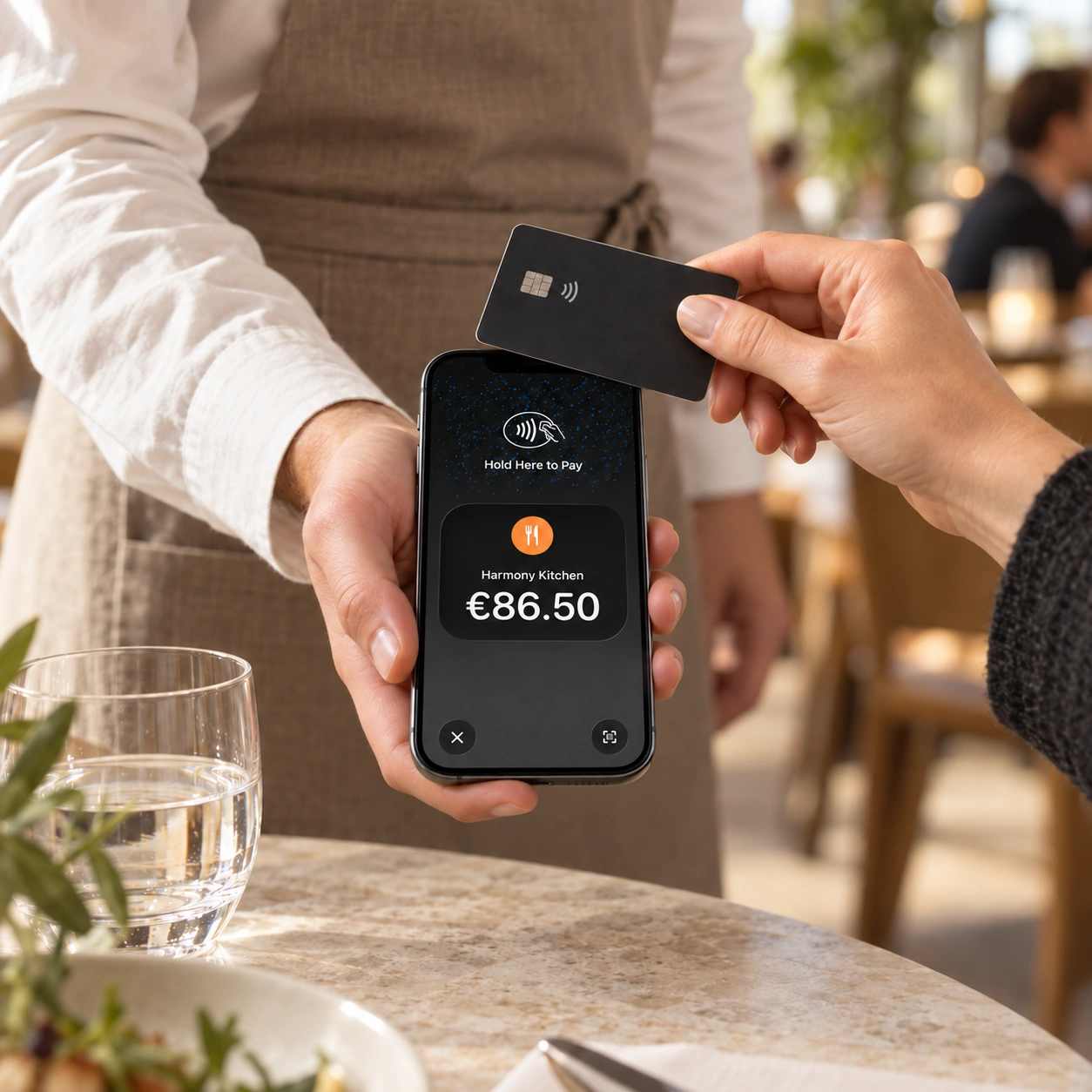
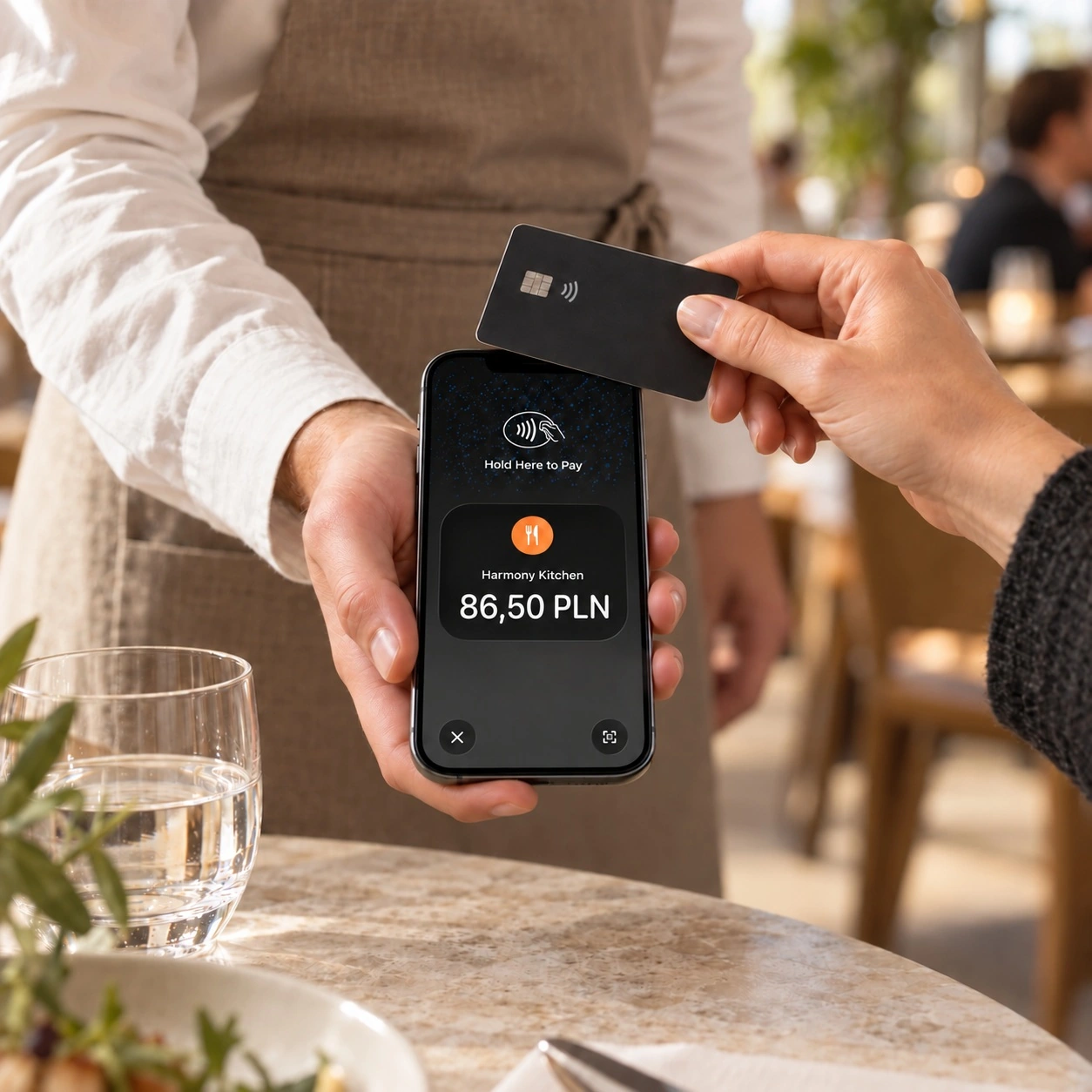
Guests pay securely via Apple Pay, Google Pay, cards, or local methods – then relax while their order is prepared.
Transform table orders and service efficiency
Serve more guests without extra staff. Our solution streamlines ordering, drives upsells, and keeps your menu updated in real time.
Key features for smarter ordering
Real-time menus, one-tap payments, effortless upsells
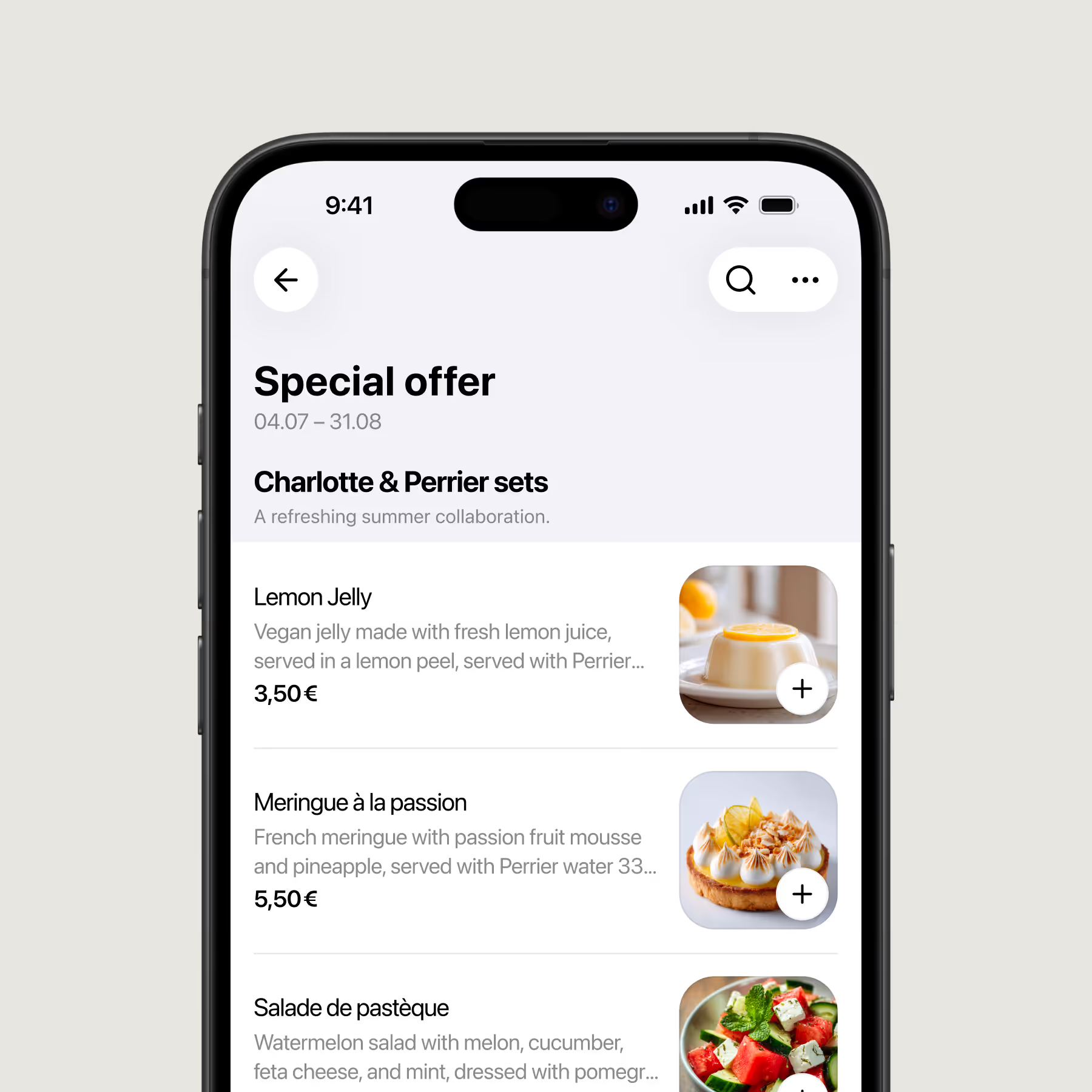
Customisable QR menu and orders
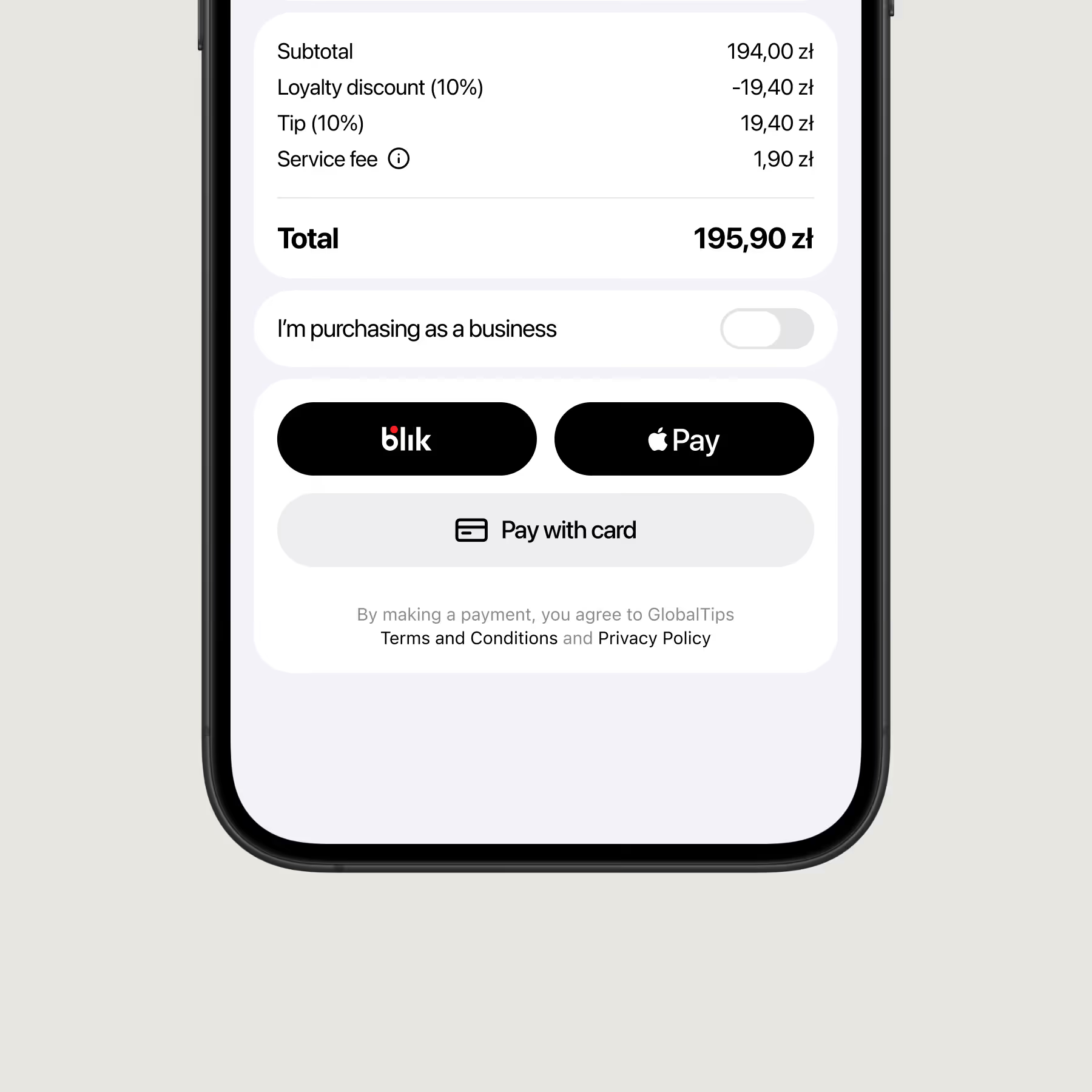
Integrated payment options
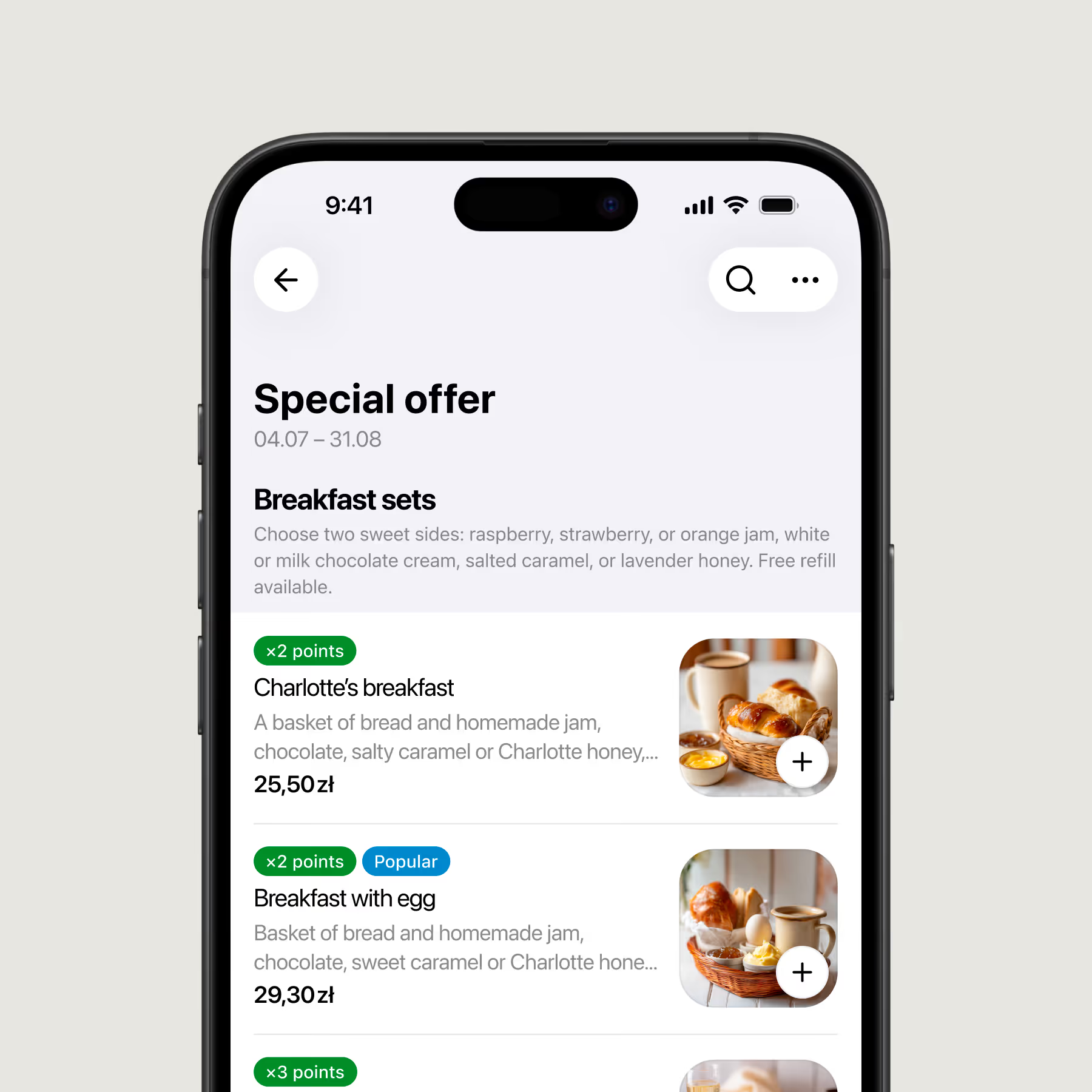
Increase average order value with smart upsells
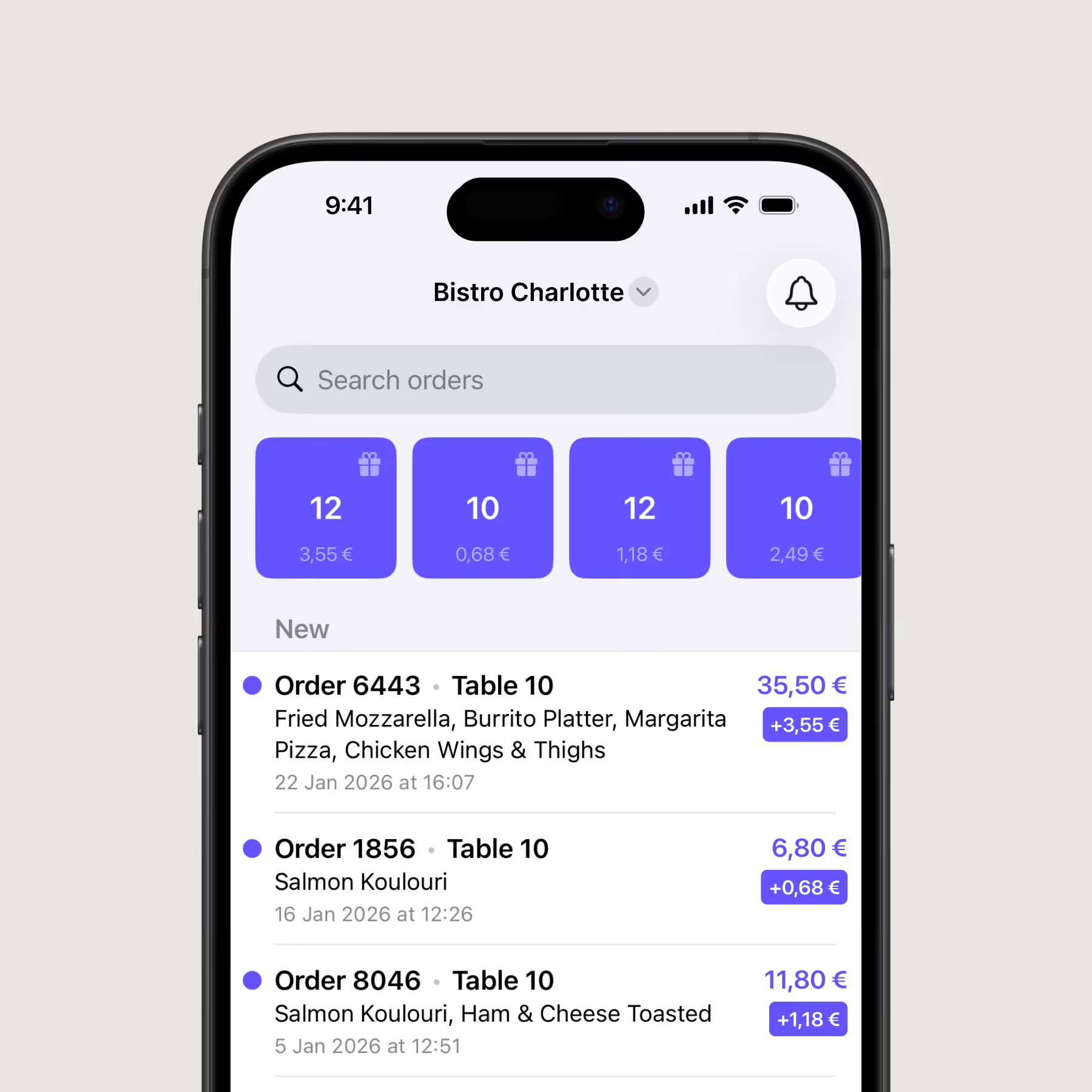
Boost staff efficiency
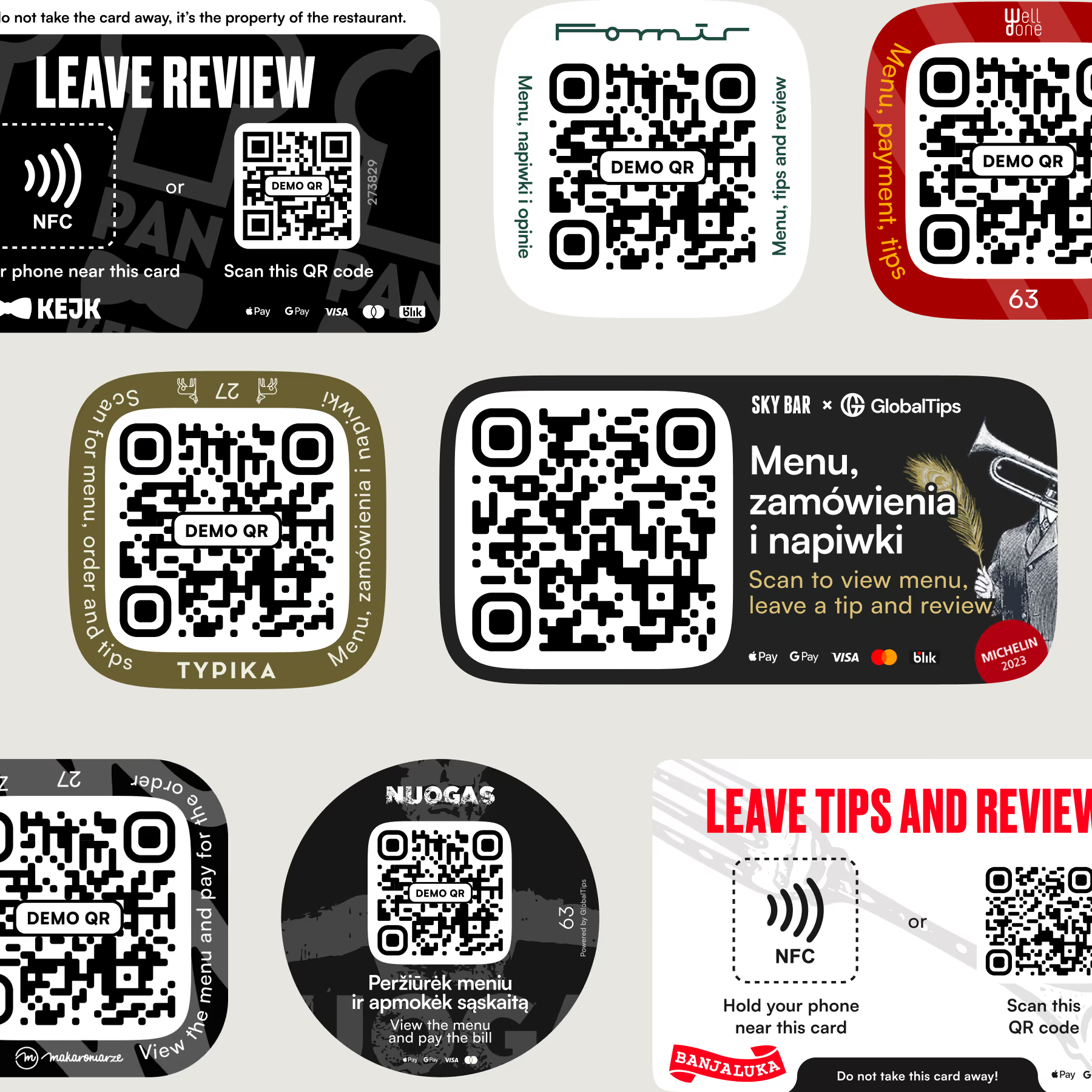
Branded or standard QR materials
Proven results


Bring speed and simplicity to your orders
• No setup fees
• No additional equipment
• Ready in under 20 minutes
• Supports cards, Apple Pay, Google Pay, and available local methods
• Free standard QR materials

Order and pay at the table FAQs
Guests can open the menu, place an order, and pay from their phone without repeatedly waiting for a waiter. This makes service faster while reducing routine work for staff.
No. It reduces repetitive tasks such as bringing menus, taking simple orders, and handling payments, giving staff more time to focus on service and guests.
Pricing depends on the selected GlobalTips solution and setup. It can include subscription and transaction-based fees. Contact our team for current pricing in your market.
GlobalTips supports 140+ languages, making the ordering experience easier for international guests.
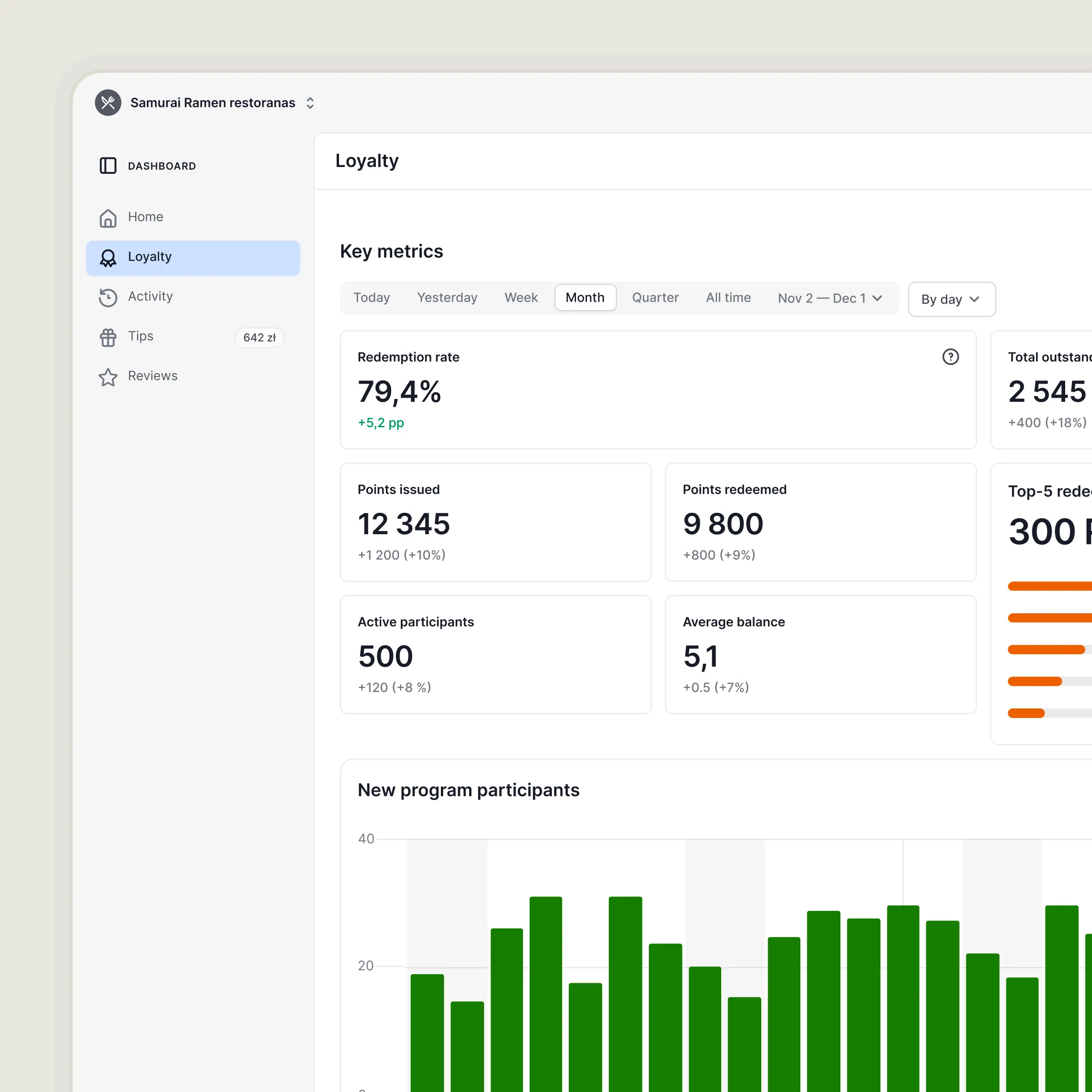
Update prices in the GlobalTips Dashboard. Because the QR menu is digital, changes appear immediately without reprinting anything.
Add dishes, drinks, modifiers, and other menu items in the GlobalTips Dashboard. Updates appear in the digital menu immediately.
No. Guests simply scan the QR code and use GlobalTips in their mobile browser.
Yes. You can configure availability by menu or category, so food and drinks can automatically become available or unavailable at different times.