
Serve guests better and sell more with the Interactive QR Menu
One solution for menus, tips, and reviews, helping you save on printing costs, serve guests in any language, boost staff motivation, and collect valuable feedback.
Book a DemoServe guests in 140+ languages and cut costs
Give guests an interactive menu with 140+ language options, save on printing, and increase tips and reviews – all through one QR code.
Languages supported
Serve guests from all over the world with AI-powered translations.
Boost staff motivation
Extra tips and positive reviews mean happier teams and more visibility for your venue.

Your menu is just one scan away
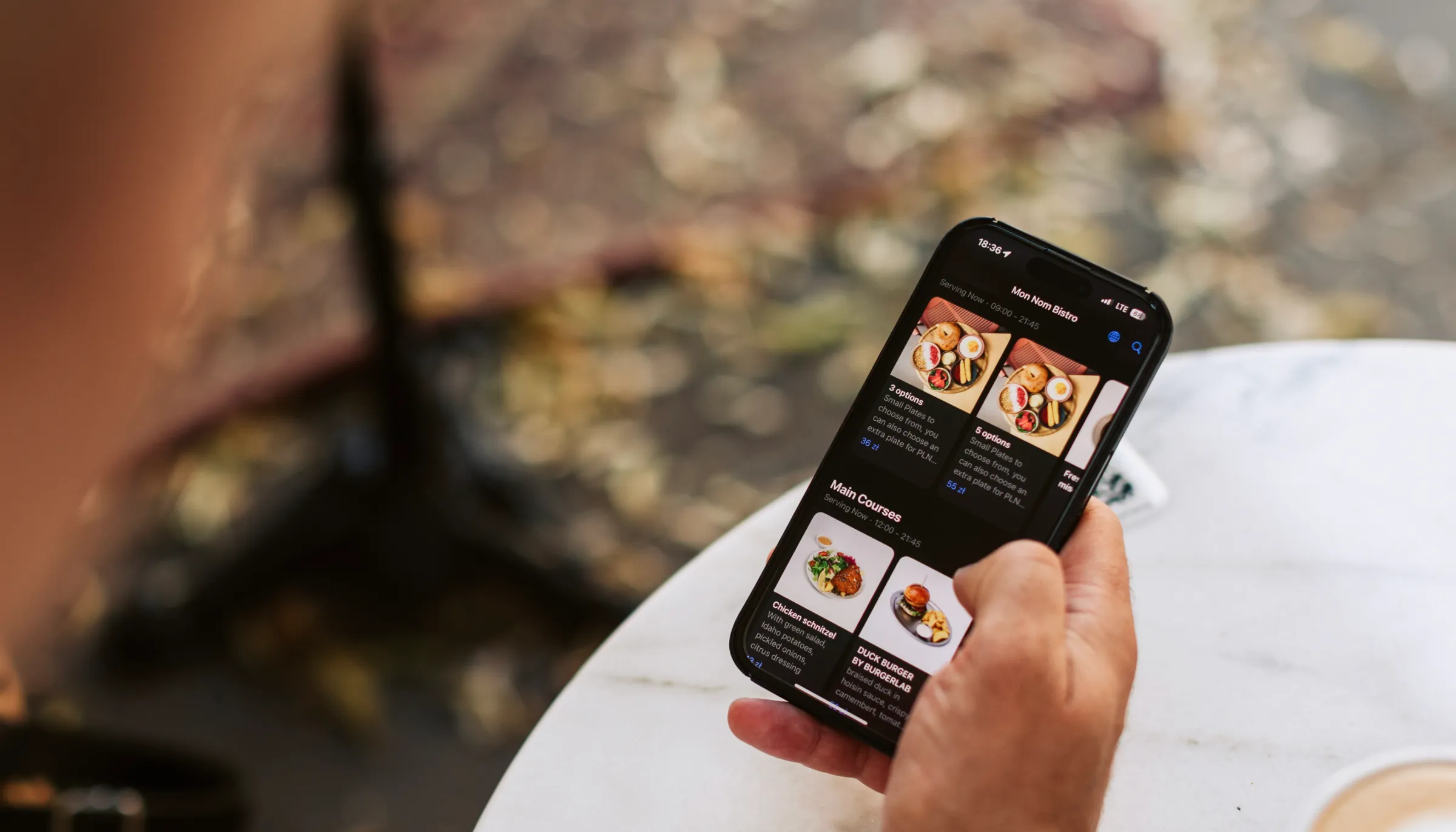
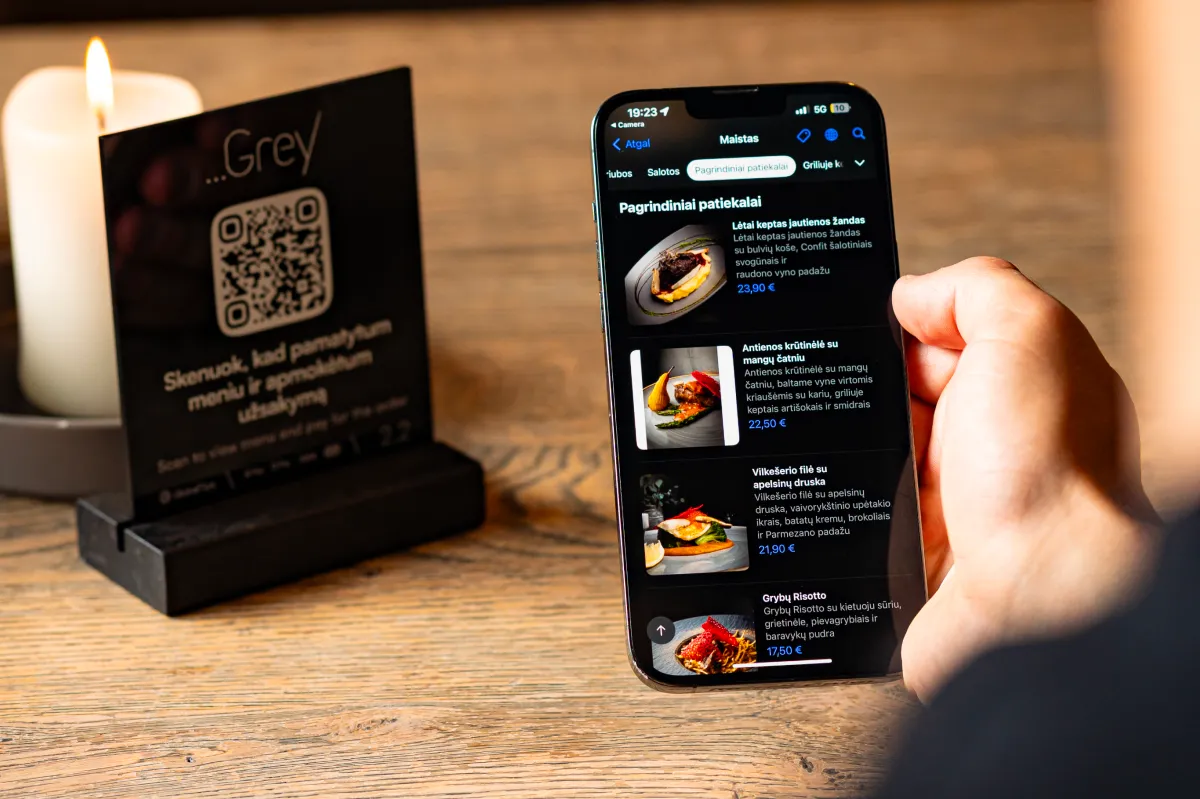
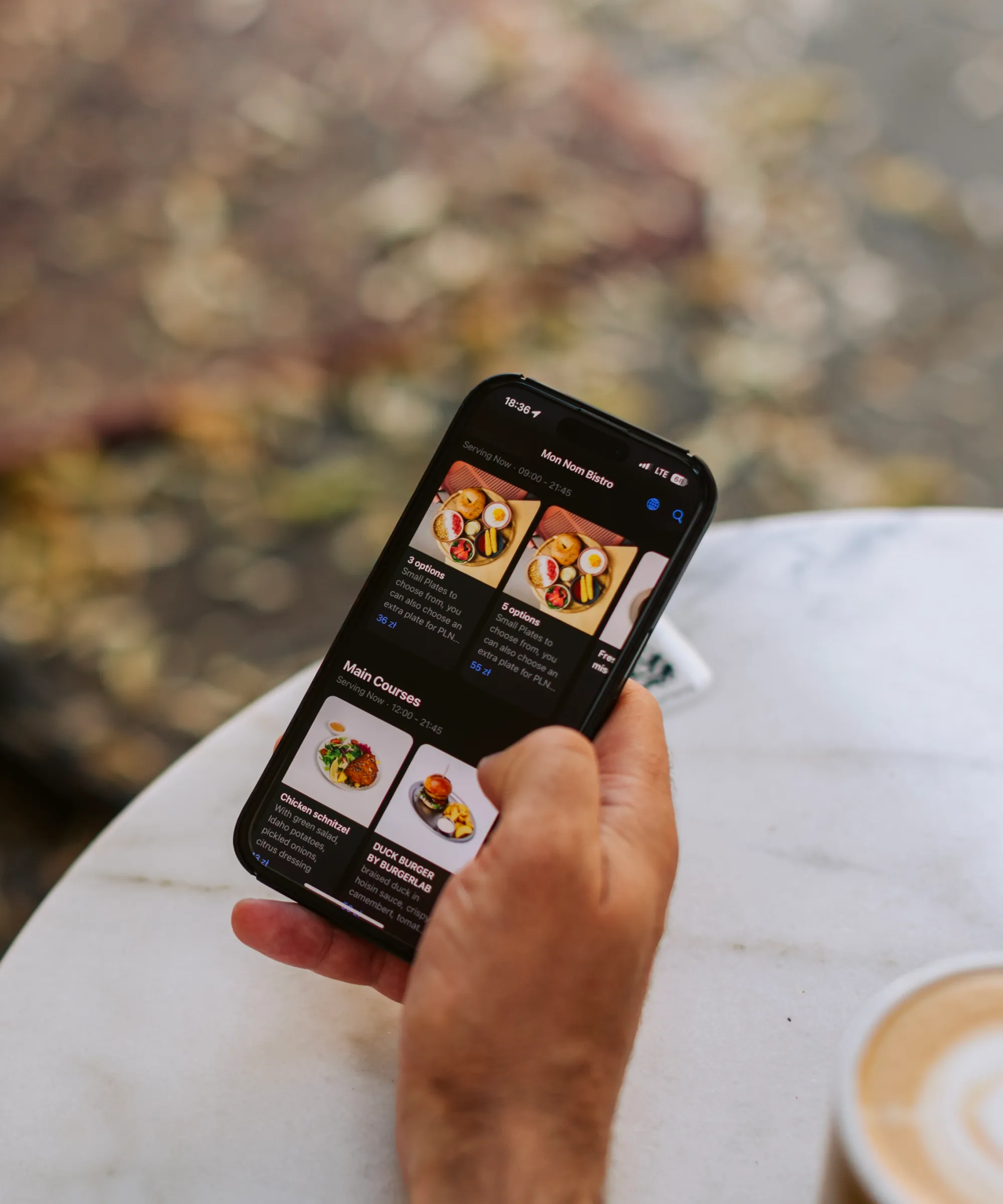
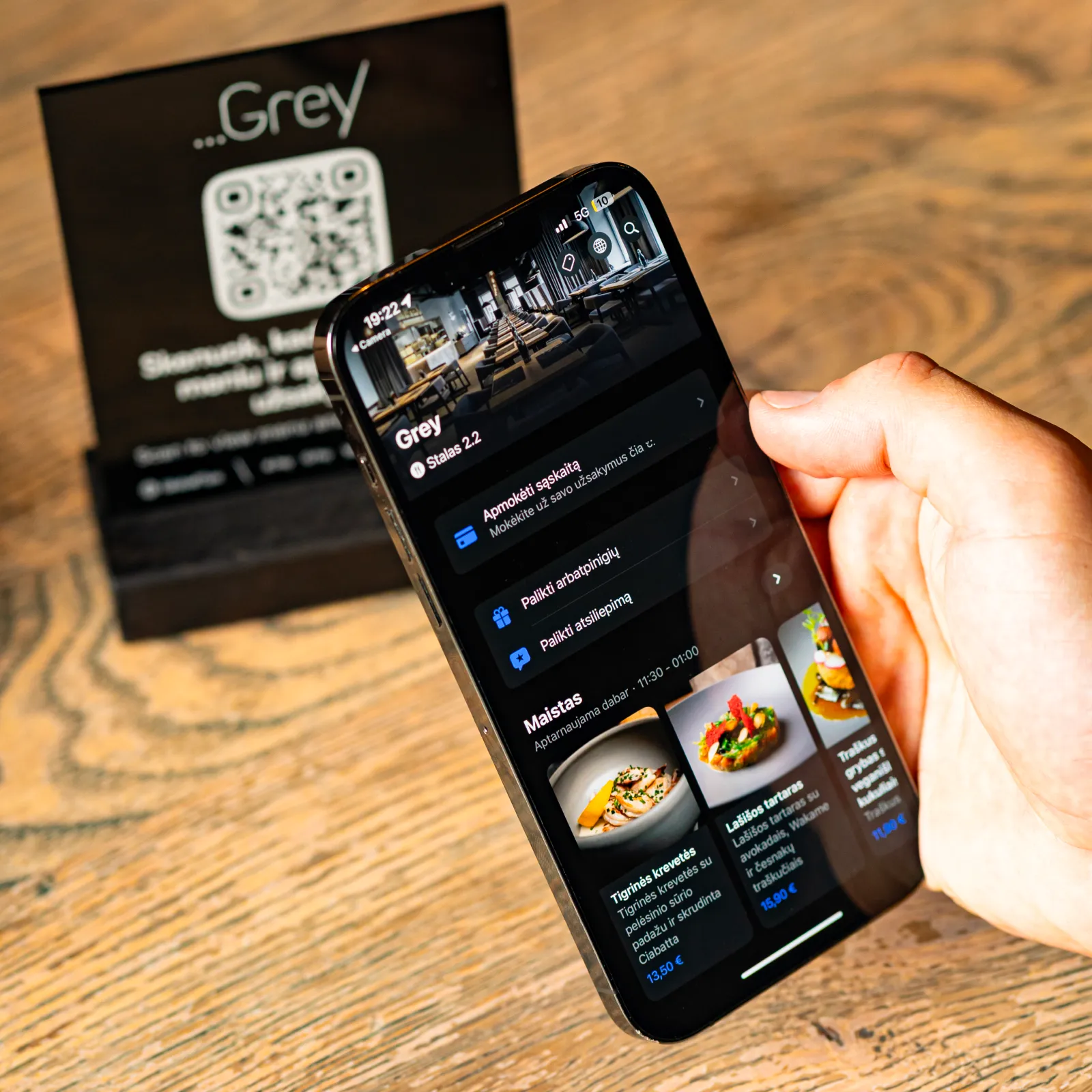
No apps. No printing. Guests scan a QR code and instantly access your interactive menu – complete with photos, descriptions, and real-time updates in 140+ languages.

Guests scan with their smartphone camera.

View dishes with photos, allergen info, and instant updates.

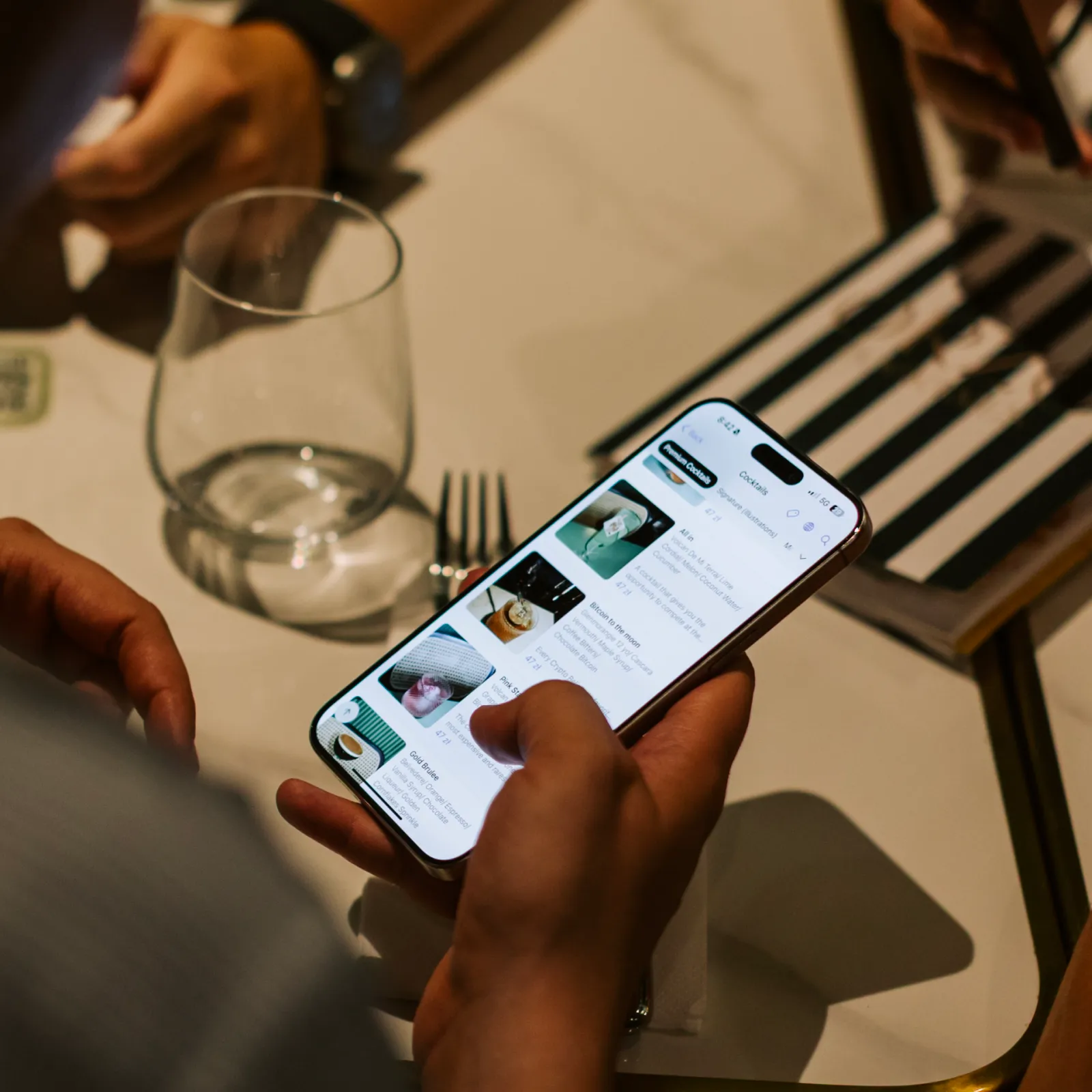
AI-powered translations in 140+ languages make it easy for every guest.
Transform your menu management and guest experience
Profitable restaurants need lower costs, faster updates, and smoother service. GlobalTips is more than a menu tool. We prepare your content, handle setup, and help you launch fast.
Powerful features for modern hospitality
Everything you need to enhance guest experience, boost staff motivation, and streamline operations – all in one solution
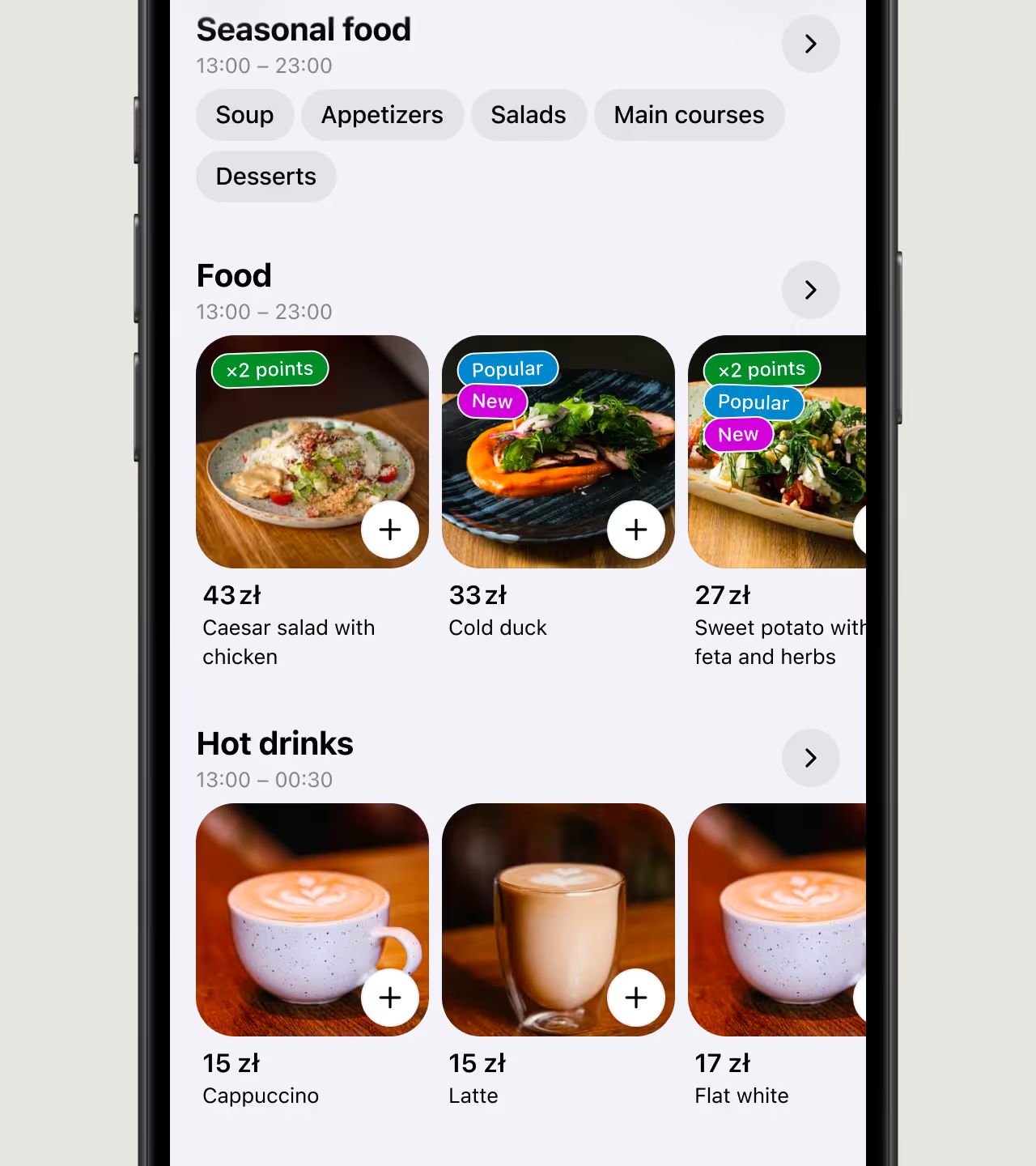
Customisable QR menu
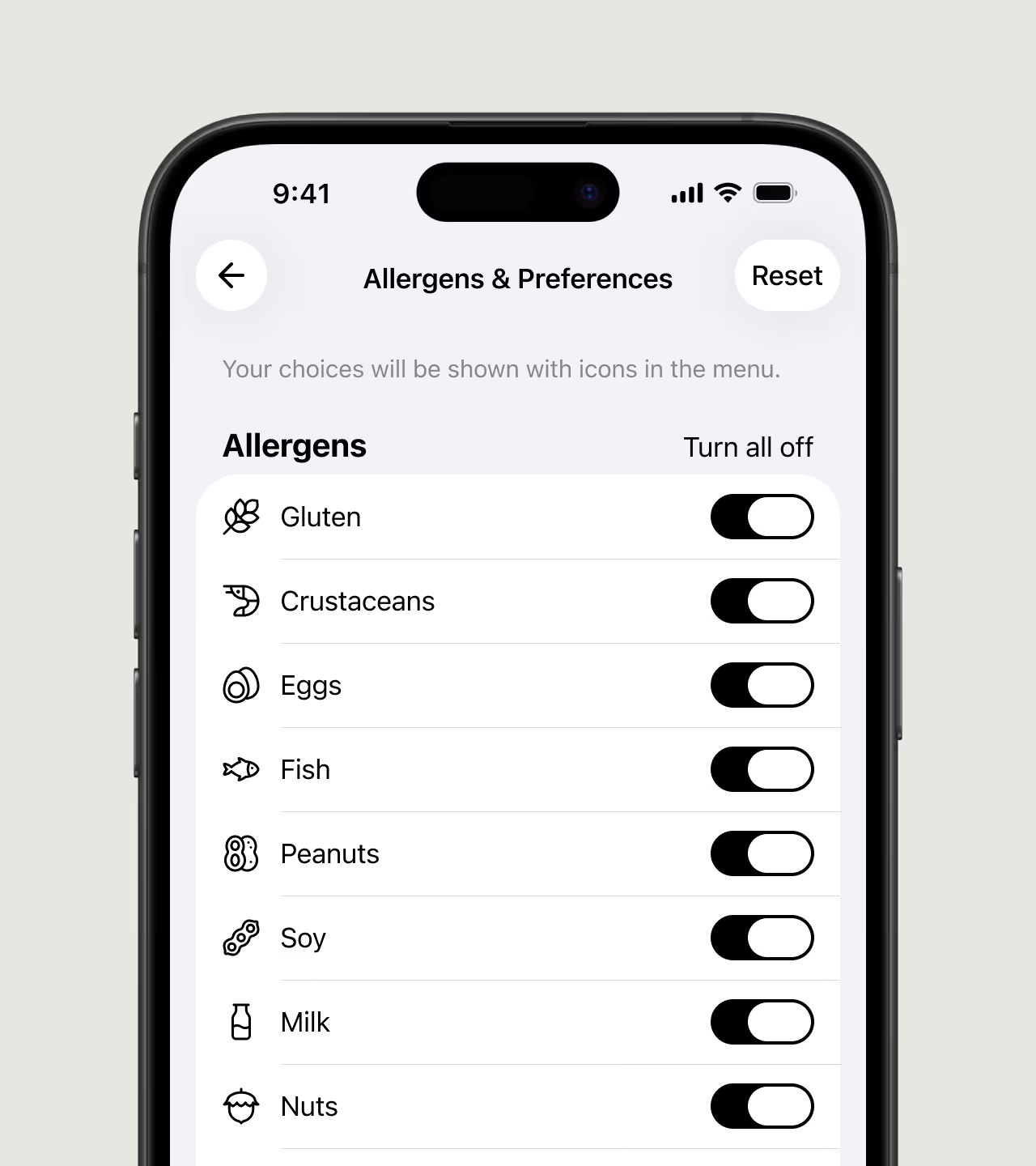
Allergen and preference filters

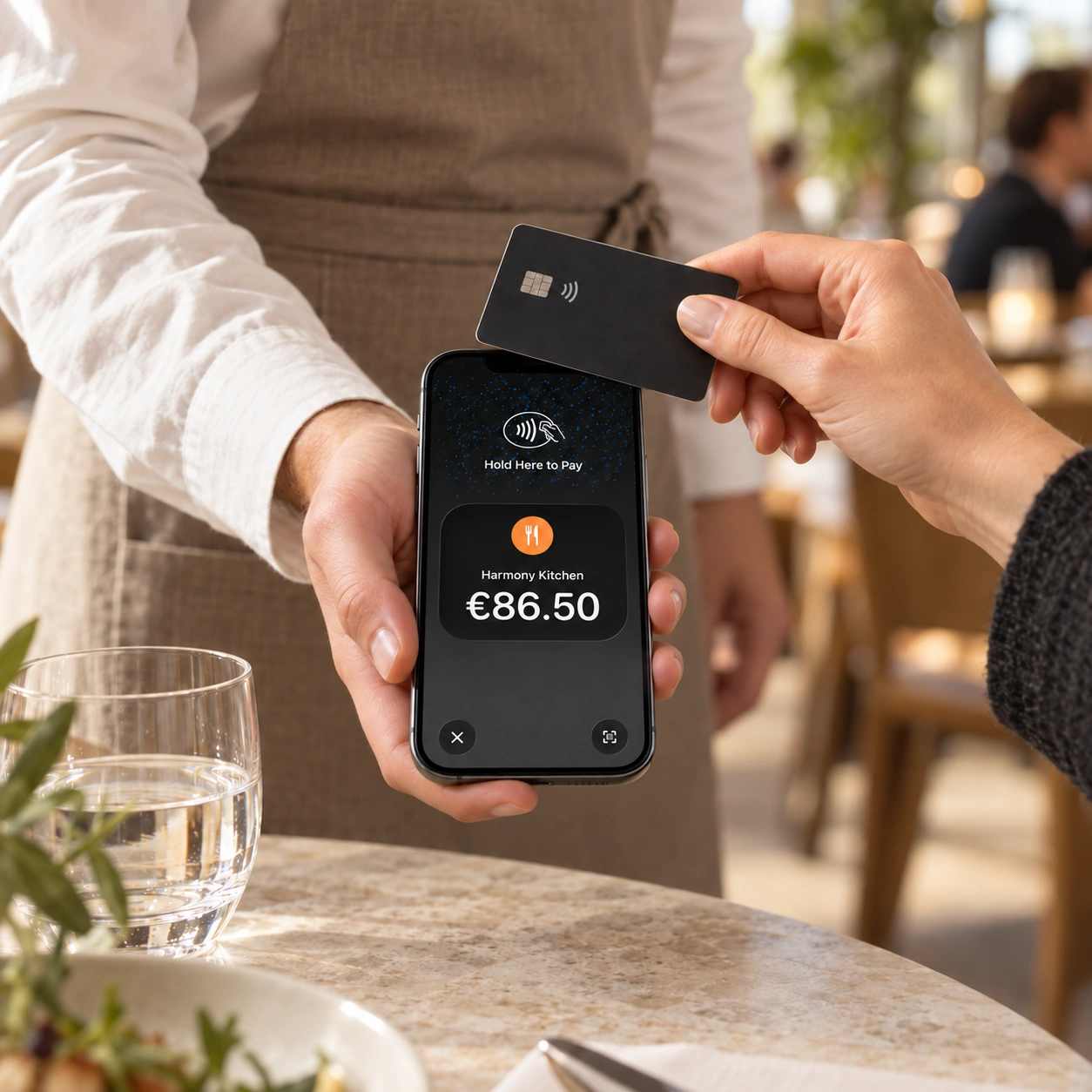
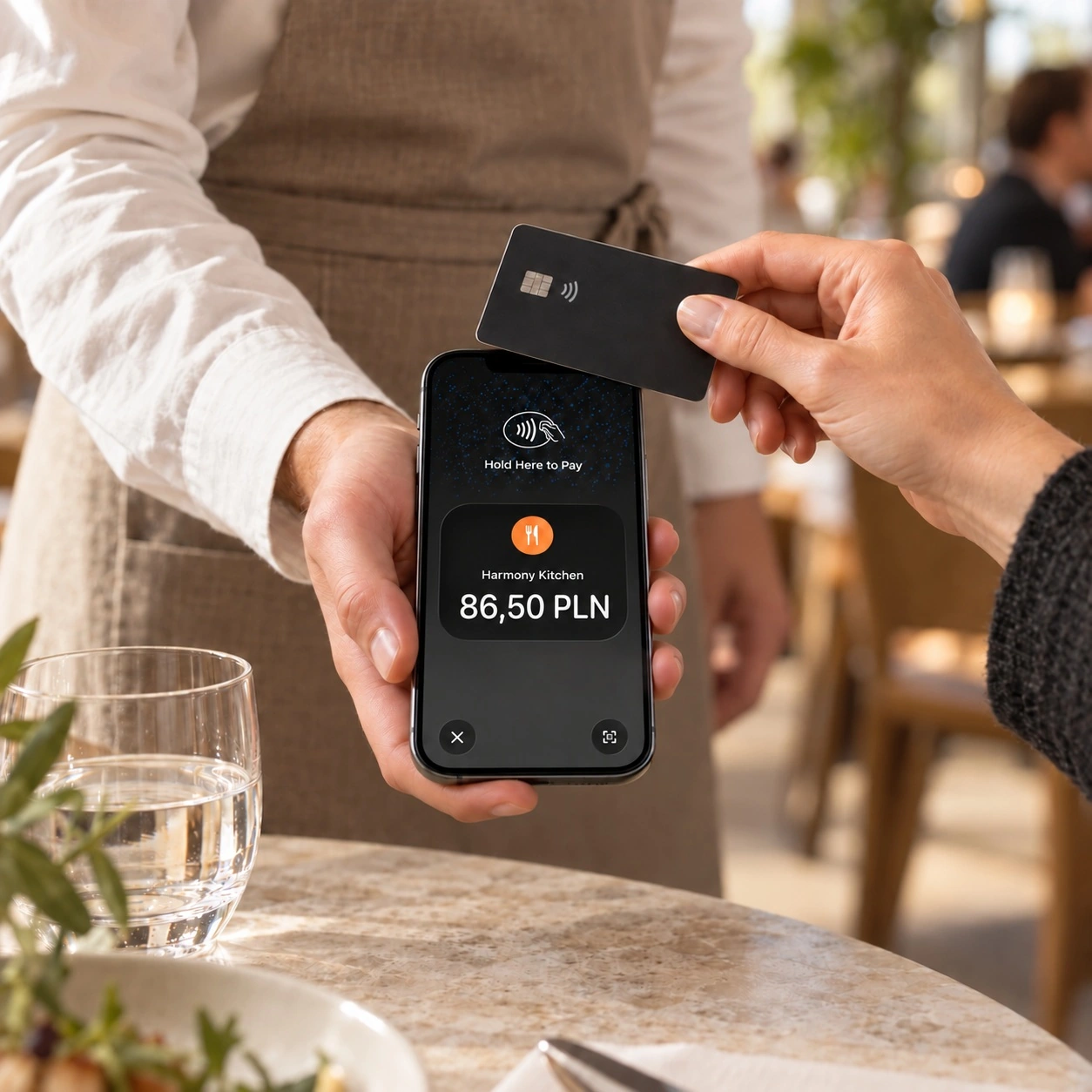
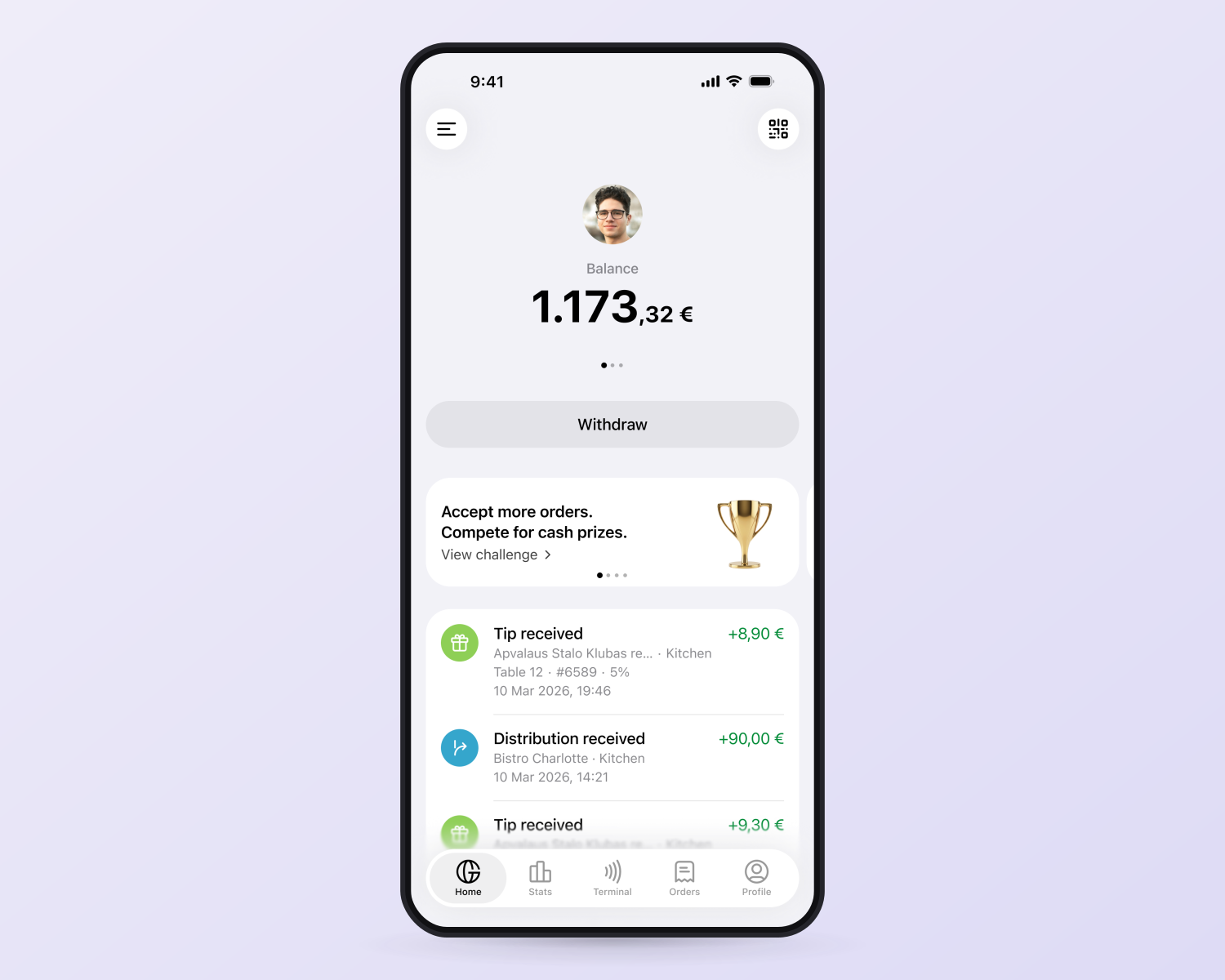
Cashless tips made simple
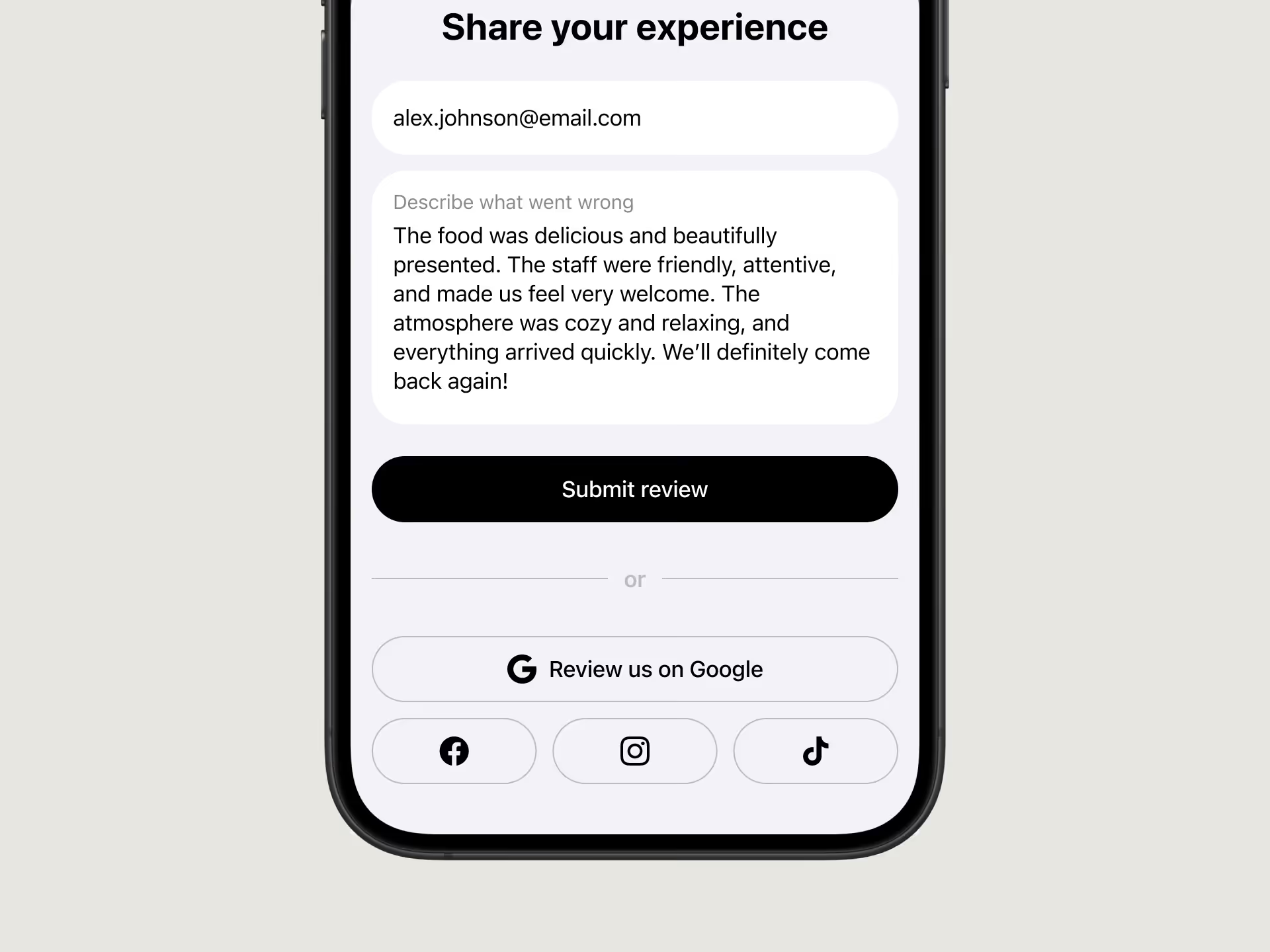
Instant feedback & better ratings
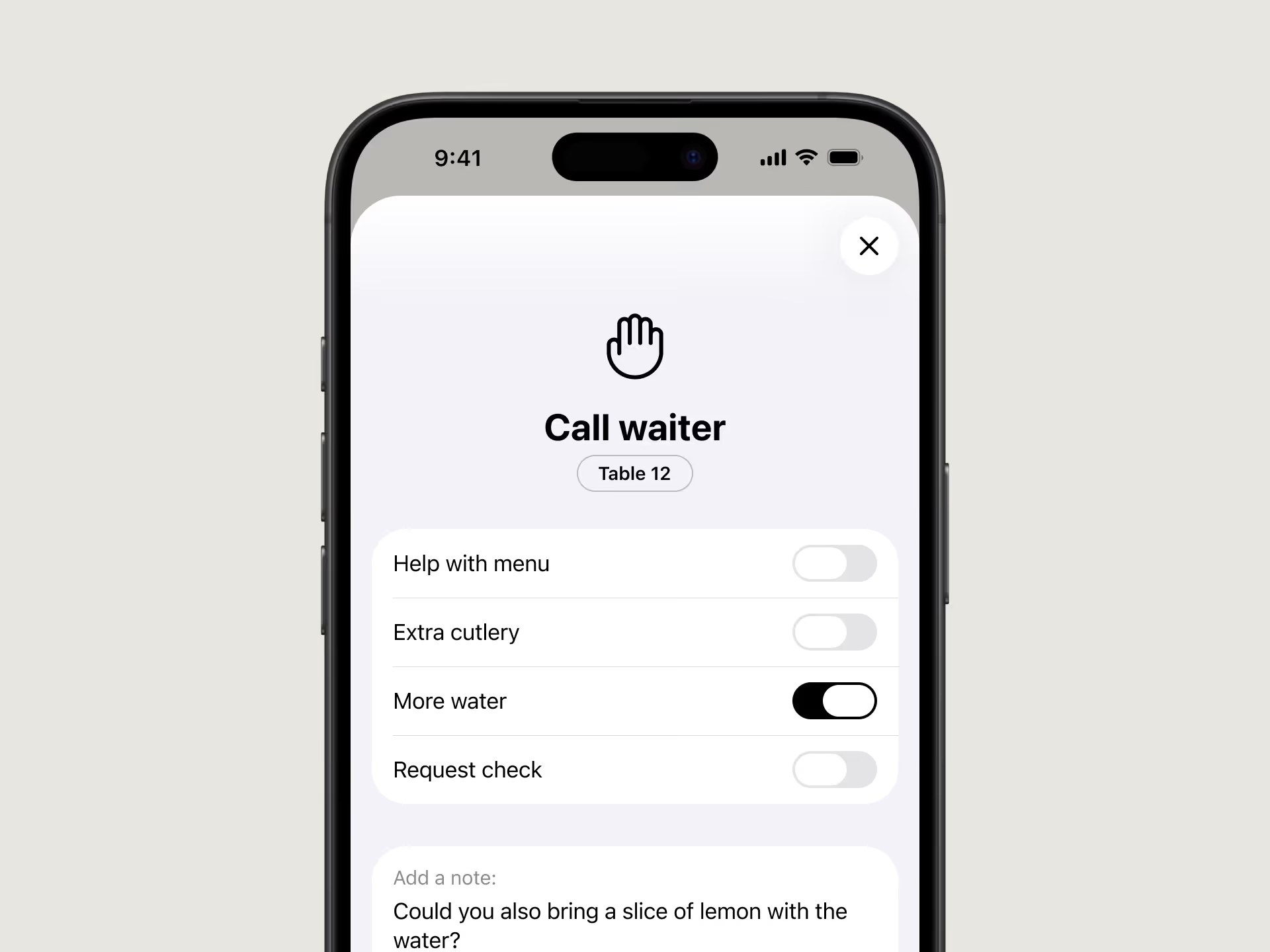
One-tap waiter call
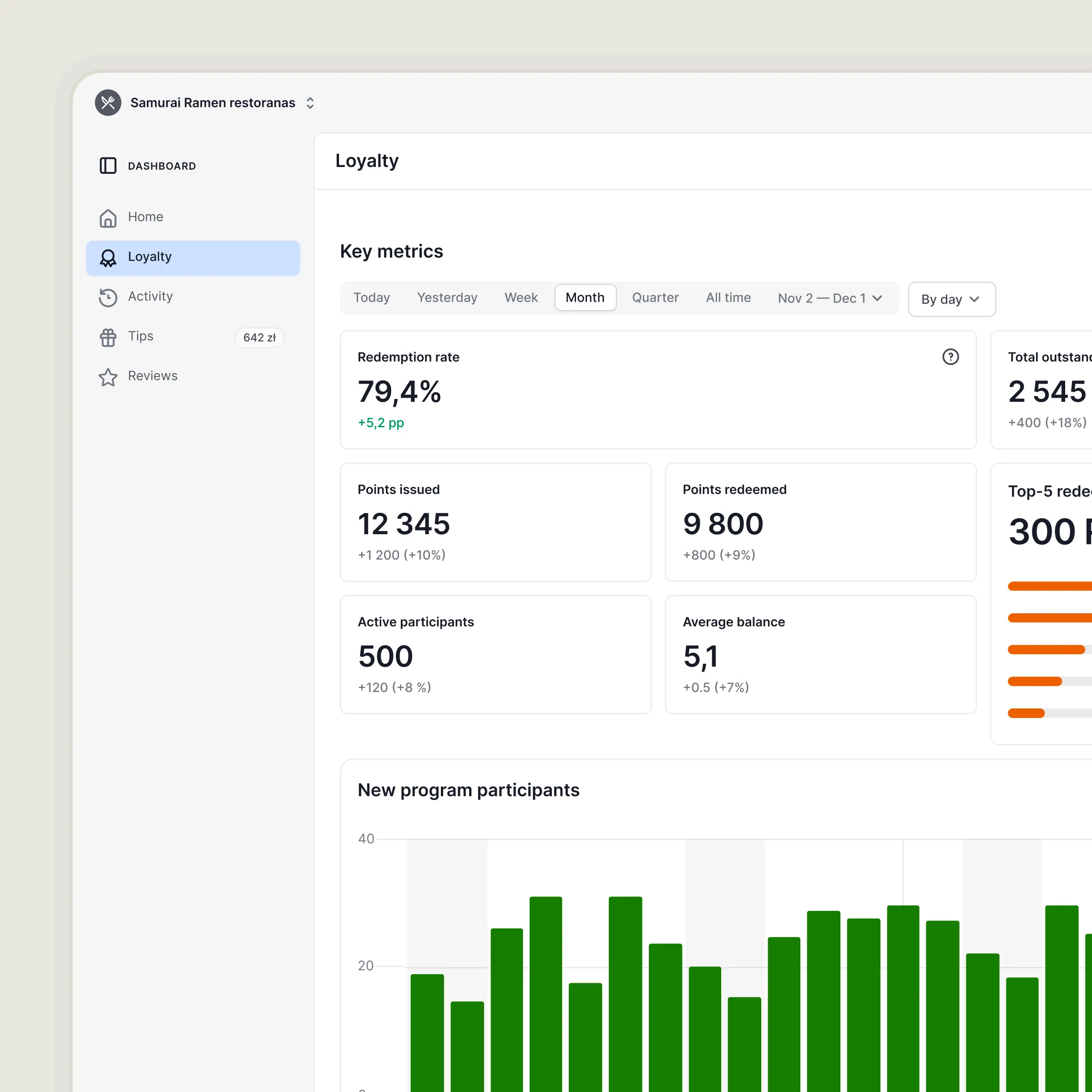
Proven results


Upgrade your menu experience with one QR code
• No setup fees
• No additional equipment
• Ready to go in 20 minutes
• Multilingual support (140+ languages)
• Free standard materials, branded options available

Interactive QR menu FAQs
A digital QR menu is easier to update, removes the need to reprint menus, and lets guests open the menu instantly from their phone. It can also connect guests with tipping, reviews, ordering, and other GlobalTips features.
GlobalTips supports 140+ languages, helping international guests browse the menu in a language they understand.
Not necessarily. Many venues use the QR menu as their primary menu. You can still keep paper menus as a backup if you prefer.
Update prices in the GlobalTips Dashboard. Because the QR menu is digital, changes appear immediately without reprinting anything.
Add new dishes, drinks, or other items in the GlobalTips Dashboard. Changes appear in the digital menu immediately.
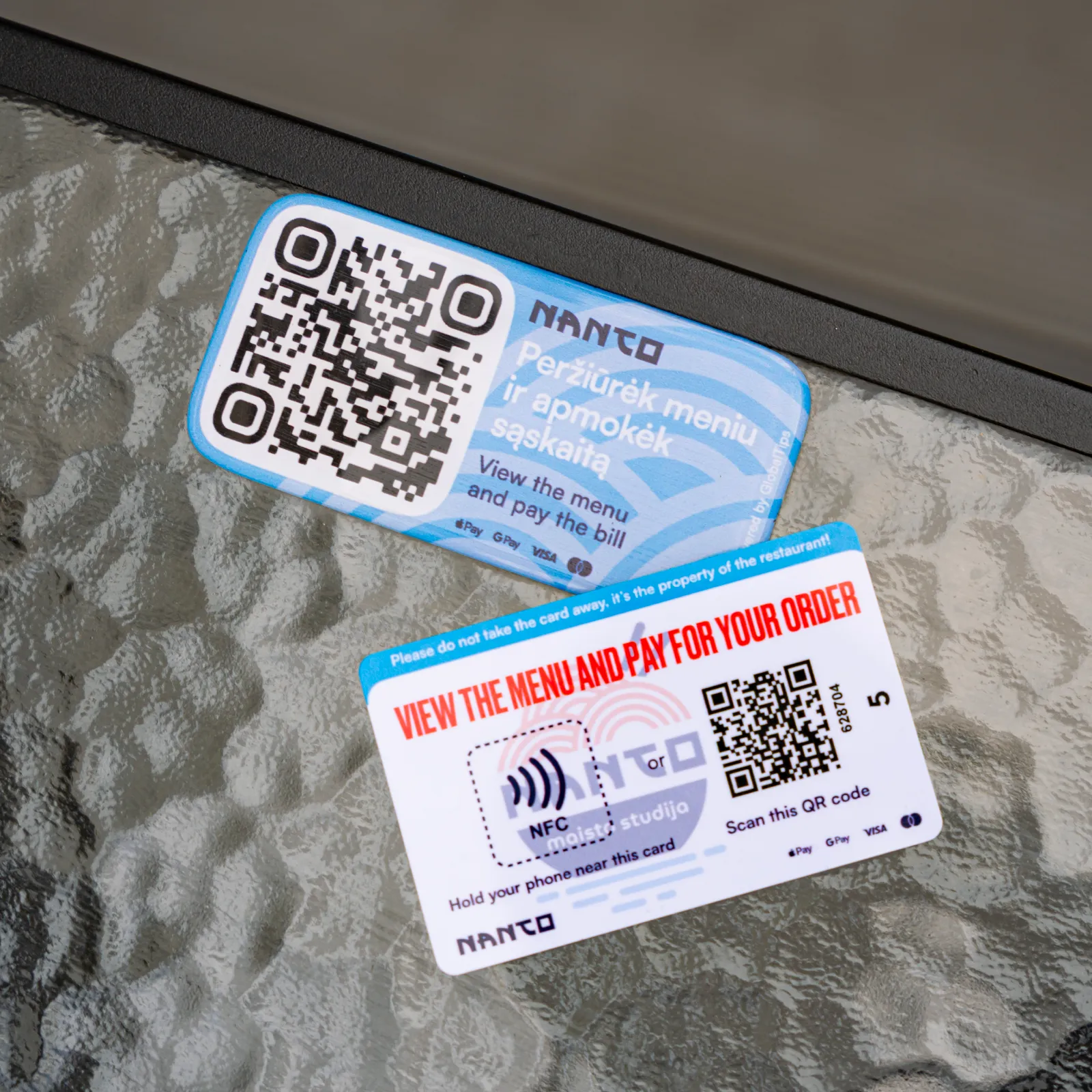
GlobalTips can provide branded QR and NFC materials for tables and other guest touchpoints, including stickers and table cards.
Yes. GlobalTips materials can be customised with your venue’s branding, including your logo, colours, and visual style.
You can use branded table cards with QR codes and NFC instead, placed in holders on the table.