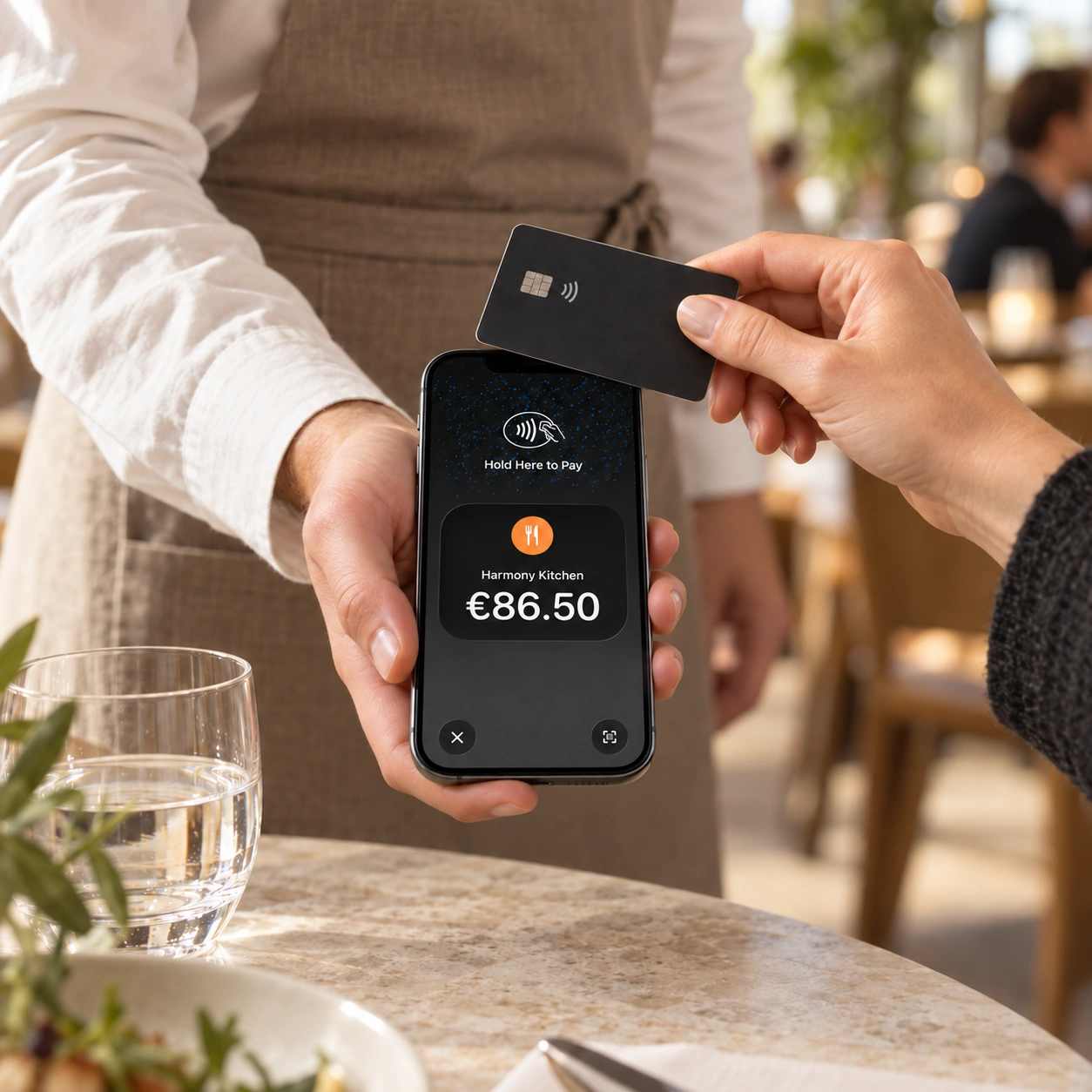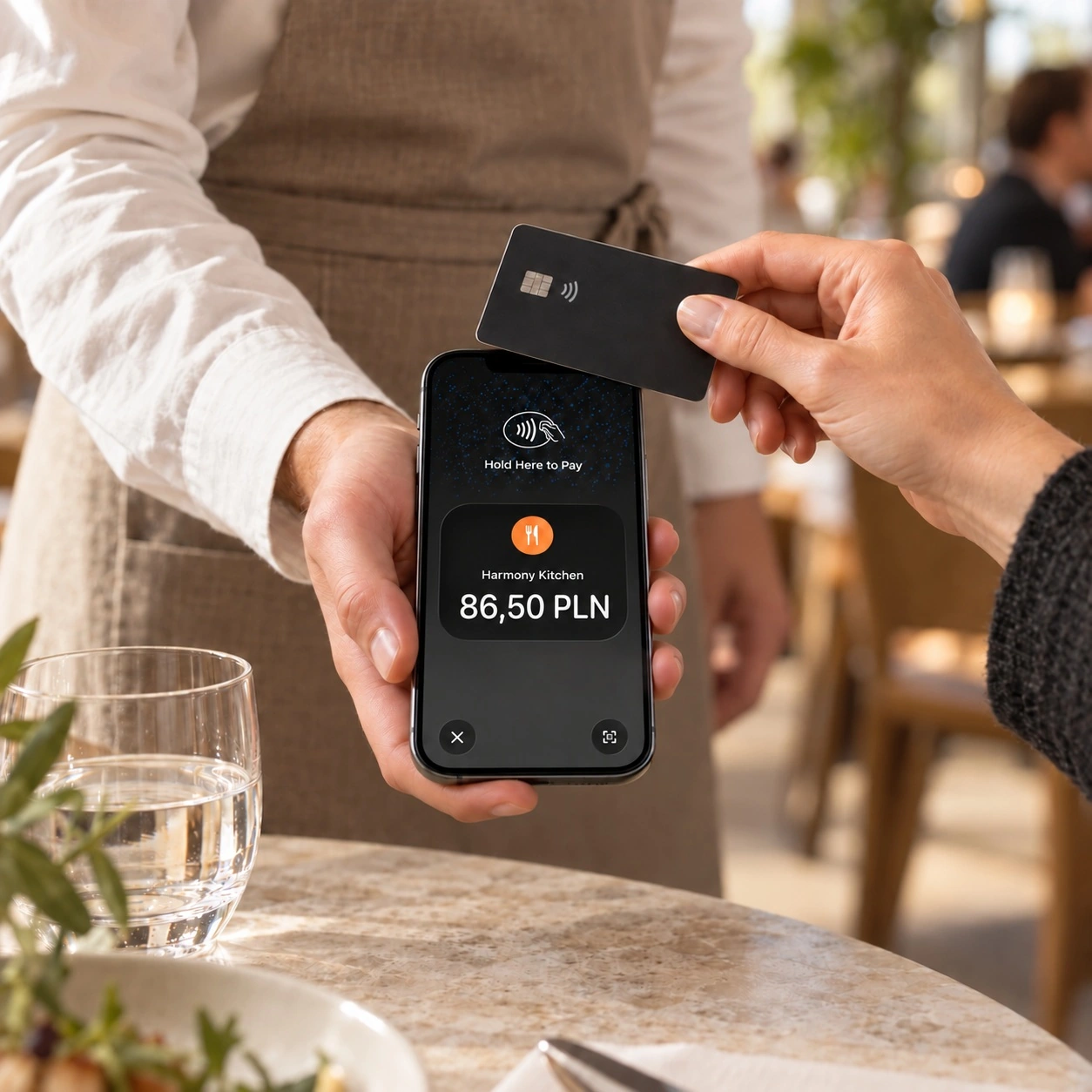

A payment terminal in every waiter’s pocket
Accept cards and digital wallets on your team’s smartphones, right at the table and connected to your POS.
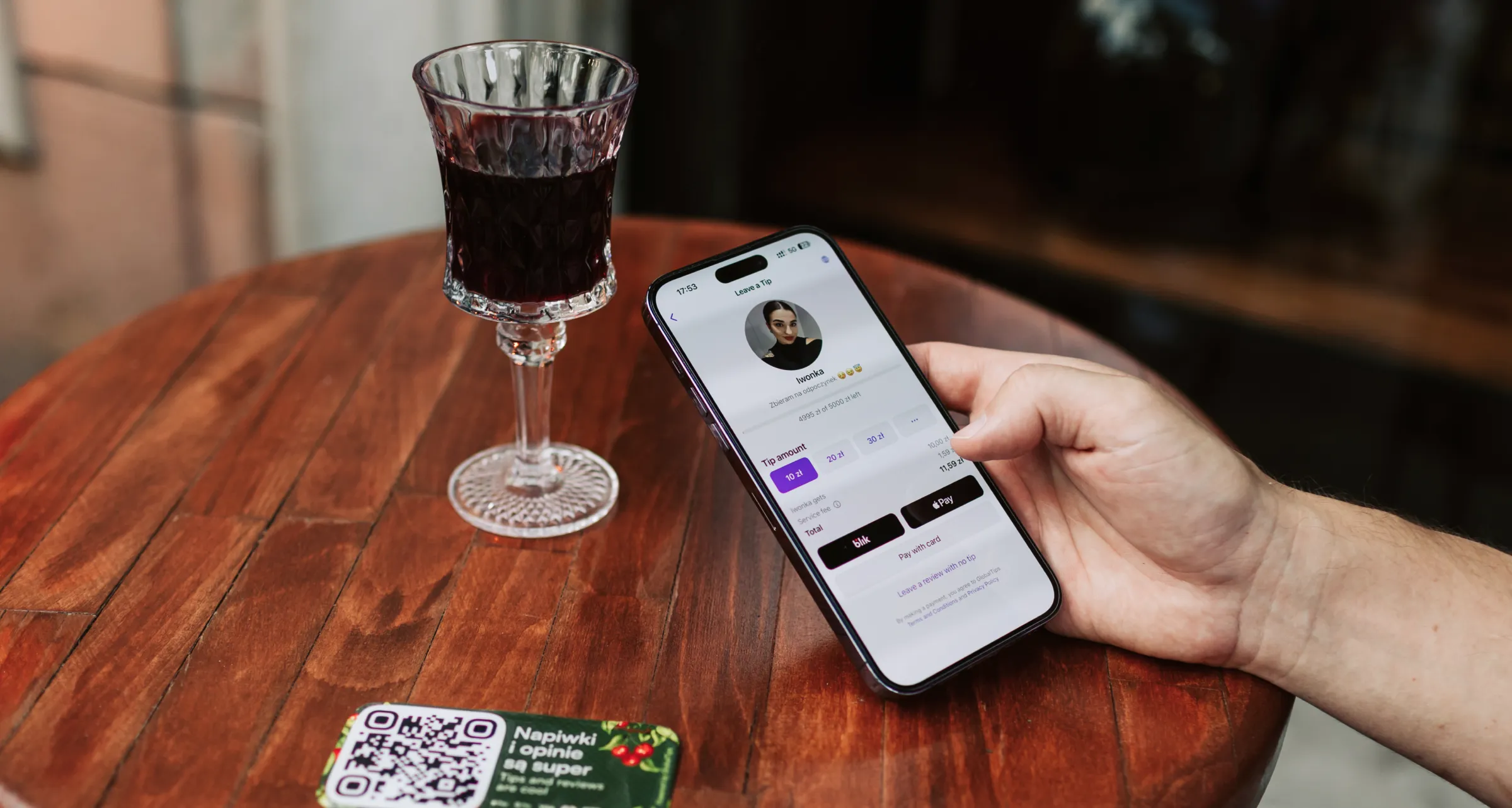
Let guests add a tip in a few taps.
Works on iPhone and Android
Taking payments has never been this easy
See Mobile Terminals in action
Why it’s so convenient
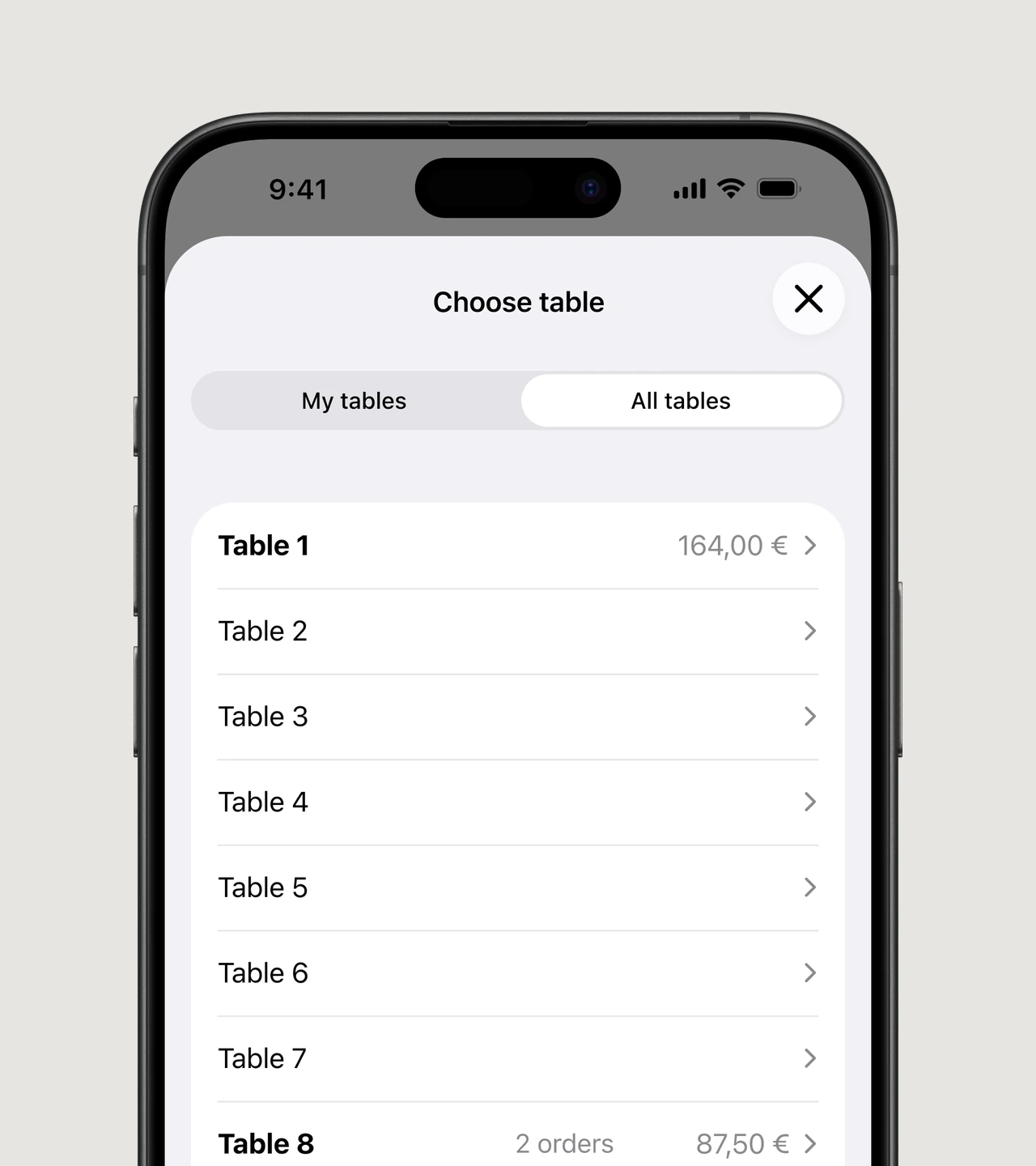
The right table. The right bill
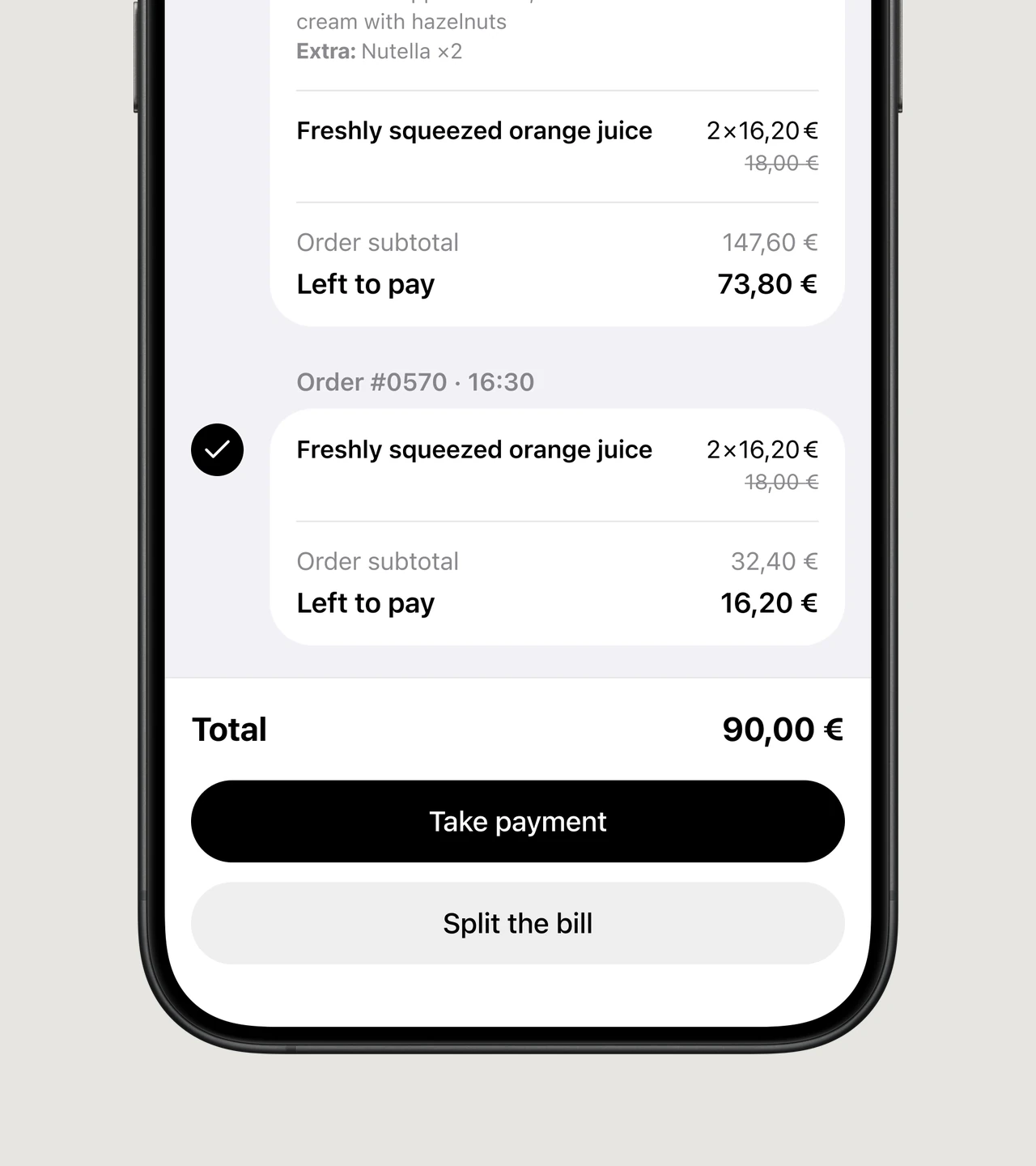
Split the bill. Skip the maths
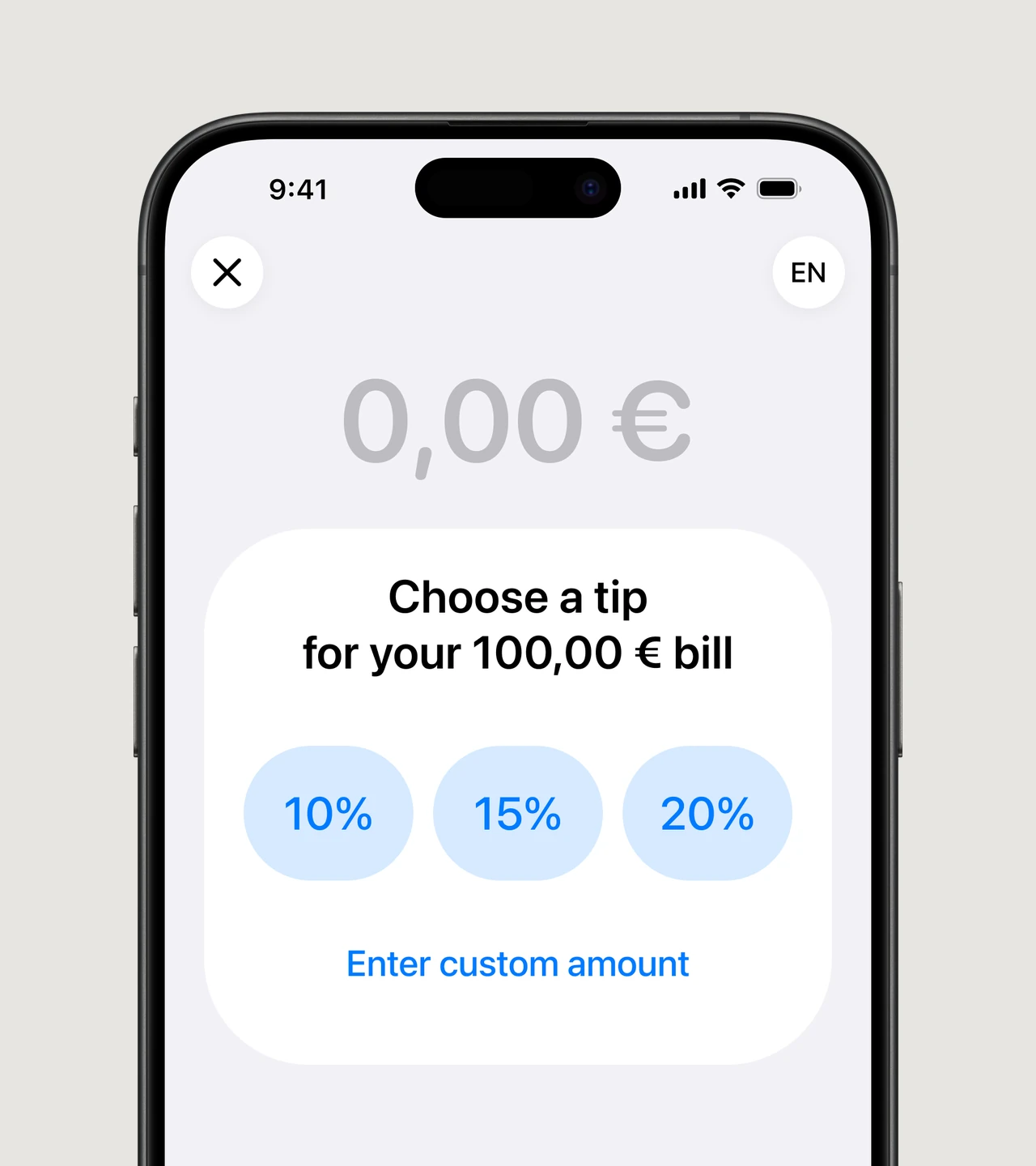
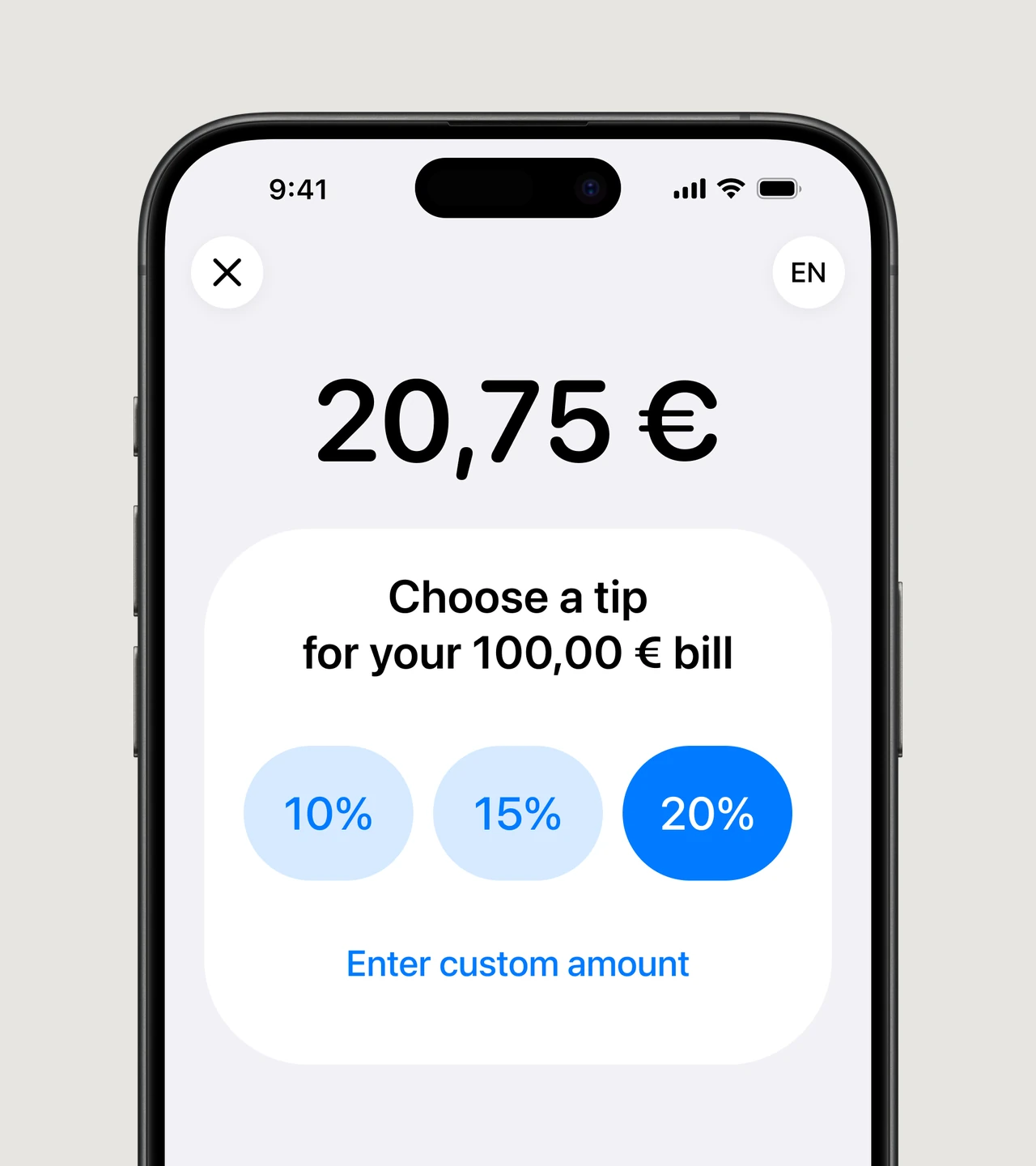
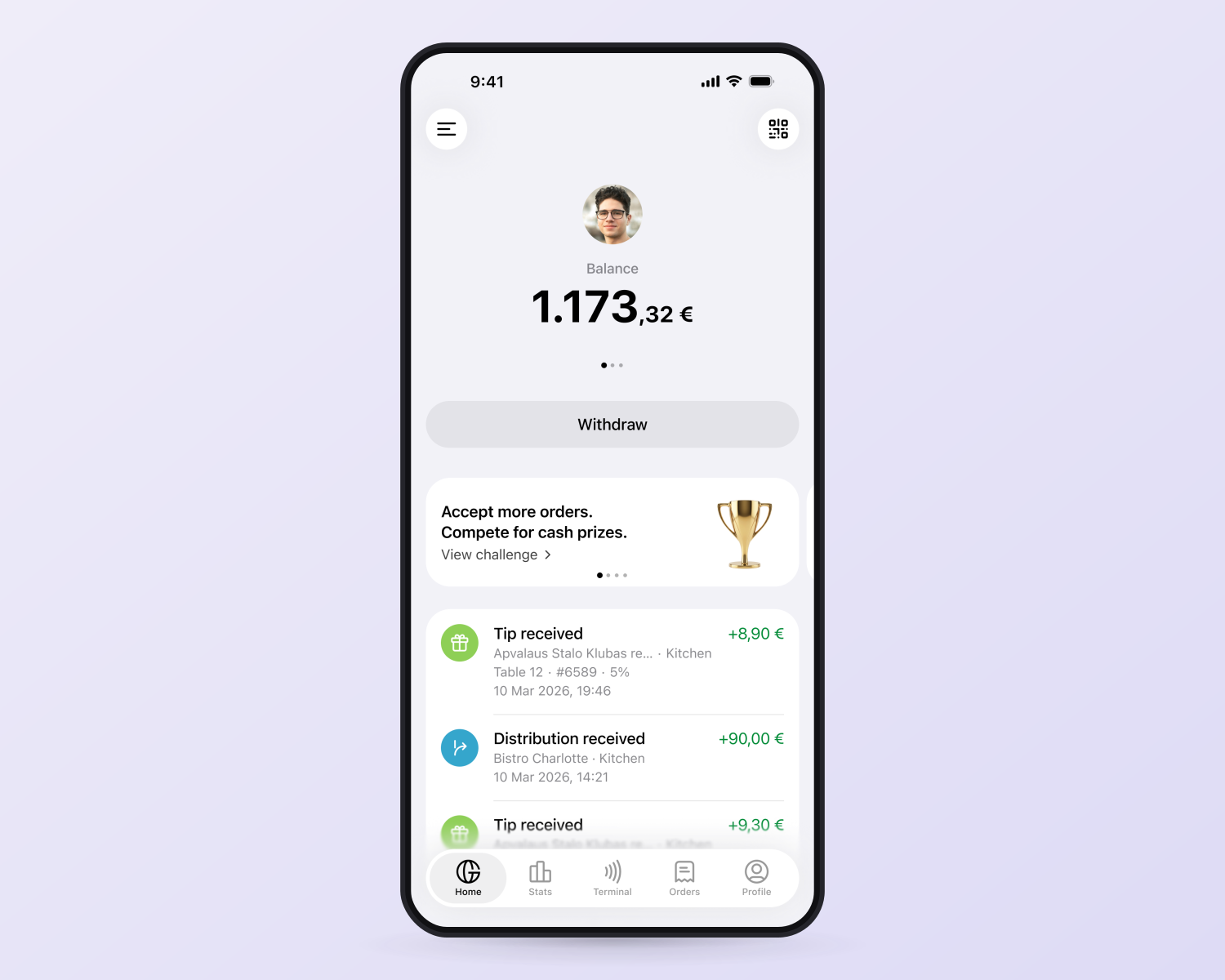
Tips that motivate your team
Our mobile terminals stay in sync with your POS
Orders are automatically loaded from your POS and closed there once fully paid. Every payment is recorded against the right order.
Easy to start
Ready in 10 minutes
No new equipment. Once your account is verified, we’ll connect your compatible phones and POS in 10 minutes.
Start on your terms
No monthly terminal fees or long-term commitments. Start taking payments on one phone and add more whenever you’re ready.
Track your team. Follow up with guests
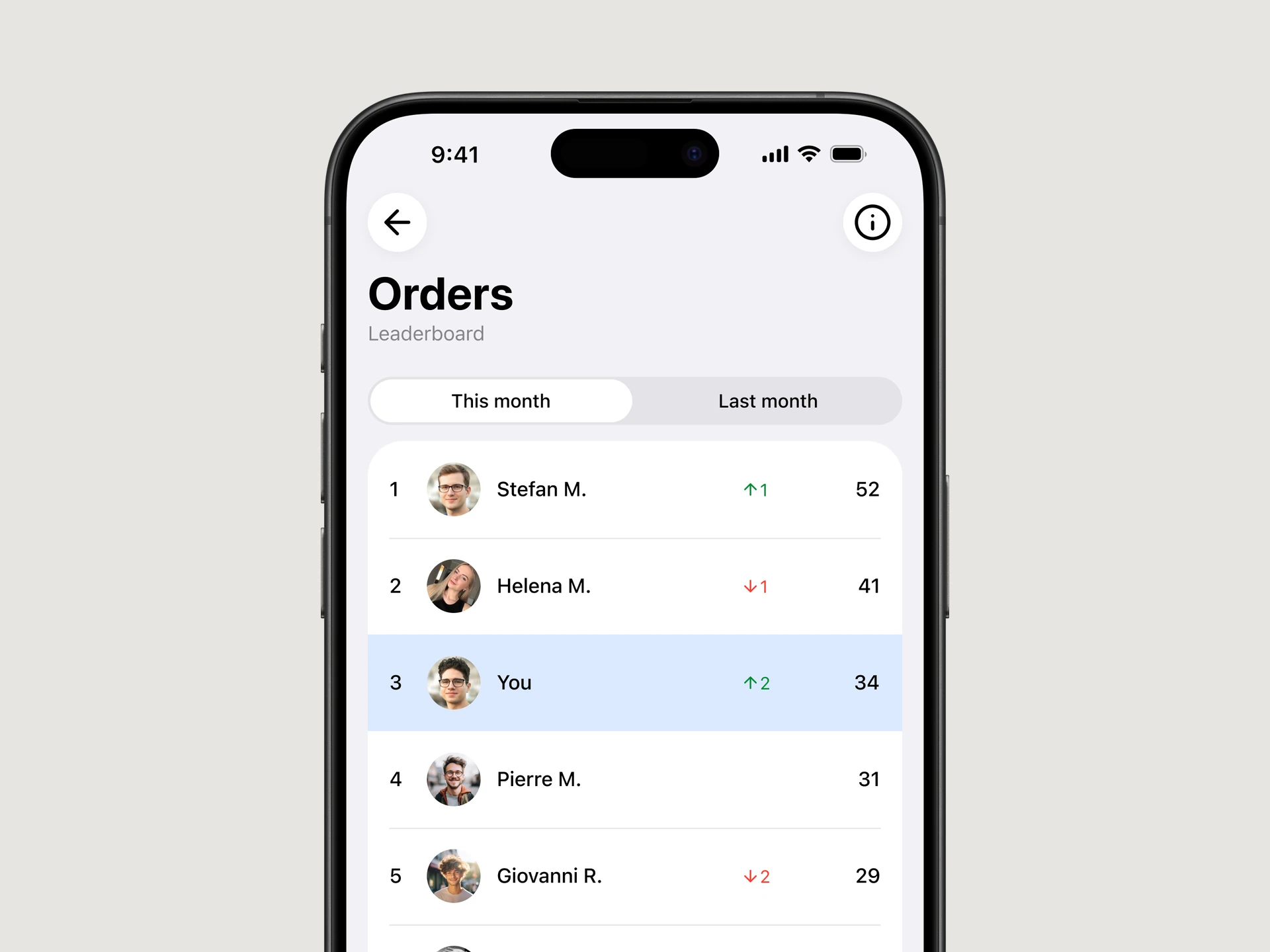
A clear view of every waiter
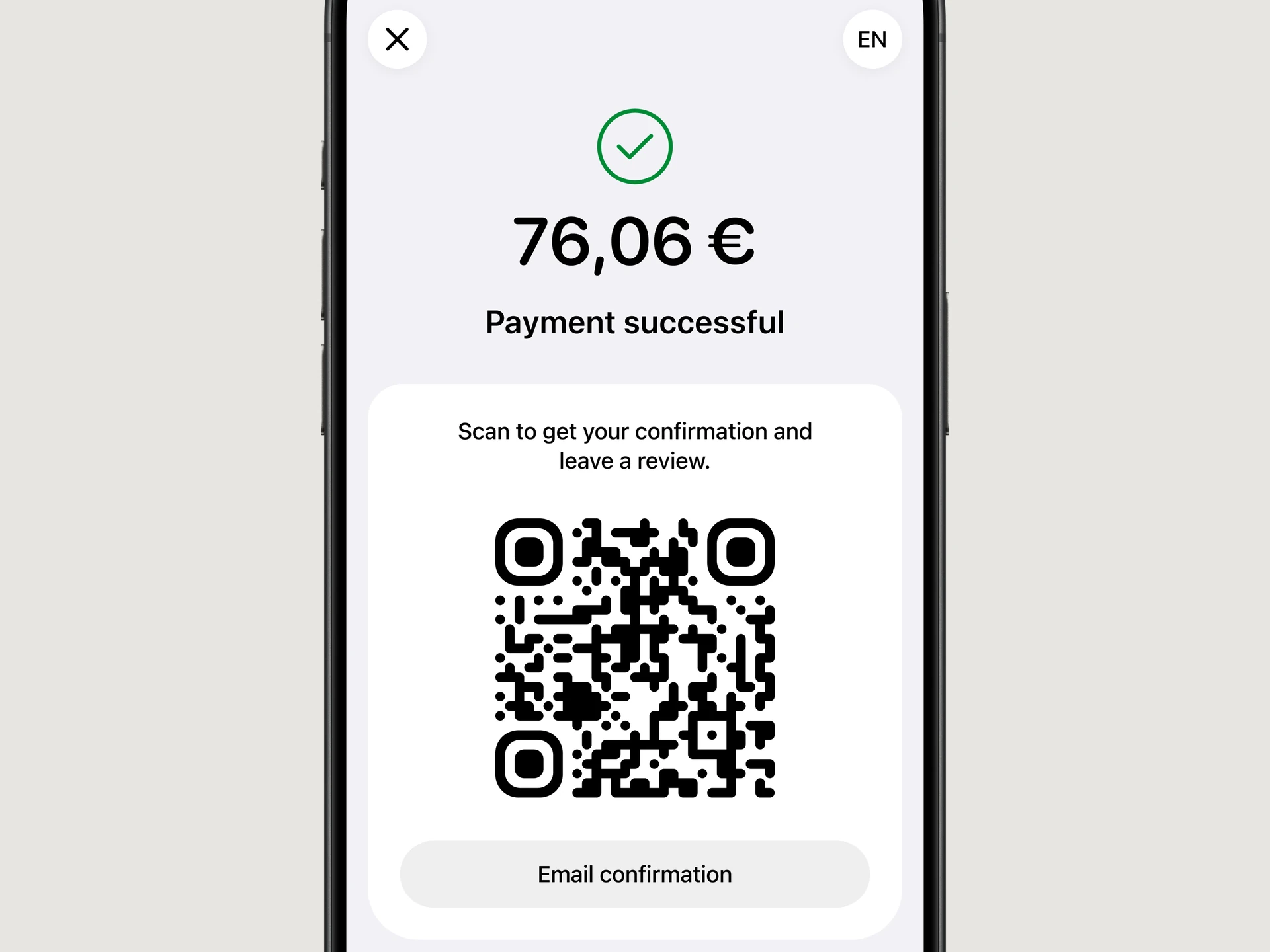
Digital receipts and reviews
GlobalTips vs. hardware terminals
Separate hardware required
No additional hardware
Limited devices; staff may need to wait, slowing down service
Every employee has their own terminal
Usually required
No monthly terminal fees
Additional fees
No repair or replacement costs
Usually not available
Payment automatically closes the order in your POS once fully paid
Tips are typically paid to the company account
GlobalTips tipping system built in
Not available
Guests can leave a review after payment
Shared devices make individual tracking difficult
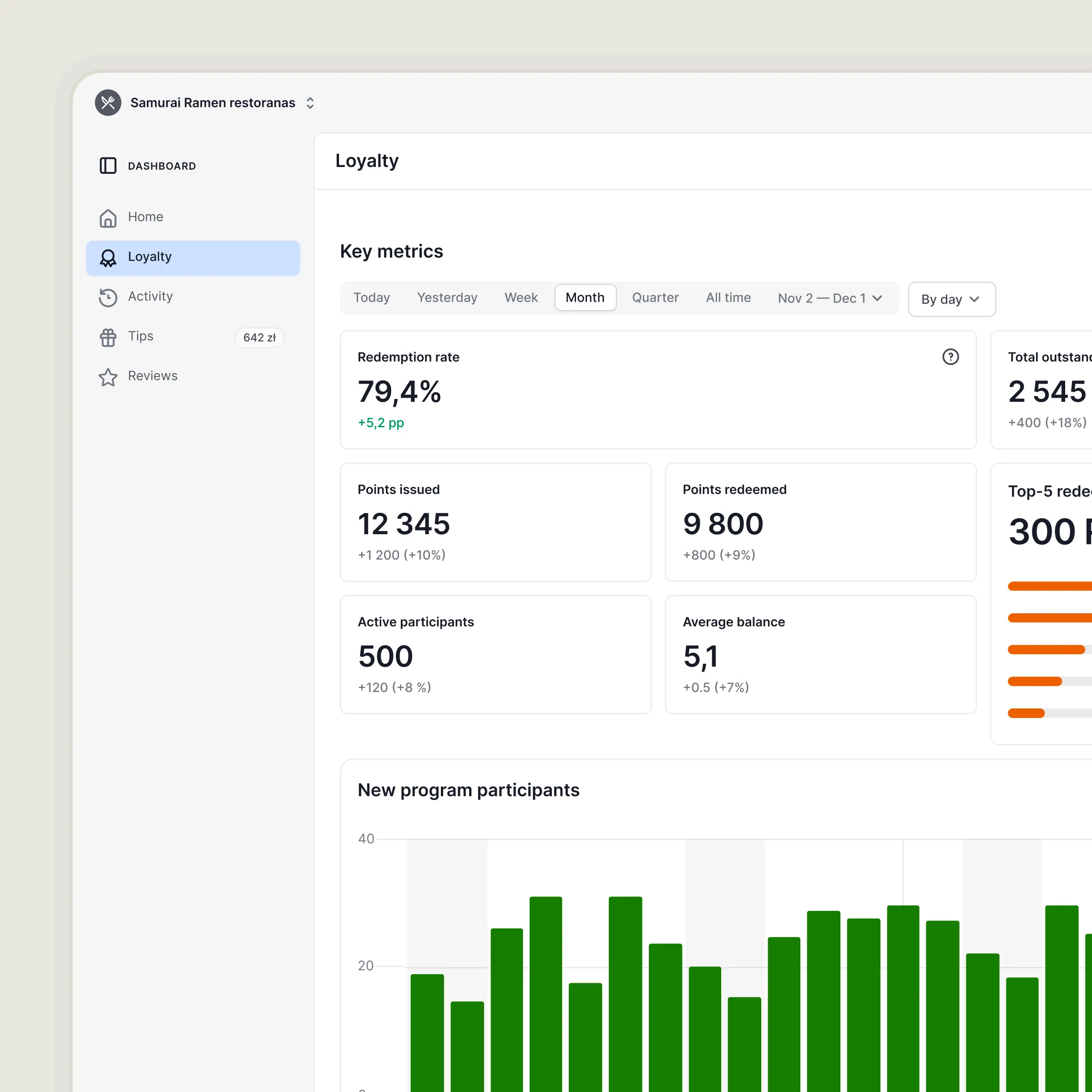
Live and historical staff performance metrics
Requires a separate solution
Works with GlobalTips QR ordering and payments
Hardware terminal fees and terms vary by provider.
Two ways to pay.
One system to run
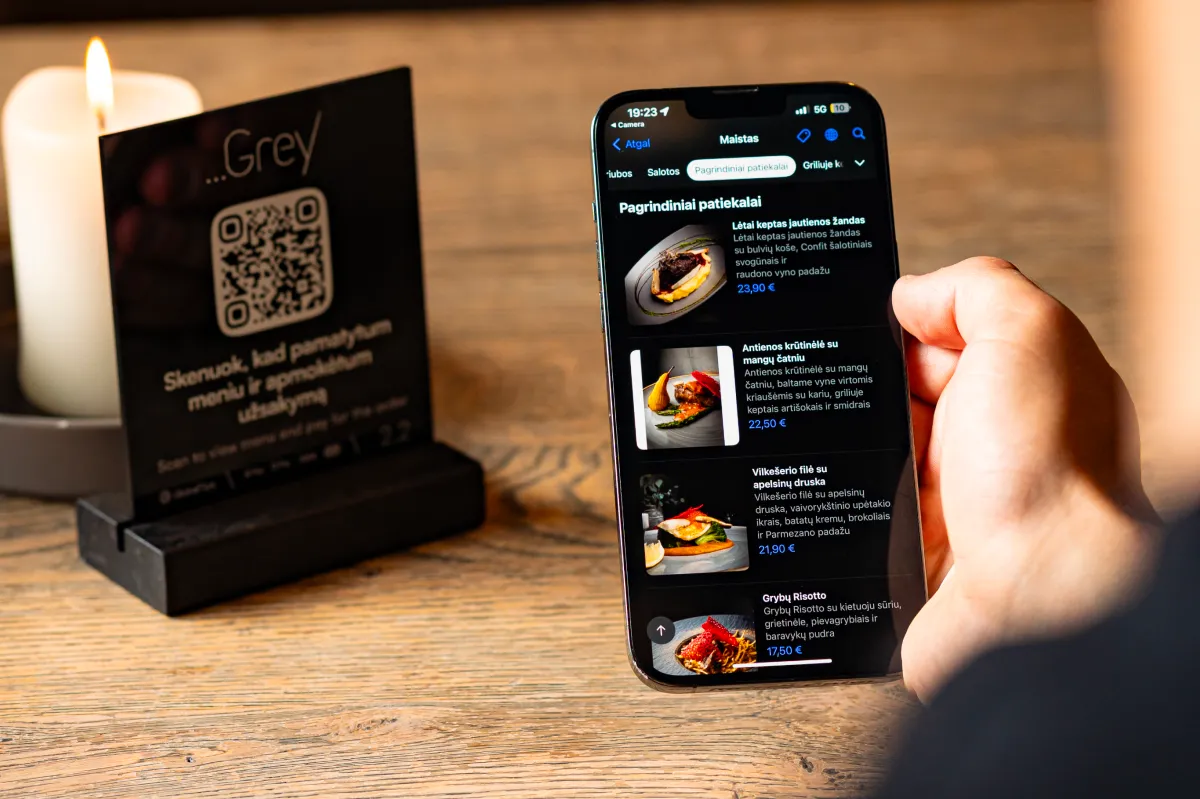
Let guests pay by QR
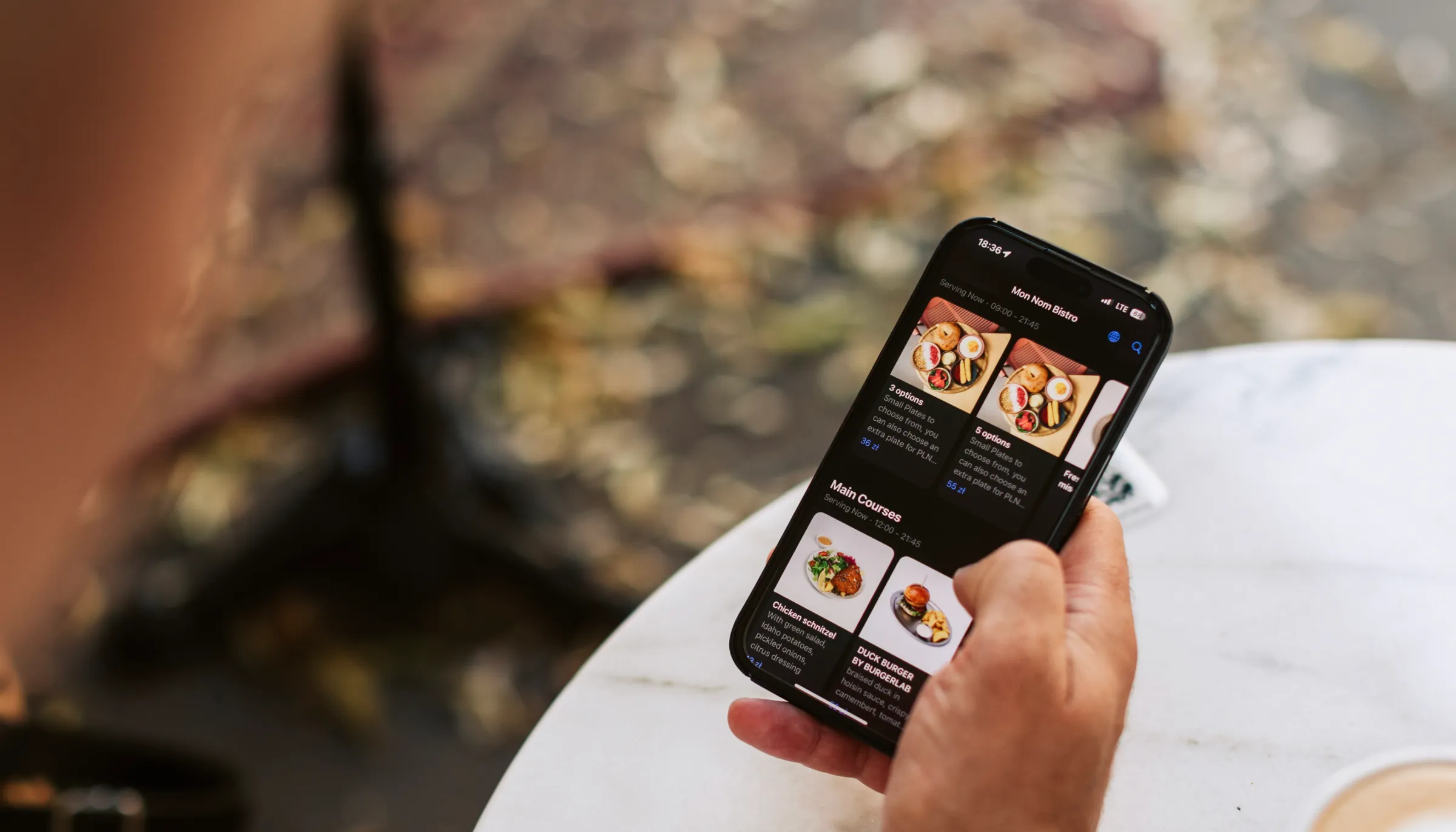
Guests scan the table QR, check the bill and pay on their own phone.
Explore QR payments →Let the waiter take payment
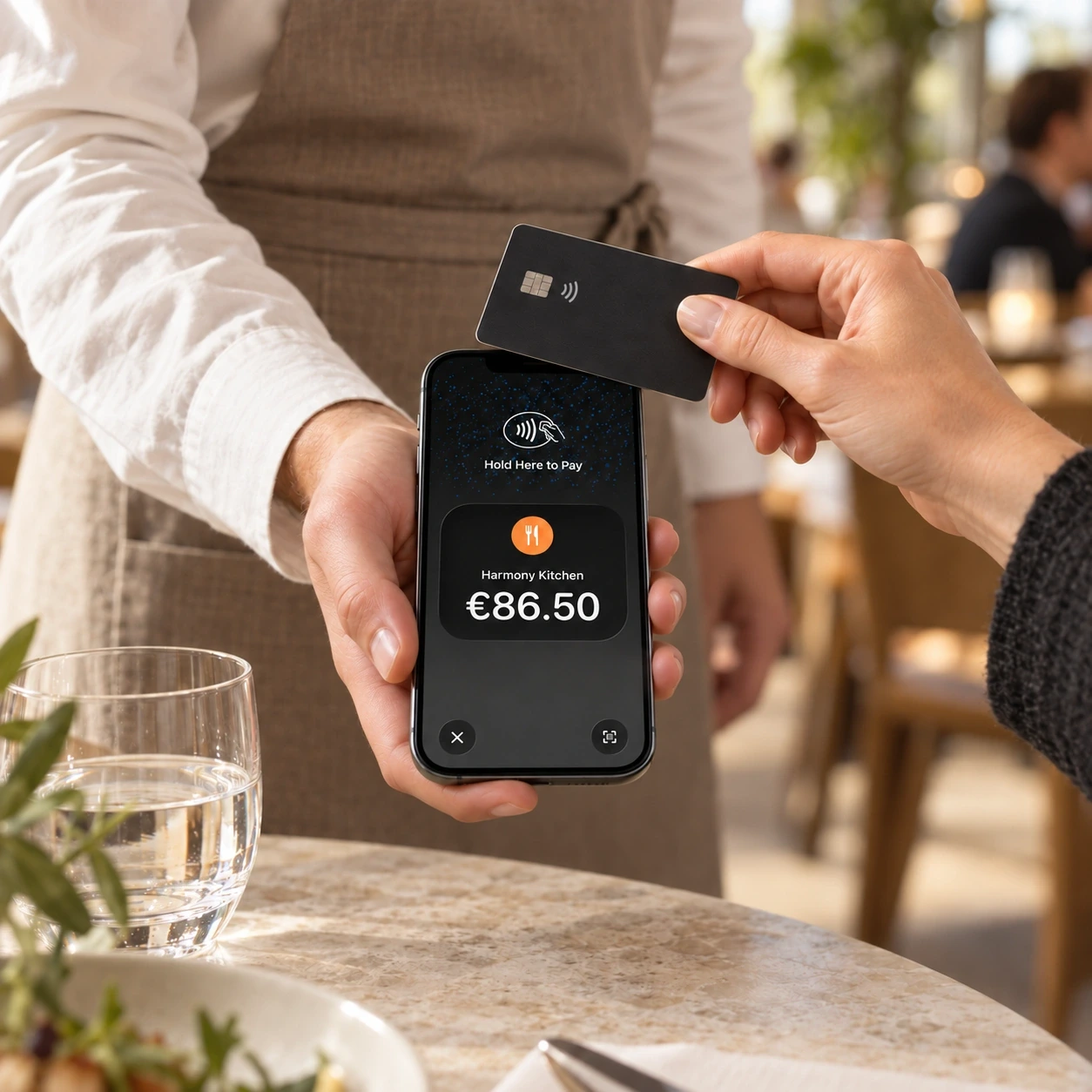
Guests tap a card or digital wallet on the waiter’s phone.
One POS integration
One tipping system
One staff app
One payment partner
Payments processed by Stripe
Your payments run on Stripe’s infrastructure, used by millions of businesses worldwide.
Stripe encrypts sensitive payment data and is certified as a PCI Level 1 Service Provider.
Results from Mobile Terminals
Mobile terminal results from two restaurants in Lithuania and Poland

Meating Room (Vilnius)
of payments include a tip
increase in average tip amount

Dragon Tail (Krakow)
of payments include a tip
increase in average tip amount
Let’s plan your rollout
Tell us about your venue. We’ll walk through the setup and payment terms with you.
- Review your POS connection
- Confirm your staff devices
- Plan activation for your team

Mobile payment terminals: your questions
What is a mobile payment terminal for restaurants?
A mobile payment terminal lets staff accept contactless payments on a smartphone. With GlobalTips, waiters open a bill in the Staff App, offer a tip and take payment at the table. Payments are then recorded in the connected POS.
Can I use an iPhone as a card payment terminal?
Yes. GlobalTips uses Tap to Pay on iPhone, so a compatible iPhone can accept contactless payments without an extra card reader. Availability depends on your device, software version and country. We confirm compatibility before activation.
Which payment methods can guests use?
Guests can tap a contactless credit or debit card, or pay with a digital wallet such as Apple Pay or Google Pay on a phone or watch. They do not need to install the GlobalTips app.
How does the mobile terminal connect to our POS?
With POS integration, the waiter selects a table and opens its bill in the GlobalTips Staff App. Each successful payment is recorded automatically. The order closes when the full bill is paid. Contact us to confirm support for your POS system.
Can guests split the bill with a mobile terminal?
Yes. In the POS-integrated flow, the waiter can choose Split the bill instead of taking the full amount. Each payment is recorded against the order, which stays open until the bill is fully paid.
Can guests leave a tip when paying by card?
Yes. Before tapping to pay, the guest can choose a suggested tip or enter a custom amount on the waiter’s phone. Tipping is part of the payment flow and uses the GlobalTips tipping system.
Are payments on staff phones secure?
Payments are processed through Stripe’s infrastructure. Tap to Pay protects card data during payment, and card details are not shown to waiters. Your team uses the phone as the payment interface.
Can guests get a digital receipt?
Yes. After payment, the waiter can show a QR code for the guest to scan, or offer email confirmation. Guests can receive a digital payment receipt and follow a link to leave a review.
Can managers track payments and staff performance?
Yes. GlobalTips provides payment, tip and performance activity by team member, including live and historical information. Staff leaderboards make it easier to compare activity across the team.
How much does a GlobalTips mobile terminal cost?
There are no monthly terminal rental fees or separate card readers to buy. Payment processing fees still apply. Contact us for the payment rate and terms for your venue.
Can mobile terminals replace traditional card machines?
They can reduce the number of separate terminals your team needs. We recommend keeping one traditional card machine for guests who need or prefer to insert a card. Mobile Terminals is designed for contactless payments.
Do we need QR payments to use Mobile Terminals?
No. Guests can pay directly to a waiter using Mobile Terminals. You can also add GlobalTips QR payments so guests can check and pay their bill independently, using the same POS integration and tipping system.
How do we activate Mobile Terminals for our venue?
Share your POS system, staff devices and country with our team. Existing GlobalTips clients can activate payment acceptance under their current agreement. New clients sign a payment acceptance agreement and complete verification with Stripe.