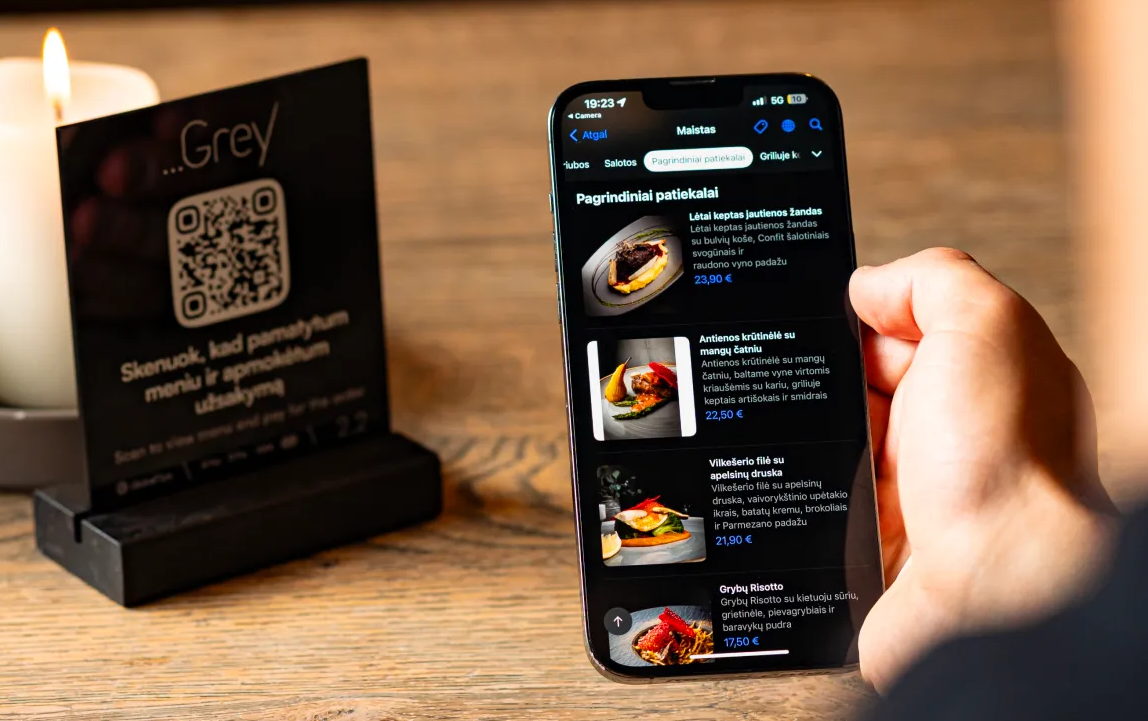

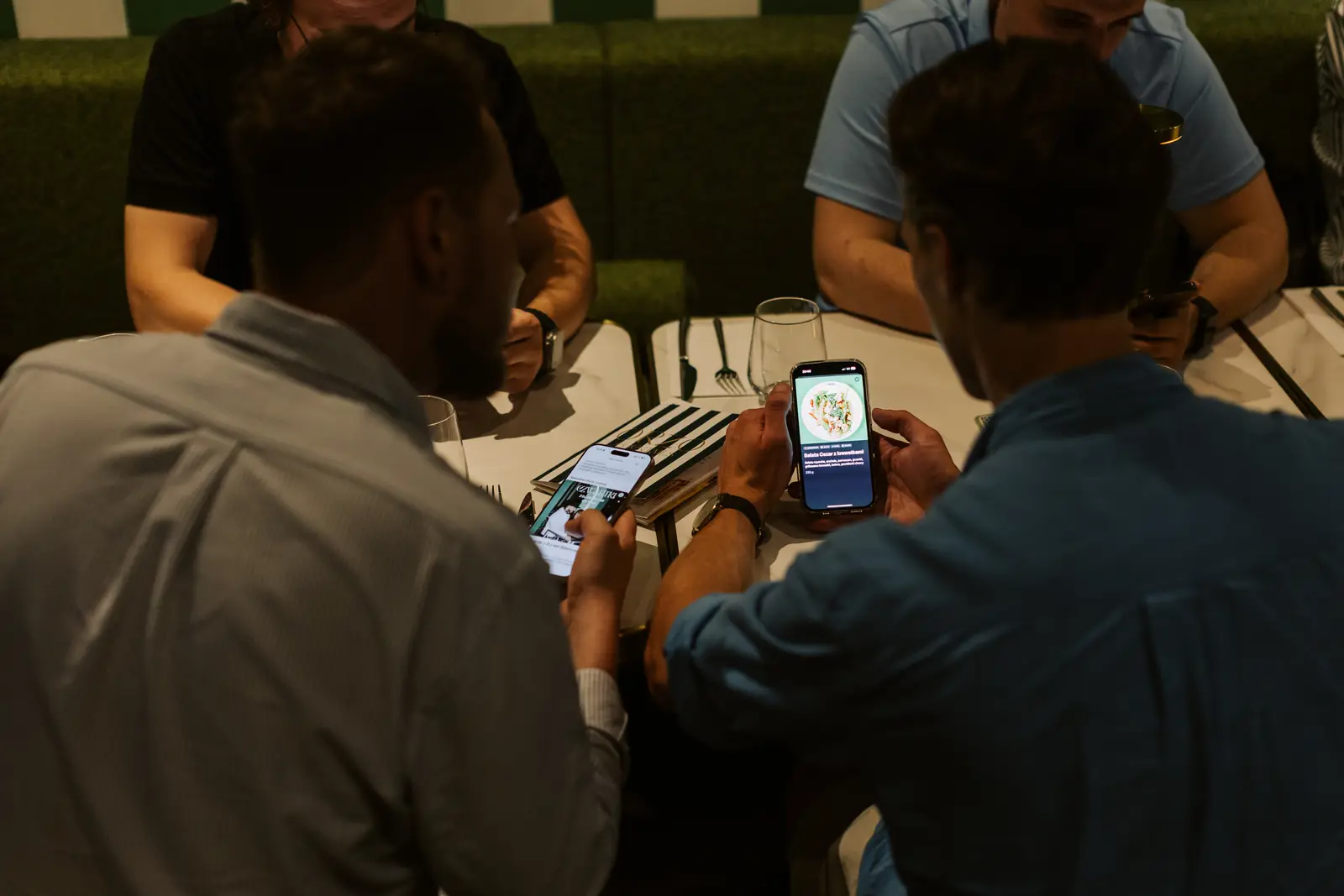
A QR code is easy to generate. The real question is what sits behind it. A static PDF may cost very little, while a mobile-first menu with real-time updates, multiple languages, ordering, payments and POS integration is a different product entirely.
The useful way to budget is to look at total operating cost, not only the monthly subscription.
What drives the cost of a QR menu?
- Menu complexity. More items, modifiers, allergens and daypart menus take more work to structure and maintain.
- Languages. Multi-language menus reduce guest friction but add translation and content-management work.
- Update workflow. A system that lets managers change prices, availability and descriptions instantly can save recurring staff time.
- Ordering. Adding guest ordering introduces table logic, modifiers, kitchen or bar routing and operational controls.
- Payments. Pay-at-table adds payment processing, settlement and reconciliation considerations.
- POS integration. Integration can reduce duplicate entry, but its availability and complexity depend on the POS and product.
- Physical materials. QR stickers, cards, table tents and holders also belong in the budget.
Four common budget levels
1. DIY QR menu
A QR code linked to a PDF or simple web page is the lowest-cost option. It can work for a small venue with a stable menu, but updates are manual and the mobile experience is often limited.
2. Mobile-first digital menu
A dedicated platform usually adds structured categories, photos, allergens, modifiers, languages and easier updates. This is often the practical starting point for venues that change prices or content regularly.
3. QR menu plus ordering
Ordering changes the operational role of the menu. Guests can place orders when they are ready, which can reduce queues or waiting for staff in the right service model.
4. Ordering plus pay-at-table and integration
This is the most operationally demanding setup because orders, bills, payment status and sometimes the POS need to stay aligned. It can deliver the broadest guest journey, but reliability and integration matter more than the QR code itself.
Hidden costs restaurants often miss
- Content preparation. Poor menu structure creates work regardless of the platform.
- Translations. Frequent content changes require an organised localisation process.
- Photos and design. Good visual content can improve usability but takes time to create and maintain.
- Staff training. Teams need to understand the guest flow, fallback process and who owns updates.
- Connectivity. Weak Wi-Fi or mobile coverage turns a digital menu into an operational problem.
- Replacement materials. Table cards and stickers wear out and occasionally need reprinting.
A simple way to estimate total monthly cost
- Estimate how much staff or manager time is spent updating menus, fixing mistakes and explaining outdated information.
- Add the software subscription and any transaction pricing that applies to the products used.
- Add physical materials, translations and content work.
- Compare that total with the time and friction saved by the new workflow.
A low subscription can still be expensive if the system creates manual work. A higher subscription can be economical if it removes repetitive tasks.
Where to find current GlobalTips pricing
GlobalTips packages different combinations of cashless tipping, reviews, QR menus, ordering, payments and other hospitality tools. Because plans and commercial terms can change, the most reliable reference is the current GlobalTips pricing page rather than a fixed price inside an article.
Transaction pricing for payment products is separate from software-plan pricing and depends on the payment setup.
Choose based on the guest journey, not the QR code
If the venue only needs a digital menu, a simple setup may be enough. If the goal is to reduce waiting, support multiple languages, accept orders or let guests pay from their phones, the platform needs to do much more than host a PDF.
The right budget is the one that keeps the menu accurate on a busy shift and reduces work for guests and staff.