
A new coffee shop usually starts with limited brand awareness and a lean team. Small delays at the counter, unclear menus or a slow checkout can shape a first impression quickly.
QR ordering, cashless tipping and reviews can support the operation without replacing hospitality. The aim is to remove repetitive steps so staff can focus on coffee, service and exceptions.
Where QR ordering helps first
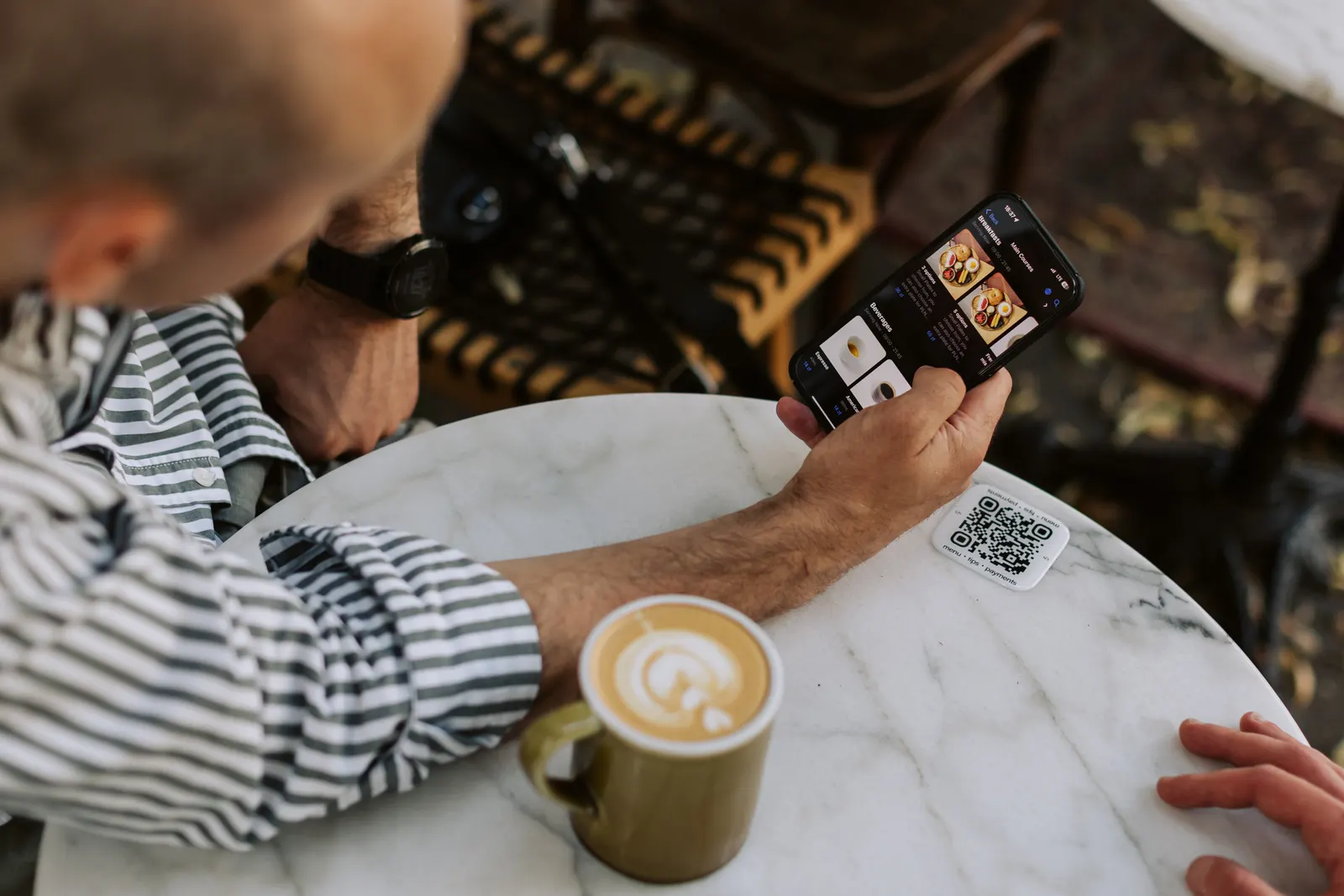
QR ordering is most useful when guests regularly wait to browse, place an order or add another item. In the right service model, guests can scan, browse and order from their phones while the team focuses on preparation and service.
- Clearer modifiers. Milk choices, sizes and extras can be presented consistently.
- Less order-entry friction. Guest selections can move into the relevant operational workflow where the setup supports it.
- More flexibility at peak times. Ordering does not have to depend on the exact moment a staff member becomes free.
- Better menu accuracy. Digital menus can be updated without reprinting physical copies.
POS integration is available for supported systems, while some workflows can also operate standalone. The right model depends on the venue and existing stack.
Cashless tipping as part of the staff experience
When guests pay by card or phone, a cash-only tipping process creates friction. A digital option keeps tipping available and makes the rules easier to communicate.
Good practice is simple: use sensible preset options, keep custom and no-tip choices visible, define individual or group distribution rules clearly, and tell staff what payout method and cadence apply to the actual market and setup.
The GlobalTips Staff App can give staff access to relevant tip and activity information, while managers use the GlobalTips Dashboard for configuration and reporting.
Reviews help a new venue build trust
Recent guest feedback gives potential visitors useful context and gives the team an additional source of operational insight. The request should feel optional, relevant and easy to understand.
Ask for feedback at a natural point after the service and configure any private-feedback and public-review steps in line with the relevant platform policies and the venue's chosen GlobalTips setup.
Connect the flow instead of adding more steps
Digital tools work best when the guest journey feels coherent. A venue may combine menu access, ordering, payment, tipping and feedback, or use only the functions that solve a real problem.
For the team, responsibilities should stay clear: who updates the menu, who monitors orders, who handles payment exceptions and who reviews guest feedback.
A practical rollout
- Start with a clear mobile menu and accurate modifiers.
- Pilot ordering during one service period or in one area.
- Define tip distribution and payout expectations before launch.
- Add feedback or review prompts only where they fit naturally in the guest journey.
- Review staff questions and guest friction weekly, then adjust.
GlobalTips brings these guest flows together in one hospitality platform. For a new coffee shop, the best setup is not the one with the most features; it is the one the team can run confidently every day.