

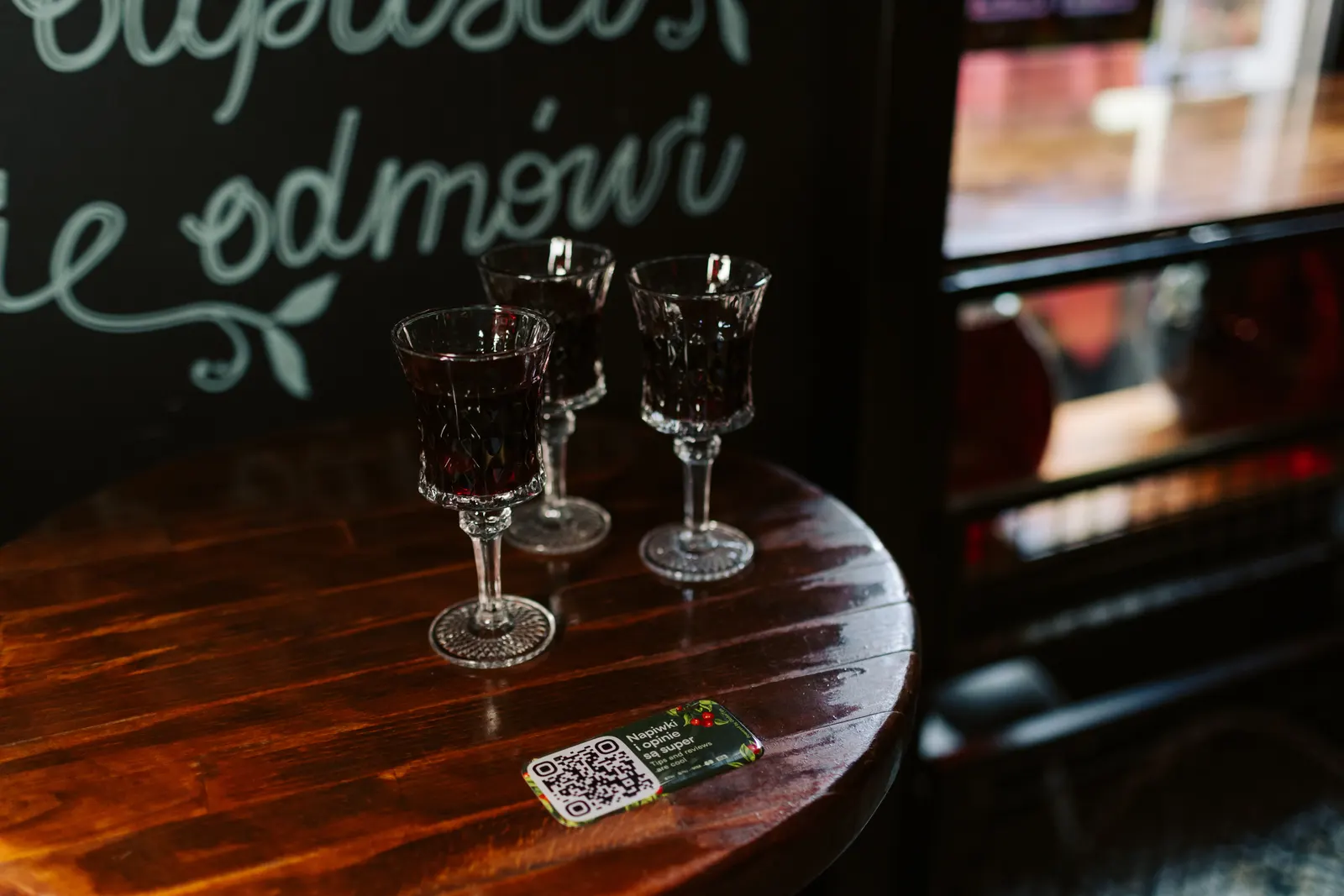
In full-service restaurants, the final wait can happen after the meal is already finished: asking for the bill, waiting for a terminal and completing payment.
QR pay-at-table lets guests handle that step from their phones when they are ready, while staff remain available for guests who prefer traditional payment.
What a QR pay-at-table system is
A pay-at-table flow starts with a QR code and ends with a confirmed payment. Depending on the setup, the guest may see an open bill from the POS or a payment flow linked to the relevant table or order.
The QR code itself is the easy part. Reliability comes from the bill logic, payment processing, status updates and the operational fallback when something goes wrong.
Common restaurant setups
Static QR per table
A fixed code identifies the table or opens the correct guest flow. POS integration may be needed if the system must retrieve the live bill automatically.
QR linked to a specific bill
The code is tied to a particular check, receipt or payment session. This can reduce ambiguity when table mapping is complex.
Hybrid setup
A table QR starts the journey and another identifier confirms the relevant bill or session.
What restaurants gain beyond faster payment
- Guest control. Guests can pay when they are ready instead of waiting for staff availability.
- Fewer terminal trips. Staff can spend less time carrying payment hardware between tables.
- Cashless tipping. An optional tip step can sit naturally inside the payment flow.
- Split payments. Where the product and POS setup support it, guests can divide the bill with less staff intervention.
- Operational data. Payment timing, failures and completion status can be easier to track digitally.
What makes pay-at-table reliable
- fast mobile loading
- clear bill and payment status
- established payment processing
- clear handling of failed or interrupted payments
- POS integration where automatic bill retrieval or closure is required
- a staff fallback for guests who cannot or do not want to use QR
Security, compliance and guest trust
The payment provider should handle card data through a secure payment flow. In Europe, the exact authentication journey depends on the transaction and provider.
From the guest side, keep the experience simple:
- no forced app installation for basic payment
- clear amount and currency
- tipping clearly optional
- any guest-facing service fee clearly disclosed before confirmation
- privacy information available where personal data is collected
Digital or fiscal receipt handling depends on the venue's POS, payment and local compliance setup. Do not assume one receipt model fits every market.
Split bills and tipping
Split-payment capabilities vary by product and POS integration. When supported, the guest should be able to understand what has already been paid and what remains.
Tip logic should also remain clear when several people pay the same bill. The guest should know whether the tip applies to their share or another amount they select.
A practical implementation plan
- Map the current checkout journey and identify where guests wait.
- Confirm whether the venue needs live POS bill retrieval or a simpler payment flow.
- Test payment, tipping, split-payment and failure scenarios.
- Train staff to verify payment status and offer a traditional fallback.
- Pilot a limited area before scaling across the venue.
- Review guest feedback and payment completion data after launch.
Why GlobalTips works for pay-at-table
Let guests settle their bill when they are ready with GlobalTips QR payments. Connect checkout with cashless tipping and guest feedback, and keep payments aligned with a supported POS integration.
Free your team from unnecessary terminal runs. Book a demo to see the guest and staff experience.