
A digital menu is most useful when the information guests see matches what the venue can actually serve. Prices change, ingredients run out, specials rotate and allergens need to stay accurate.
A QR menu with real-time editing closes the gap between a menu change and the guest seeing that change.
Benefit 1: fewer outdated-item conversations
When a dish becomes unavailable, a manager can update the menu instead of relying only on staff to explain the change table by table.
Whether availability updates are manual or automatic depends on the setup. A standalone menu may require a manager to change the item in the GlobalTips Dashboard, while a supported POS integration may allow selected data to stay synchronised.
Benefit 2: faster pricing and special-menu changes
Digital menus remove the printing cycle from routine updates. Venues can change prices, launch a special menu or correct a mistake without producing new physical copies.
This is useful for:
- daily or weekly specials
- seasonal menus
- daypart menus such as breakfast and dinner
- price corrections
- temporary item availability
Benefit 3: easier allergen and dietary updates
Allergen information needs careful operational ownership. A digital menu makes updates faster when a recipe or ingredient changes, but the venue is still responsible for keeping the information accurate.
GlobalTips supports allergen and dietary information in the QR menu, helping guests find relevant details without relying only on verbal explanations.
Benefit 4: less repetitive staff explanation
An accurate menu reduces questions such as whether an item is still available, what it costs or which options can be added.
That does not remove the role of waiters. It gives them more time for recommendations, hospitality and exceptions rather than repeating information the menu can show clearly.
Benefit 5: faster response to operational changes
Restaurants regularly deal with supplier changes, sold-out ingredients and unexpected demand. A digital editor lets the venue react quickly instead of waiting for the next print run.
Benefit 6: a better foundation for analytics
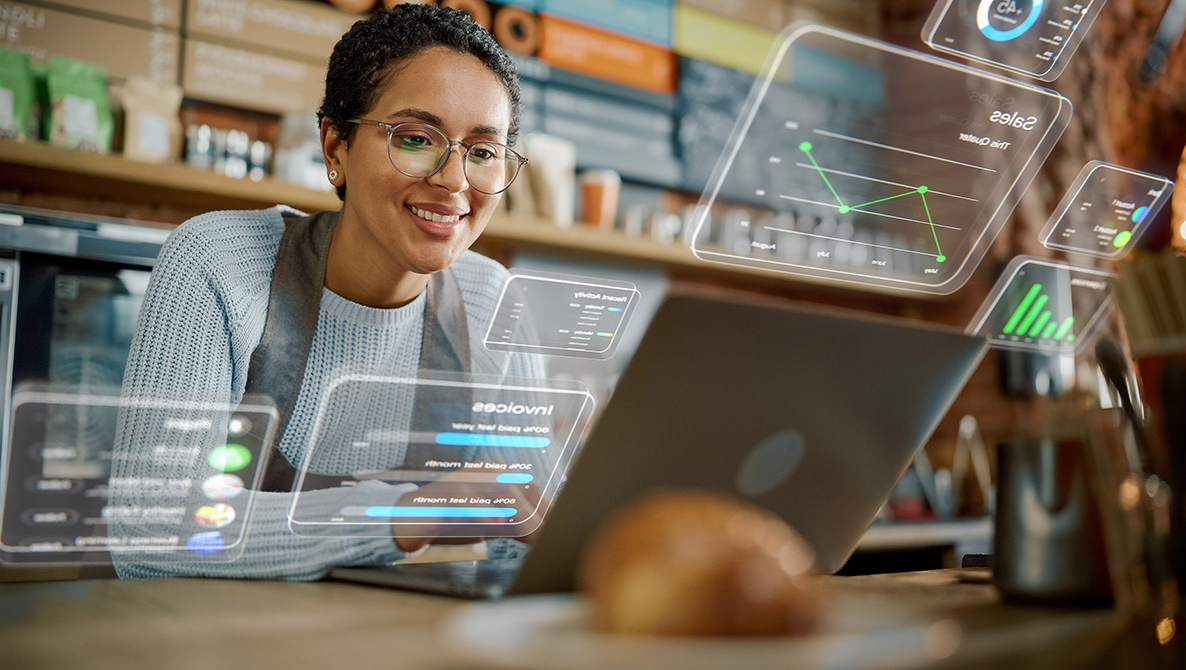
Digital menus can provide more operational visibility than paper. Depending on the product and setup, managers can use activity data alongside ordering, payment and guest behaviour information to understand how the digital journey is being used.
How real-time updates work
Manual editing with immediate publishing
A manager updates the menu in a web-based console and the guest-facing content changes without replacing the QR code. This is useful for venues that want direct control.
POS-connected updates
With supported integrations, selected menu, price or availability data may be synchronised between systems. The exact scope depends on the POS and integration and should be confirmed before rollout.
Real-time versus static menus
- Updates: a static PDF usually requires editing and re-uploading; a managed QR menu can be changed directly.
- Availability: a static menu relies on staff explanation; a digital menu can be updated when items change.
- Pricing: digital changes do not require reprinting.
- Languages: structured digital menus are easier to maintain across multiple languages than separate printed versions.
- Allergens: digital information can be corrected quickly when the venue updates it.
Why GlobalTips works for real-time menu updates
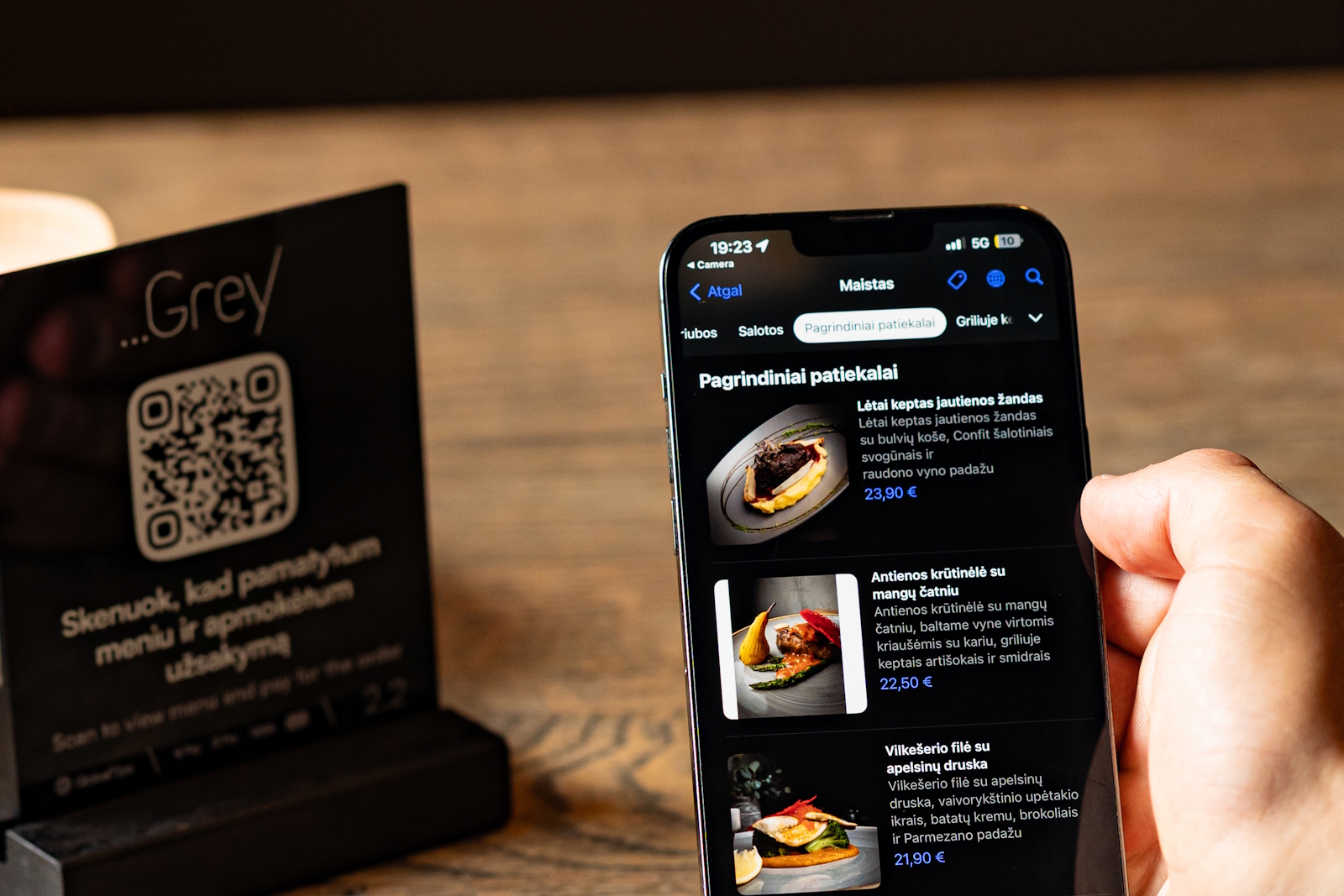
Keep your menu current without reprinting. GlobalTips interactive QR menus bring photos, modifiers, allergen information, and 140+ languages into one mobile experience. Manage updates from the GlobalTips Dashboard.
Connect a supported POS where automatic synchronisation is available for your setup. Book a demo to see how to keep menu updates simple during a busy shift.