

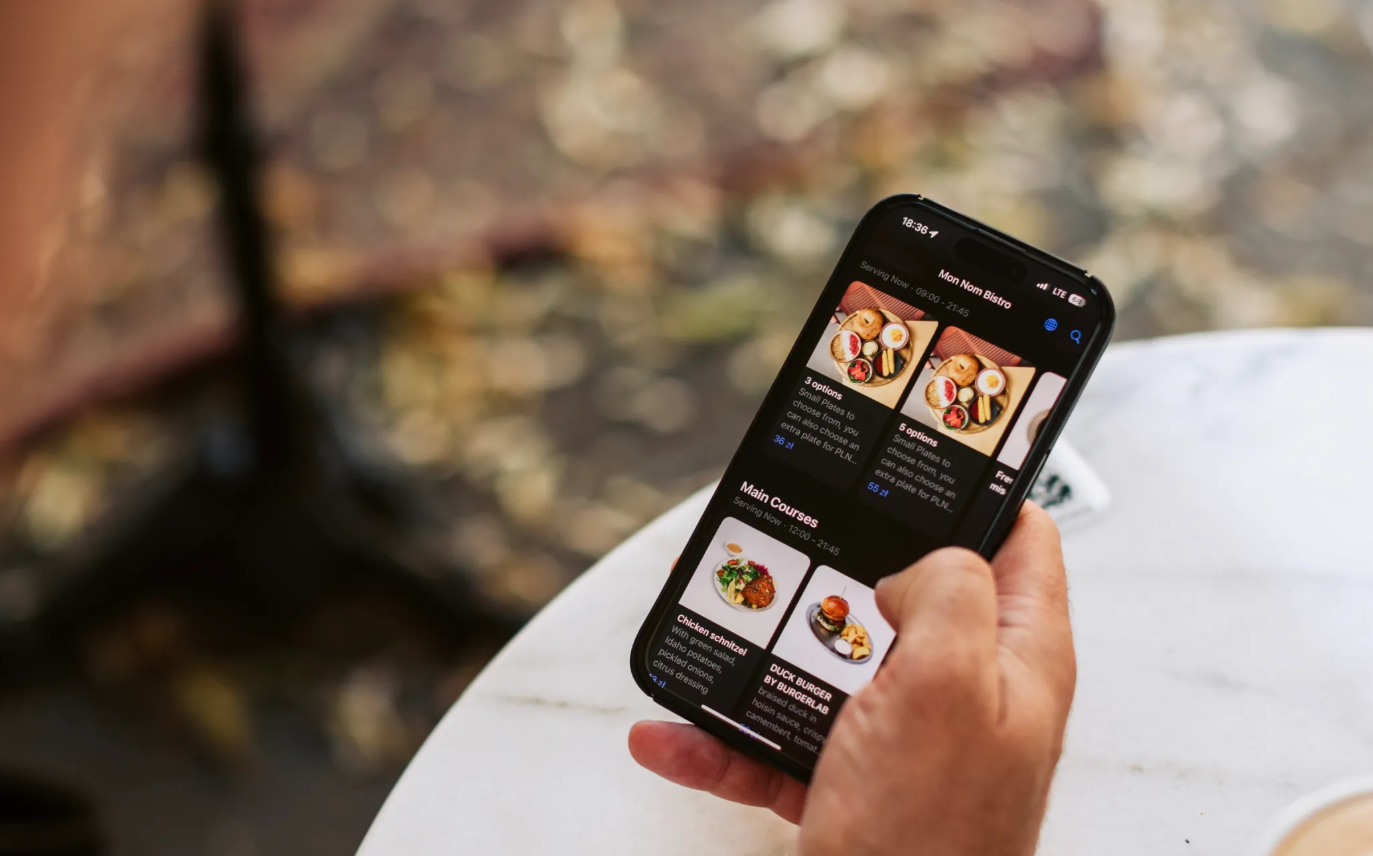
How QR payments remove friction?
- Guests do not need cash to leave a tip.
- Cards, Apple Pay, Google Pay and supported local payment methods can make the payment step fast.
- The tip option appears inside a payment moment the guest is already completing.
- The guest can pay from their own phone without waiting for a payment terminal.
The important point is not to pressure guests. It is to make tipping easy to understand and easy to skip when they do not want to leave one.
The psychology behind higher digital tips
Digital tipping can improve tip capture because it removes practical friction. Guests see clear options at the right moment instead of having to calculate an amount, find cash or ask how to leave a tip.
- Clear choices. Use a small number of sensible preset options plus a custom amount.
- Transparent wording. Explain that the tip is optional and, where relevant, how it is distributed.
- Easy opt-out. A visible no-tip choice builds trust and avoids dark patterns.
- Good timing. Ask during checkout or a dedicated tipping flow, not before the guest has received the service.
QR tipping vs traditional tipping
- Cash-only tipping misses guests who no longer carry notes or coins.
- QR tipping creates a consistent cashless option.
- Digital records make tip totals and distribution easier to track.
- Staff visibility can improve transparency around what has been earned.
How to set up QR payments that lift tips?
Choose the right flow
- Use QR pay-at-table when guests should open and settle a bill from their phones.
- Use a standalone tipping flow when the venue wants digital tips without QR bill payment.
- Make QR materials visible but not intrusive.
Set fair and local defaults
- Choose preset percentages or amounts that fit local tipping culture.
- Keep custom tip and no-tip options available.
- Review the presets when guest behaviour or venue format changes.
Personalise the prompt
- Use short, human language.
- Where the setup supports it, show relevant staff or venue context.
Configure distribution rules
- GlobalTips can support individual or group tip distribution depending on the venue setup.
- Group rules can use configured percentage or fixed allocation logic.
- Make the rules clear to staff so the system feels predictable.
Set clear payout expectations
Payout methods and timing depend on the market, payment setup and venue configuration. Explain the available cadence clearly to the team rather than promising a universal instant payout.
Give staff visibility
The GlobalTips Staff App gives staff access to relevant tip and activity information, while managers can use the GlobalTips Dashboard for venue-level reporting.
Measure what matters
Useful metrics include:
- share of transactions that include a tip
- average tip percentage and amount
- guest drop-off during checkout
- staff feedback on transparency and distribution
Test changes carefully. Tip prompts are part of the guest experience, so higher numbers are not useful if the flow feels pushy.
Guardrails for trust and compliance
- Use established payment providers and secure payment flows.
- Collect only the personal data the process needs.
- Check local tax and labour rules for tip handling and distribution.
- Keep tipping clearly optional.
Choosing a platform
Look for a system that fits your payment flow, staff structure and local market. Important criteria include guest experience, POS integration where needed, transparent tip rules, reporting and supported payout options.
GlobalTips combines cashless tipping and reviews with QR payments, Staff App visibility and configurable tip distribution. Venues can use tipping as a standalone product or connect it to a broader GlobalTips guest journey.