Still, “fully paperless” is a strong claim. The most successful operators aim for paperless by default, with simple fallbacks for accessibility, connectivity, and edge cases. In practice, that means you can stop printing menus every week, but you may still keep a small stack of paper menus for specific guests or emergencies.
A practical definition is this: a paperless restaurant is one where a guest can complete the full journey, from browsing to ordering to paying, without needing paper.
Will restaurants still use paper menus in 2026?
Yes, many will. Not because they are behind, but because paper can be the best fallback in three common situations:
- Accessibility and comfort: some guests prefer large print or do not want to use a phone at the table.
- Connectivity issues: poor Wi‑Fi and weak mobile signal still happen, especially in older buildings.
- Brand and experience: fine dining may use a curated printed menu as part of the ritual.
The trend is not “paper disappears.” The trend is “paper becomes optional.”
“Paper menus used to be the default. Now they are the backup.” Operations lead, multi-location bistro group in the EU
What actually becomes faster when you go digital?
Restaurants often go paperless for sustainability or aesthetics. The bigger win is operational speed.
When menus and ordering are digital, you reduce waiting in places guests notice most:
- Menu delay: no waiting for a menu, no sharing one menu across a group.
- Order capture delay: guests can order when they are ready, not when staff is free.
- Checkout delay: pay-at-table lets guests leave without waiting for the bill or terminal.
In busy locations, these minutes stack up. The result can be shorter queues at the bar, fewer “just one more thing” trips for staff, and more predictable table turnover.
Pros and cons of going paperless with QR menus and digital ordering
Benefits
- Faster updates: change prices, mark items sold out, add allergens, or translate descriptions instantly.
- Fewer order errors: when guests choose modifiers themselves, you reduce misheard requests.
- Better staffing resilience: fewer trips to take orders and process payments helps during peak hours.
- More transparency: itemized bills and clear tip prompts reduce disputes.
- Useful analytics: see what guests view, where they drop off, and what sells by daypart.
Trade-offs
- Connectivity dependence: if the guest cannot load the menu, service slows down quickly.
- Phone fatigue: some guests do not want screens during a meal.
- Onboarding friction: first-time users may need a short explanation from staff.
- Design responsibility: a poor mobile menu can be slower than paper.
The takeaway is simple: paperless works when the digital experience is faster and easier than paper, not when it is merely available.
What technology do restaurants need to run without paper menus?
You do not need a complex stack, but you do need the basics to be reliable.
At minimum, paperless operations usually require:
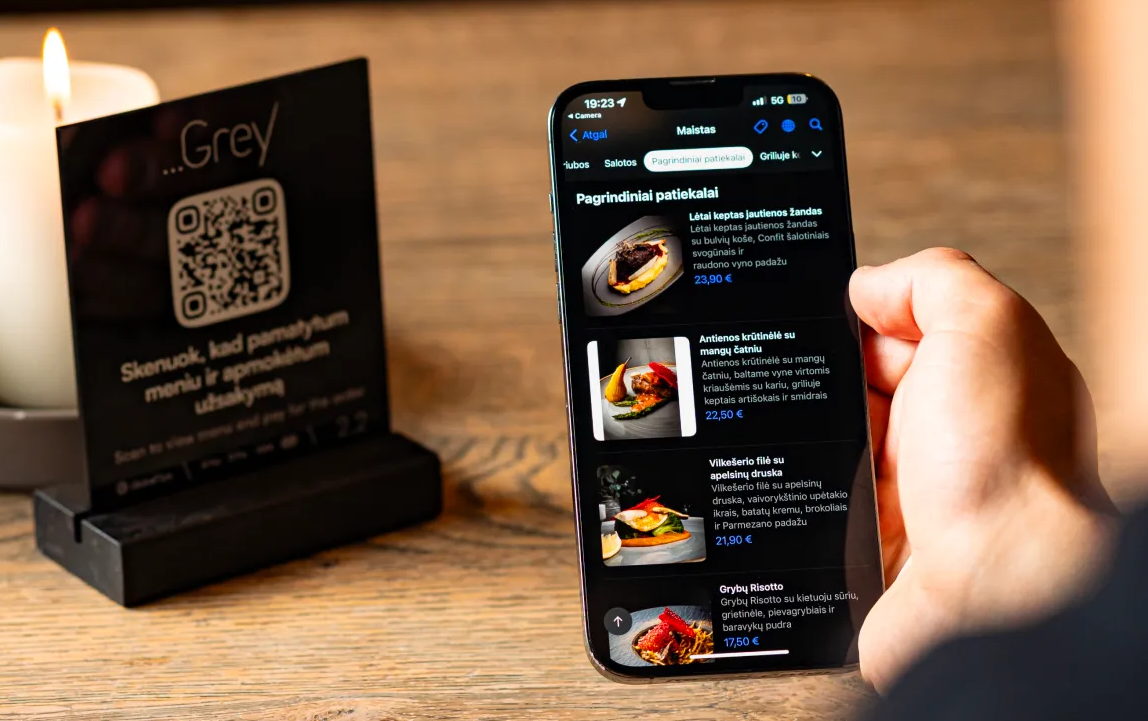
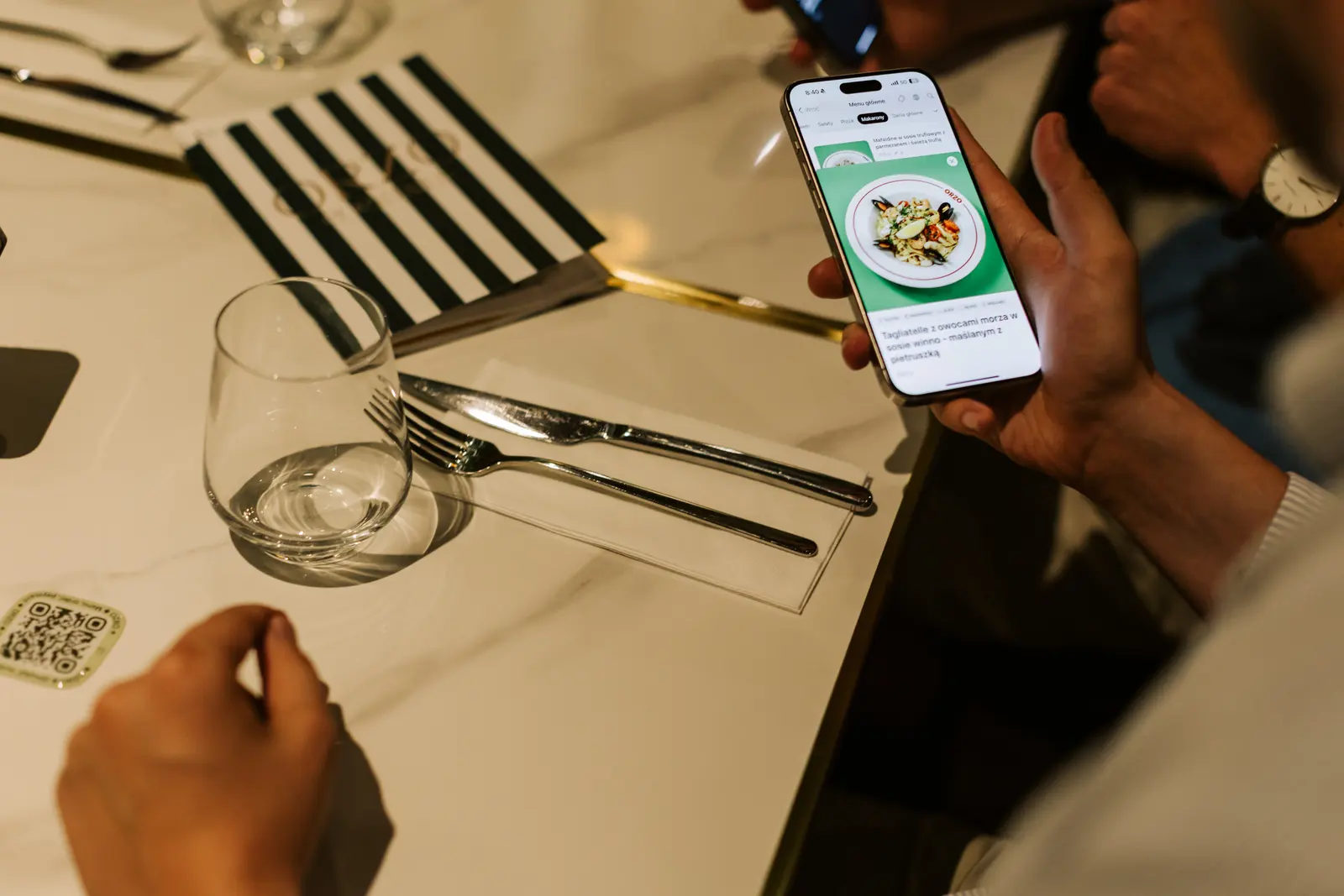
- A mobile-first digital menu that loads fast and supports languages, allergens, and item availability.
- An ordering flow that can handle modifiers, notes, and repeat orders without confusion.
- POS integration so orders reach the kitchen or bar without manual re-entry.
- A payment layer that supports cards and popular wallets, plus pay-at-table when relevant.
- Operational controls like role permissions, refunds, and clear logs for disputes.
- Data and privacy hygiene aligned with EU expectations, including GDPR principles and secure payment handling (often involving SCA/PSD2 in the checkout).
One overlooked requirement is a fallback path. Even paperless-by-default restaurants keep at least one backup channel: staff-assisted ordering, a kiosk, or printed menus for emergencies.
How to transition from paper menus to fully digital QR menus?
Most failures happen when operators launch QR menus and assume guests will figure it out. A better approach is phased and measurable.
- Start with digital menus first. Keep ordering traditional for two to four weeks. Watch how many guests scan, and collect staff feedback.
- Fix the menu UX. Ensure categories are clear, item names are consistent, and modifiers are easy to select. Test on different phone sizes.
- Add QR ordering in a limited area. Pilot 5 to 10 tables or one section. Train one shift team.
- Introduce pay-at-table last. It is often the fastest win, but it needs clean bills, clear itemization, and reliable POS syncing.
- Measure and iterate weekly. Track time-to-first-order, time-to-pay, and order error rate. Adjust signage, staff scripts, and menu structure.
A small but important tip: give staff a one-sentence script that feels natural. For example, “You can view the menu by scanning the code, and I can also help you order if you prefer.”
Paperless does not mean less human
Some owners worry that QR ordering will make service feel cold. It can, if used as a replacement for hospitality.
The best paperless venues use digital tools to remove low-value steps, so staff can spend more time on high-value moments: greeting, recommendations, timing, and handling special requests. In that model, paperless is not automation for its own sake. It is freeing the team from repetitive mechanics.
A practical note on GlobalTips in a paperless menu and ordering workflow
GlobalTips is built around the same paperless guest journey discussed above: QR menus, QR ordering, pay-at-table, cashless tipping, and analytics, with POS integrations to keep kitchen and front-of-house aligned. If your goal is to reduce wait times and menu printing without harming the guest experience, the key is not “going QR.” The key is building a smooth flow that loads quickly, stays accurate, and gives staff a reliable fallback.
By 2026, paperless is achievable, but “paper-optional” wins
Restaurants can go nearly paperless in 2026, especially in cashless-friendly EU markets. The winning strategy is paperless by default, with simple fallbacks for guests, connectivity, and edge cases. When digital menus, ordering, and pay-at-table are implemented with care, guests wait less, staff run fewer laps, and operations become easier to manage day to day.